Free AI Image Editor: Edit Image with Words
Use a free AI image editor to change a background, object, color, or style with one clear sentence. Edit image details by naming where the change is and what to keep.
AI Image Editor workbench
Create your result
Recent images
Review, continue editing, or download your results.
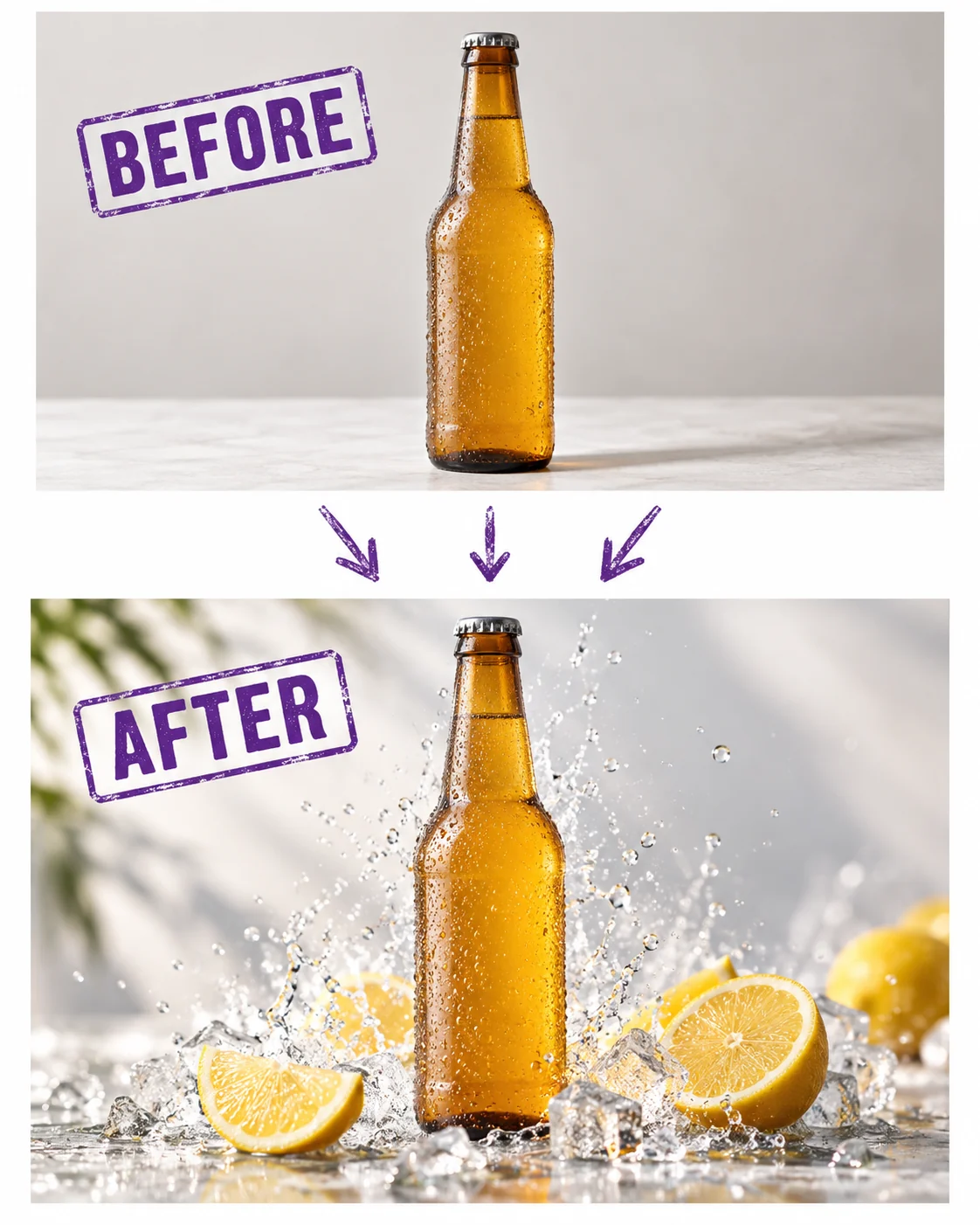
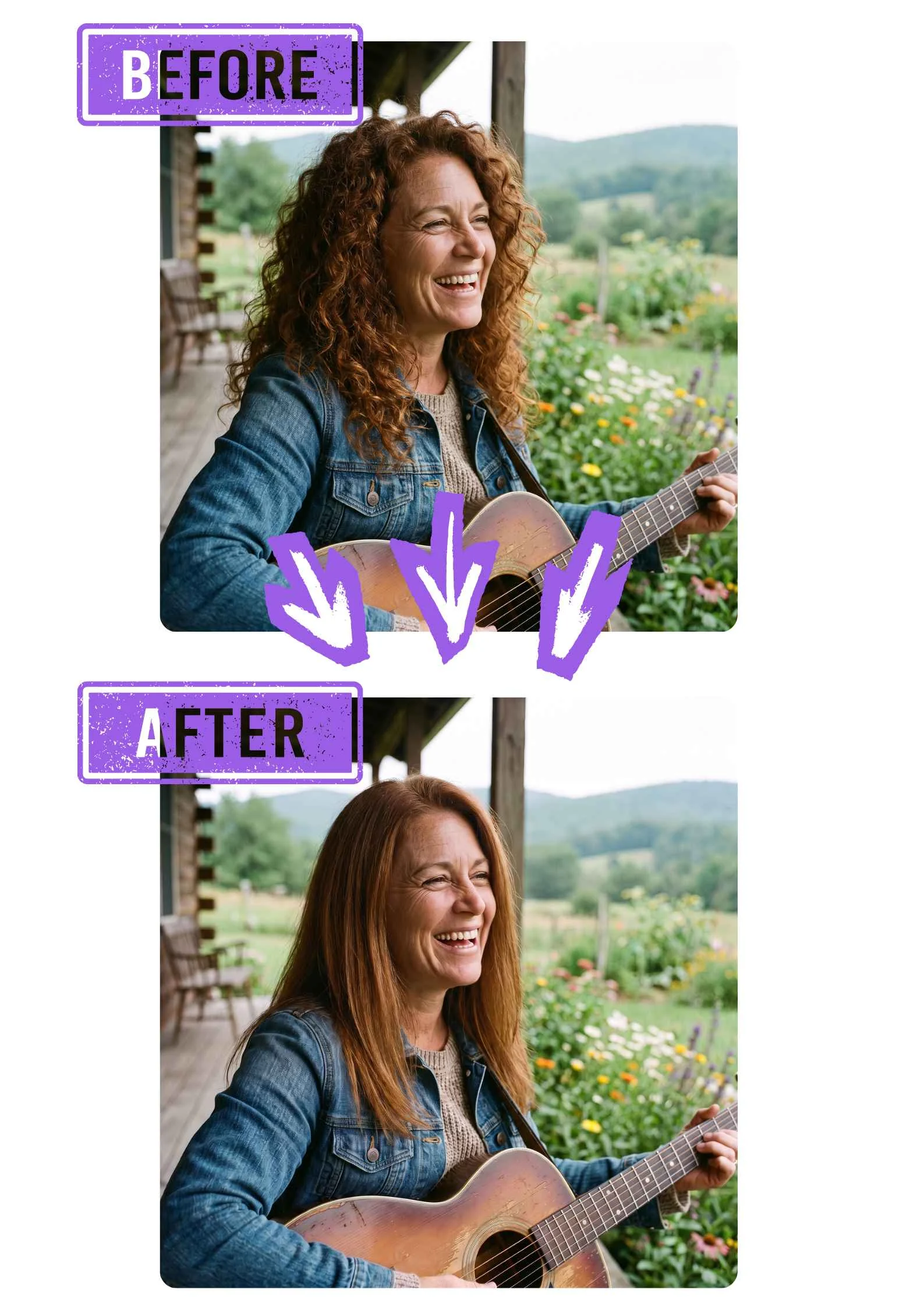
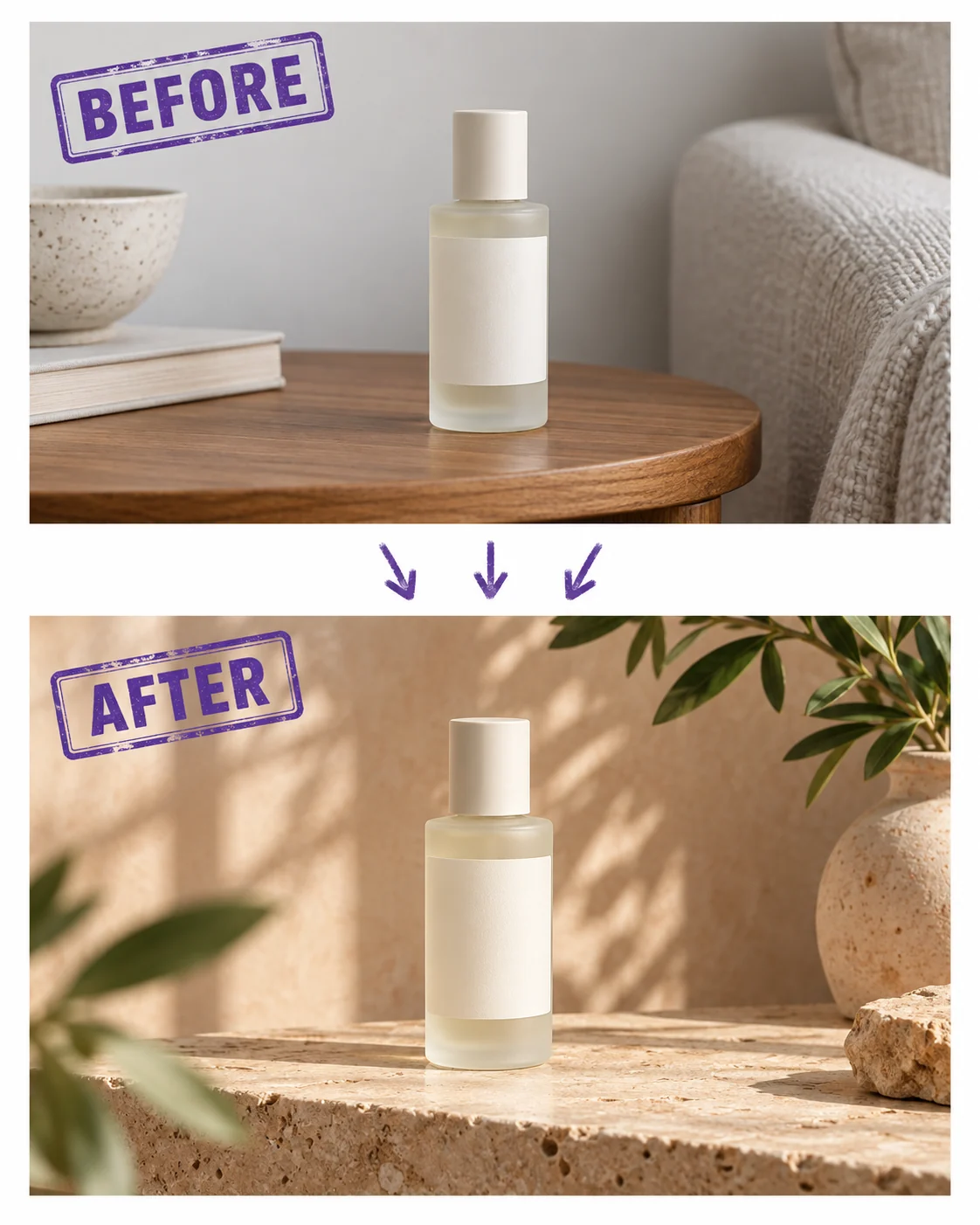
Illustrative preview — not your generated result.
One clear sentence. One focused edit.
Edit image details without rebuilding the whole scene.
A free AI image editor starts with the photo you already have. These illustrative before-and-after examples show the kind of change to describe; they are not guaranteed outputs. Use one instruction, then compare your result with the original before you keep it.
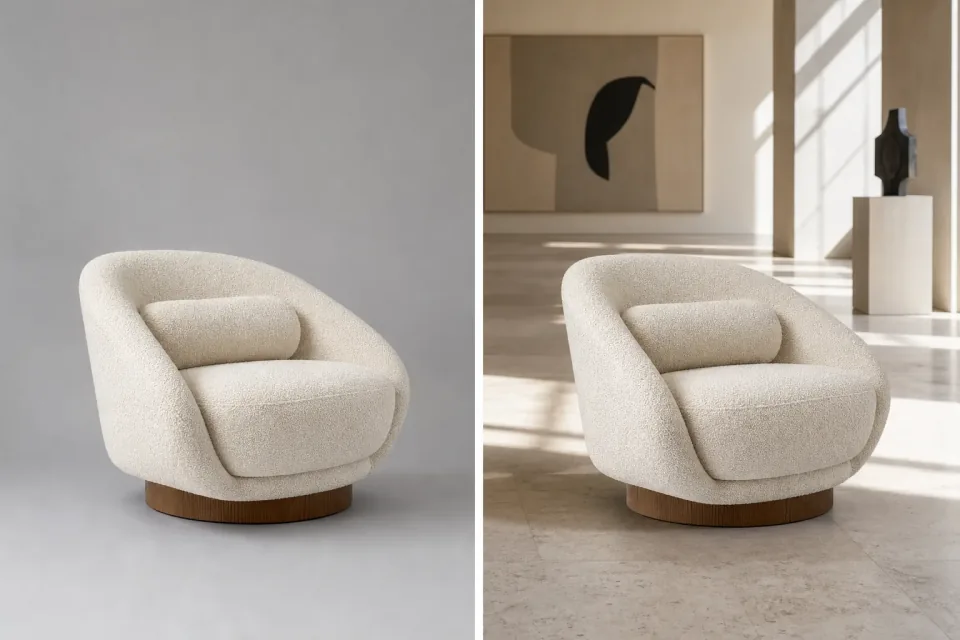
Edit image backgrounds for a different room
Place a chair or other subject in a setting that fits its next use. Describe the new room, light, and camera feel, then say what must stay. The free AI image editor starts from your source instead of making you rebuild the scene from memory.
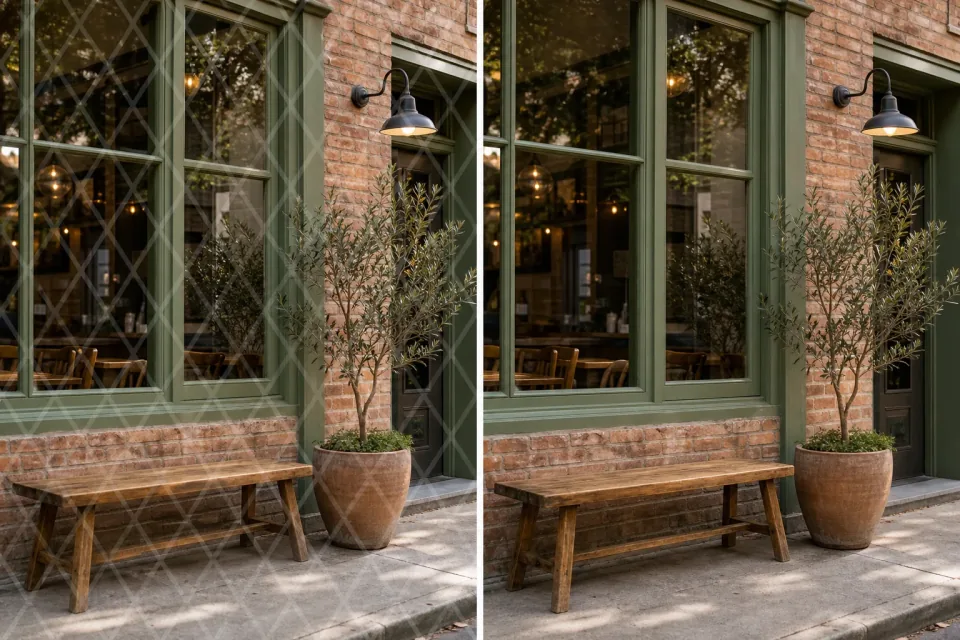
Edit image objects and remove a visible distraction
Name the visible watermark or unwanted mark and where it sits, then say how the surrounding surface should continue. The free AI image editor can explore a cleaner frame; compare edges and repeated textures before choosing the result.
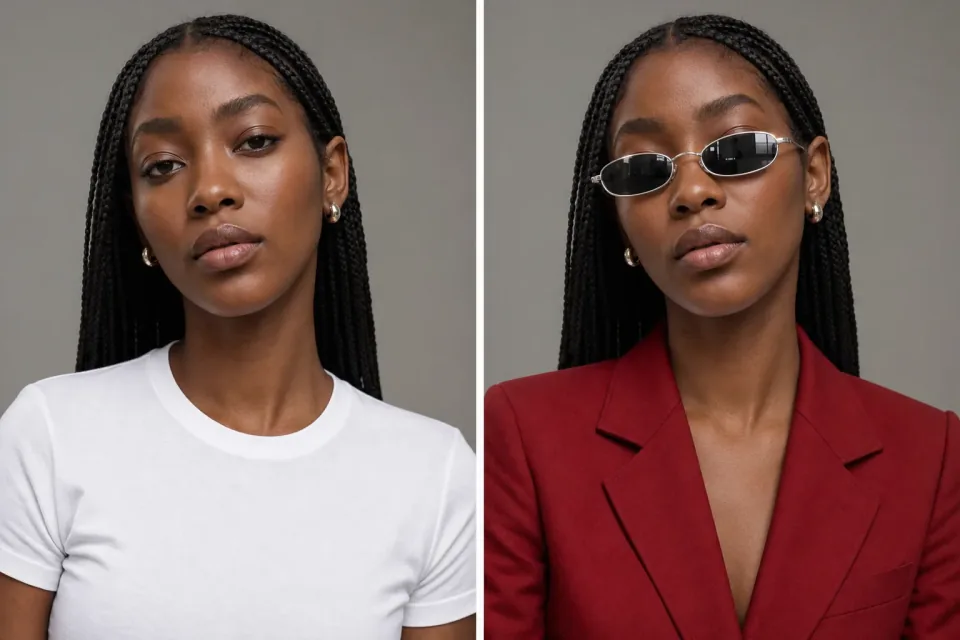
Edit image colors and clothing
Say “change the white shirt to a red blazer and add dark sunglasses; keep the person and gray background.” A free AI image editor gives the existing photo a clear direction, so you can try a new mood without losing the subject you liked.
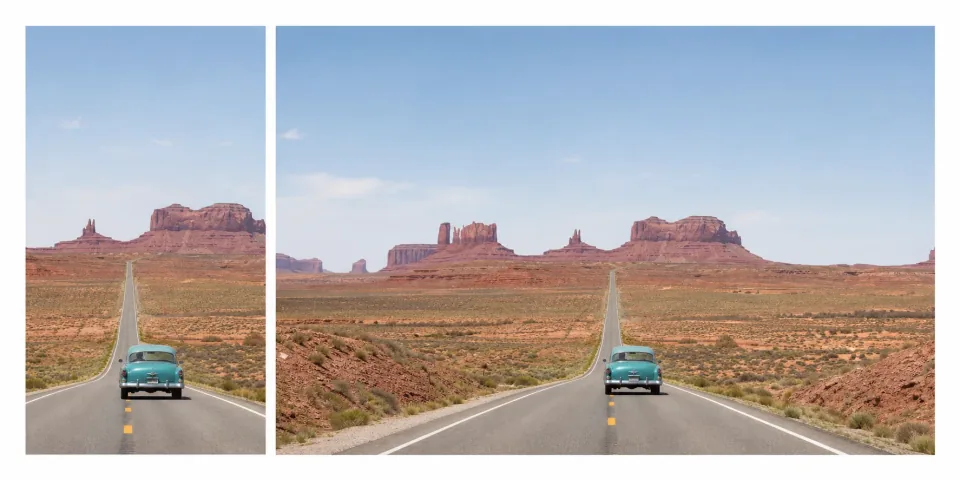
Edit image canvas for a new format
When a narrow crop needs room for a banner, post, or portrait layout, describe the missing space and the format you need. The free AI image editor can extend the surrounding scene, while you check perspective, shadows, and important details at the new edges.
Why a free AI image editor feels easier to use
The free AI image editor keeps the useful decisions close to the task: your source, your sentence, and the result you need to review.
Plain-language control
Tell the free AI image editor what to change and what to keep; use the prompt and result preview to keep the request focused.
Visible choices
Choose the available model, image shape, and resolution in the workbench, then see the current credit cost before submitting.
Review before keeping
Edit image details again from a version you like, or download the result after checking faces, text, and edges.
How to edit image details with words
A free AI image editor turns a small change into a short, reviewable loop.
- 1
Upload the image
Start with a clear PNG, JPG, or WebP. Keep the subject and the area you want to change visible.
- 2
Say what to change
Write one sentence with the target’s location, the requested change, and the details that should stay.
- 3
Review and download
Inspect the result at full size. Download a useful version or use it as the source for another edit.
See what a free AI image editor can change
These examples show visual directions you can describe with a free AI image editor; they are creative examples, not promised outputs.
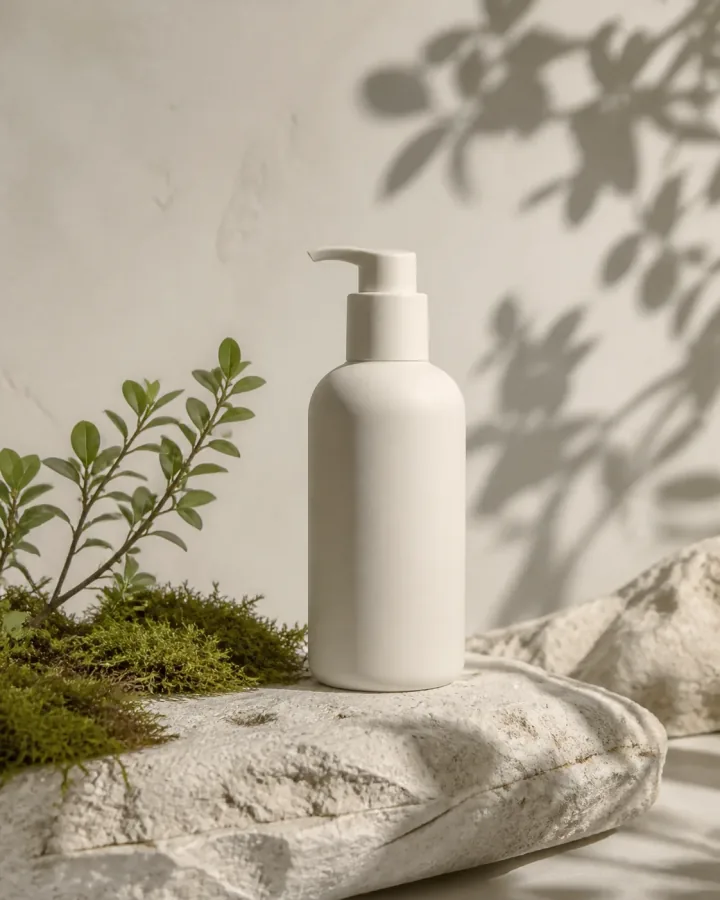
Product scene
A product image can take a new setting while keeping the subject recognizable.
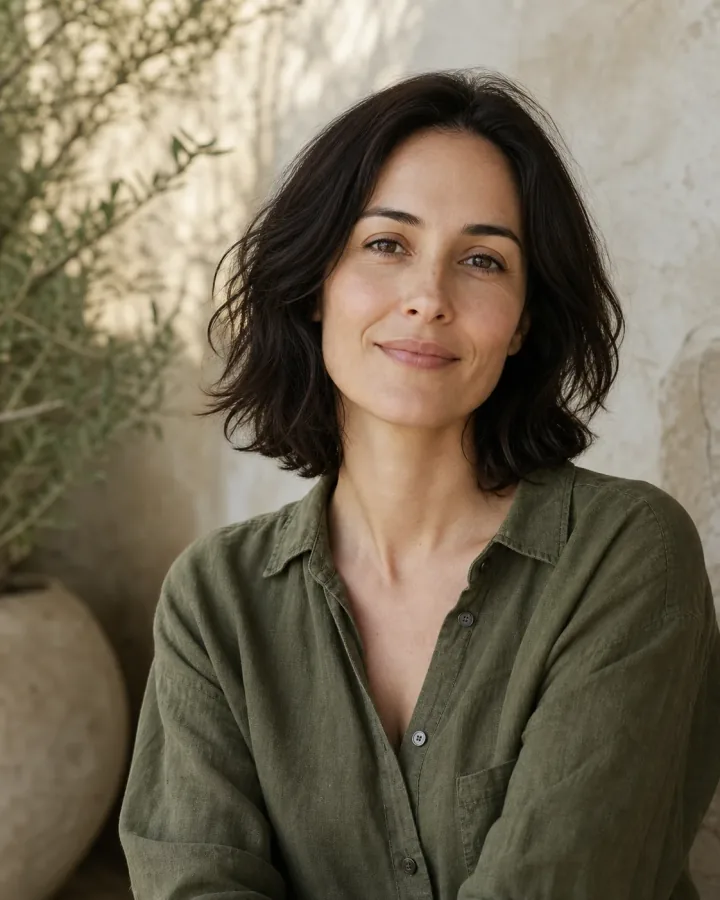
Portrait direction
A portrait can take a calmer setting or visual mood while keeping the person central.
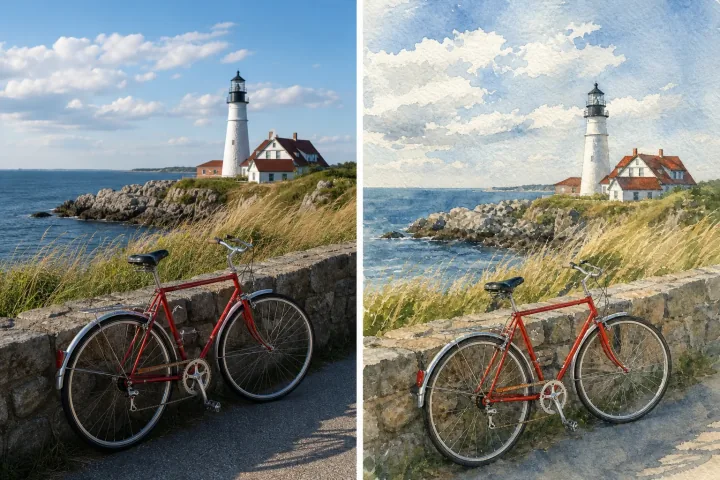
Style exploration
Compare a photographic scene with an illustrated direction and decide which style fits.
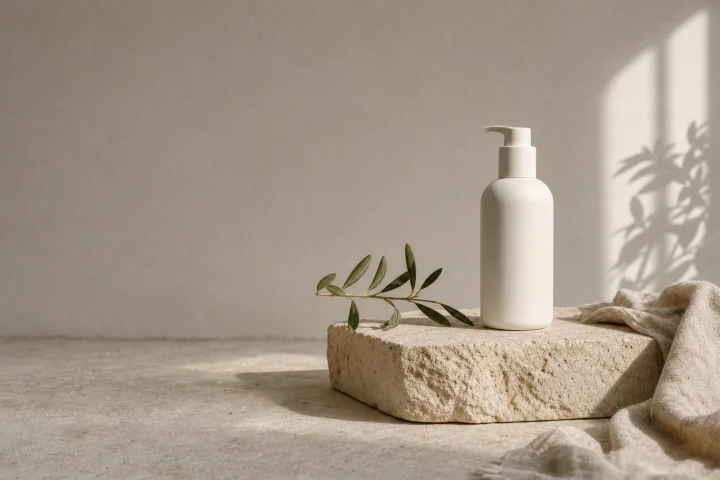
More room to crop
A wider composition can leave room for a campaign banner or another aspect ratio.
Edit image ideas for everyday work
Use a concrete starting point and change one decision at a time. The free AI image editor responds to the instruction you write in the workbench.
More images. Better value.
Choose monthly, yearly, or one-time credits.
Start free
$0
No payment details needed
Daily allowance · up to
3 images / day · 6 credits
A small daily allowance for occasional ideas.
- Daily credits expire; unused credits do not roll over
- Images saved for only 7 days
- Basic storage space
Pro
Recommended for regular creation
$20.00/month
Billed monthly
GPT Image 2 · 1K · up to
500 images
For individual creators making images throughout the month.
- Supports more models
- Credits valid for the paid month
- Permanent storage for all your assets
- Expanded workspace storage
- 1,000 credits each paid month
- Full downloads, no added watermark
Max
$80.00/month
Billed monthly
GPT Image 2 · 1K · up to
2,500 images
For higher-volume creation, more iterations, and larger image batches.
- Supports more models
- Credits valid for the paid month
- Permanent storage for all your assets
- Largest workspace storage
- 5,000 credits each paid month
- Full downloads, no added watermark
Start free
$0
No payment details needed
Daily allowance · up to
3 images / day · 6 credits
A small daily allowance for occasional ideas.
- Daily credits expire; unused credits do not roll over
- Images saved for only 7 days
- Basic storage space
Pro
Save 50%Recommended for regular creation
$10.00/month
$120.00 billed yearly
GPT Image 2 · 1K · up to
6,000 images
For individual creators making images throughout the month.
- Supports more models
- Annual credits valid for 12 months
- Permanent storage for all your assets
- Expanded workspace storage
- 12,000 credits delivered upfront each year
- Full downloads, no added watermark
Max
Save 50%$40.00/month
$480.00 billed yearly
GPT Image 2 · 1K · up to
30,000 images
For higher-volume creation, more iterations, and larger image batches.
- Supports more models
- Annual credits valid for 12 months
- Permanent storage for all your assets
- Largest workspace storage
- 60,000 credits delivered upfront each year
- Full downloads, no added watermark
Start free
$0
No payment details needed
Daily allowance · up to
3 images / day · 6 credits
A small daily allowance for occasional ideas.
- Daily credits expire; unused credits do not roll over
- Images saved for only 7 days
- Basic storage space
1,500 credits
$29.90
One-time payment
One purchase · up to
750 images with this pack
Add credits for a specific project without starting a subscription.
- Supports more models
- Credits valid for 180 days
- Permanent storage for all your assets
- Expanded workspace storage
- One-time packs do not renew automatically
- Full downloads, no added watermark
3,000 credits
$49.90
One-time payment
One purchase · up to
1,500 images with this pack
Add credits for a specific project without starting a subscription.
- Supports more models
- Credits valid for 180 days
- Permanent storage for all your assets
- Largest workspace storage
- One-time packs do not renew automatically
- Full downloads, no added watermark
Free AI image editor questions
Is this a free AI image editor?
You can try the free AI image editor with available free credits. The workbench shows the current cost before you submit an edit, so you can decide whether to start another version. Free credit availability and usage limits apply; this is not unlimited editing.
How does text-based editing work?
Upload the image you want to change, then describe the target, the requested difference, and the details that should stay. The free AI image editor uses that sentence as the direction for an edited version. Review the result before downloading or continuing.
What can I ask the editor to change?
Ask the free AI image editor to explore a background, object, color, lighting, style, or canvas change. Focus on one meaningful difference at a time. For a transparent cutout, choose the dedicated Background Remover tool from the product navigation.
Which photos can I upload?
The uploader accepts PNG, JPG, and WebP images. It shows the current file size and image-count limits for your selection. Start with a clear source in which the target is visible; tiny or blurred details give the free AI image editor less useful information.
Will the rest of my image stay exactly the same?
A prompt can ask the editor to preserve a subject, crop, color, or surrounding scene, but identical pixels are not guaranteed. Compare the result with the original, especially around faces, logos, fine text, and product details before using it.
Can I edit image text in a photo?
You can ask the free AI image editor to replace short visible text by quoting the old and new words and naming their location. Edit image text in a focused request when spelling matters, then inspect every letter in the result.
How do I get a better result?
Use one clear request, name the target by location or appearance, and say what must stay. A free AI image editor has more useful direction when the source is clear and the change is specific. If the result is close, describe only the remaining difference.
What happens after I edit an image?
Review the completed result in the workbench, then download it if it fits your purpose. You can also edit image details again by using a version you like as the next source. Keep the original so you can compare versions or return to the starting point.
Make the one change you had in mind
Open the free AI image editor, upload your photo, and describe the difference in one sentence. Edit image details by starting with the part you want to change.