iLoveAIImg

Free Text to Image AI Generator

Create a free text to image draft with the AI image generator. Start from a written idea, then review your free AI image before you keep or edit it.

Free Text to Image AI Generator workbench

Create your result

Recent images

Review, continue editing, or download your results.

Choose a model for your image

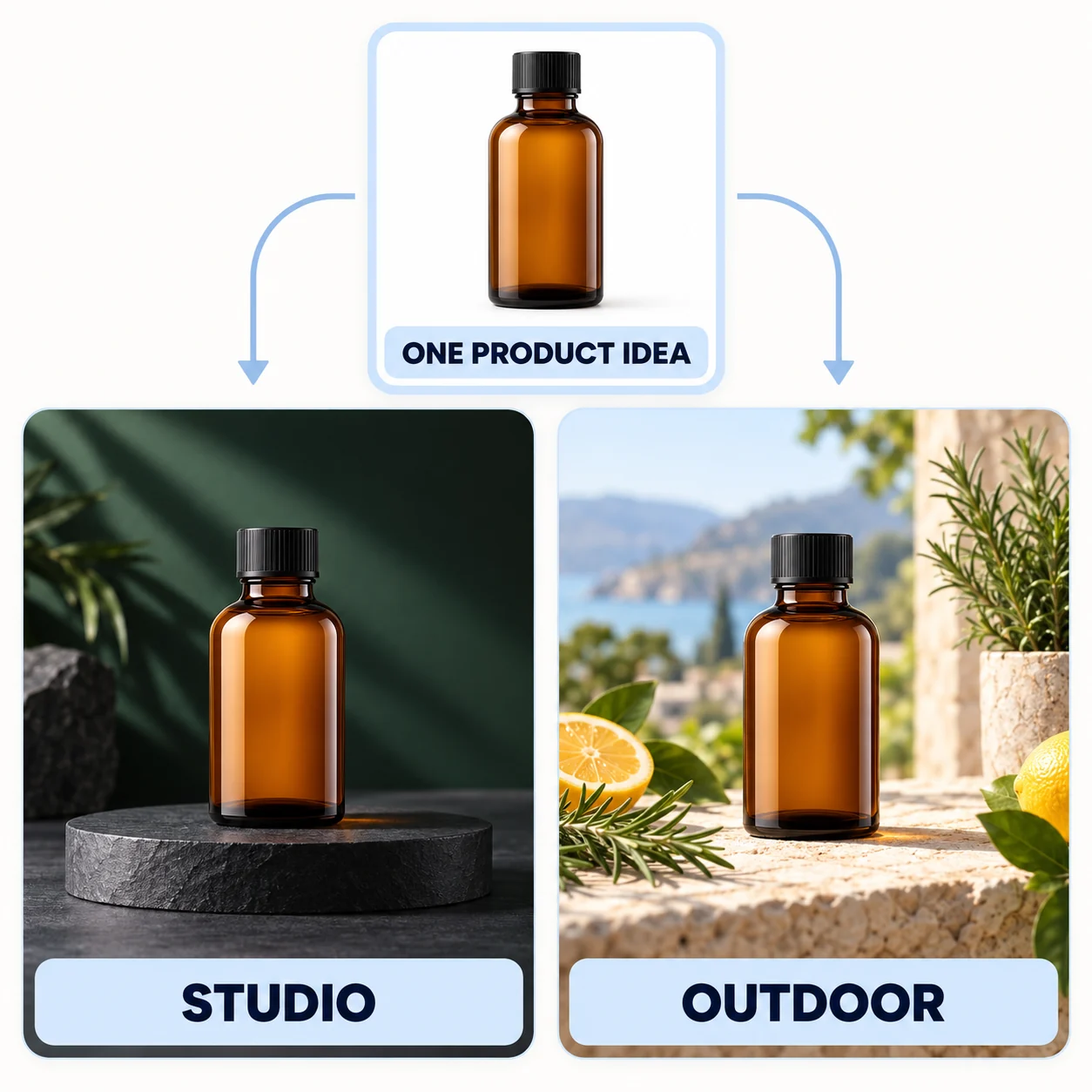
Browse the published models in this AI image generator. Each card summarizes the current inputs, output choices, and quote for a free text to image task.

Choose the shape, style, and detail

Set the decisions that help a free text to image prompt fit its final use in the AI image generator.

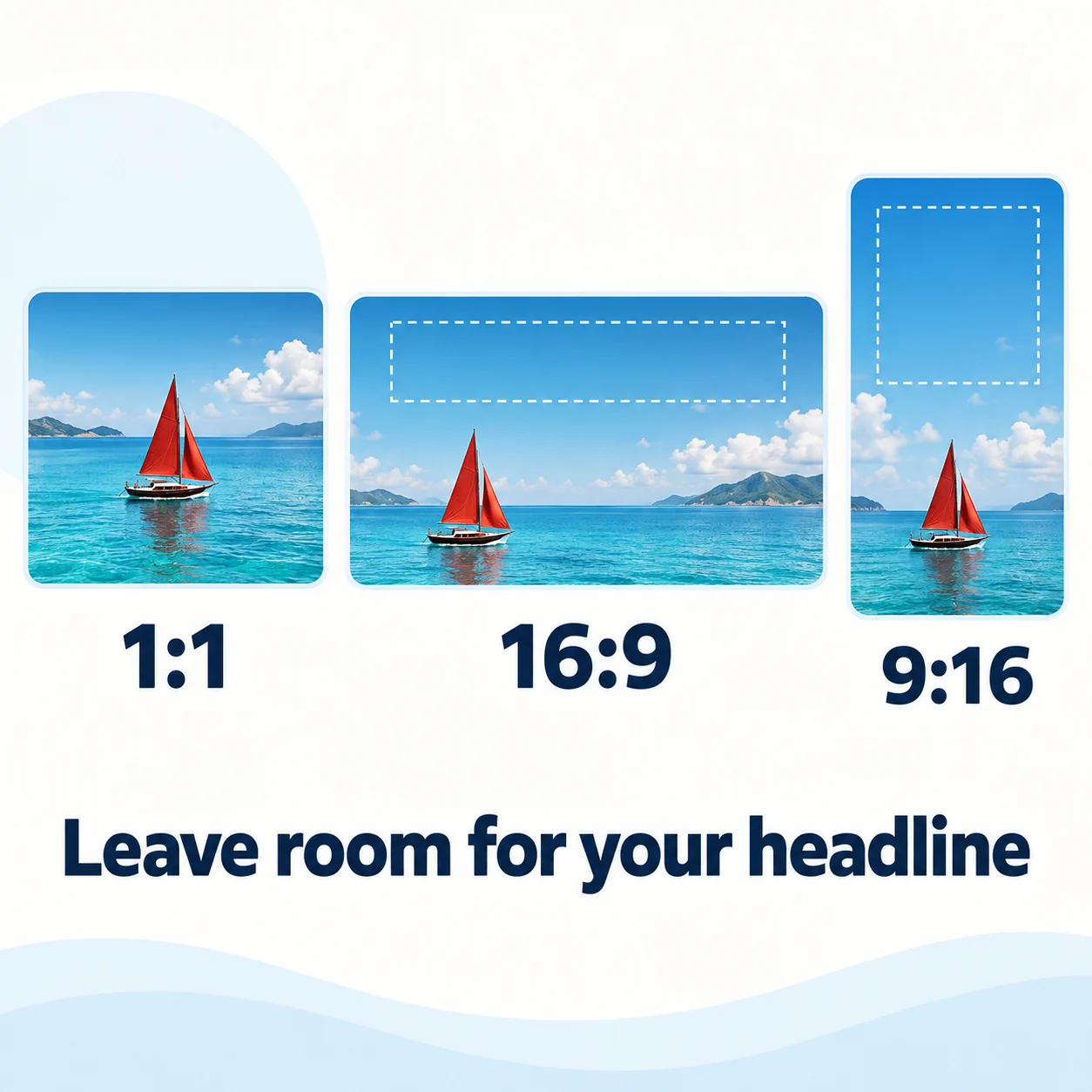
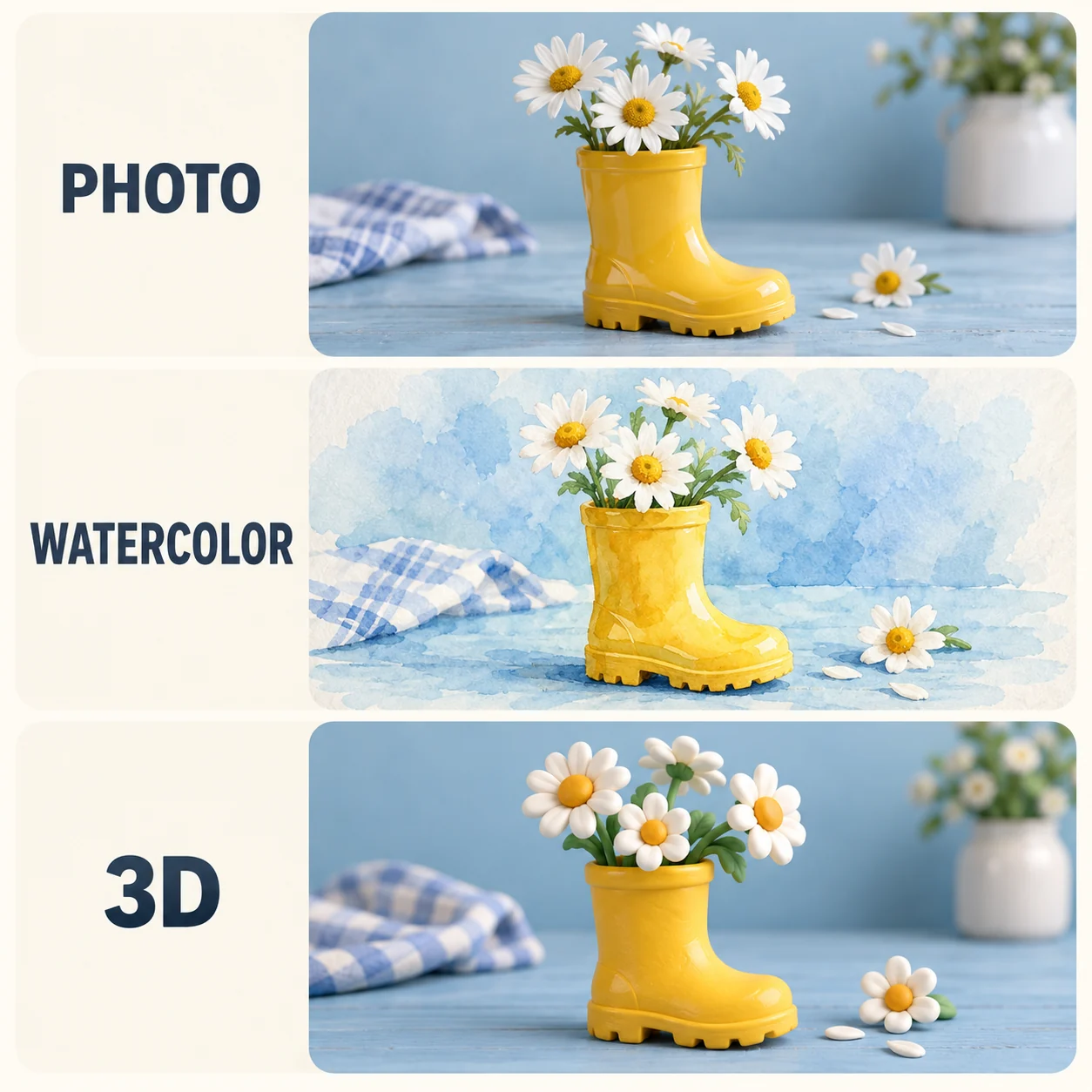
Square, landscape and portrait sailboat compositions with marked headline spaceThe same yellow rain boot and daisies shown as photography, watercolor and 3D

Choose the final shape

Pick square, landscape, or portrait in the AI image generator. Leave room for a crop or headline where the free AI image will live.

Set a visual style

Name a medium such as watercolor, studio photography, or 3D, then add a palette or lighting direction. Free text to image works best when the brief stays consistent, so you can tell what changed.

Choose the output detail

Select a supported resolution for the intended use. The AI image generator shows the current credit quote before submission, so you can choose the detail for a free text to image result.

Write a prompt for the AI image generator

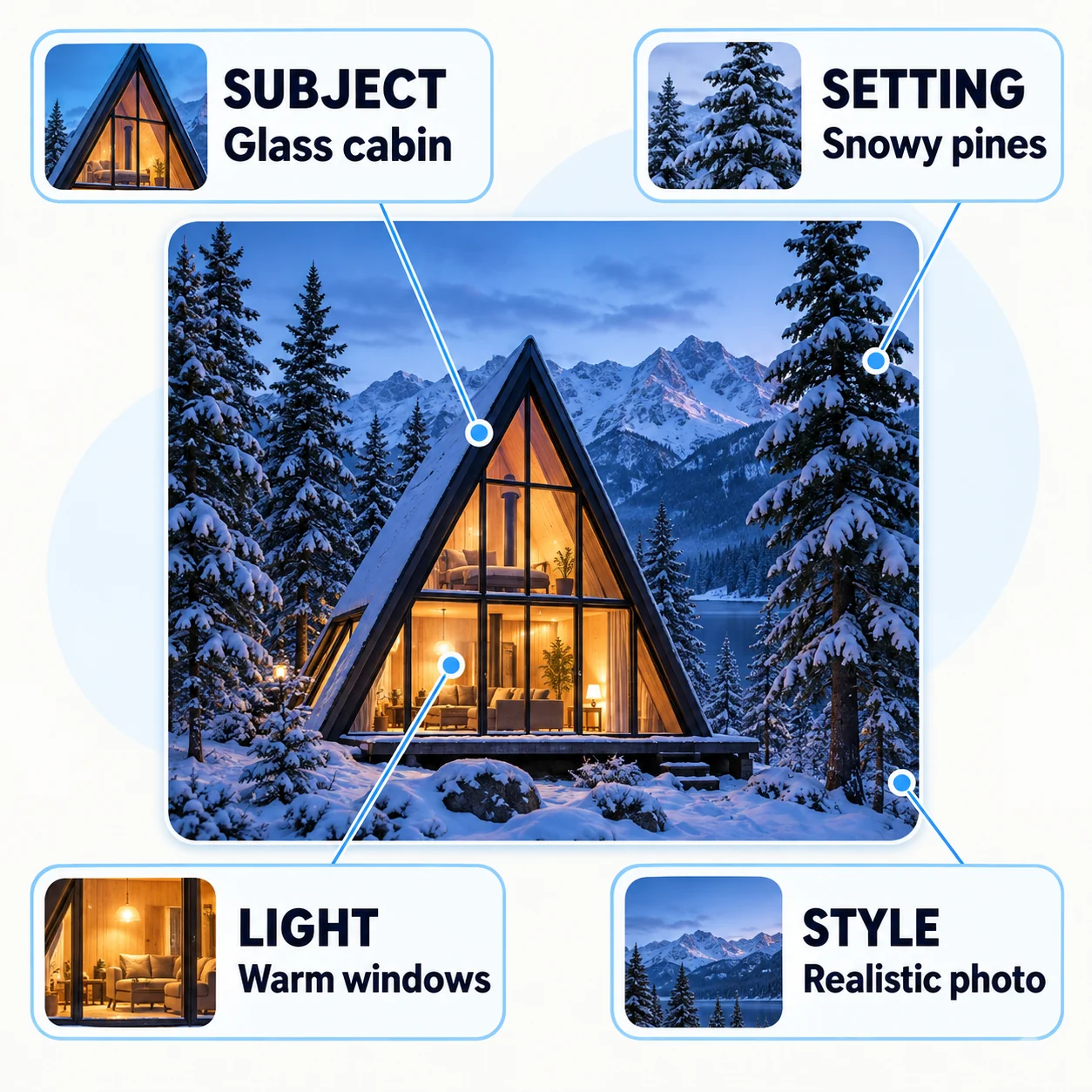
For free text to image, describe the subject first, then add the setting, light, and style. A concrete brief gives your free AI image a direction you can review.

Glass cabin diagram connecting subject, setting, lighting and style to visible details

Start with a concrete prompt

Try this free text to image prompt: “A small glass cabin in a snowy pine forest at blue hour, warm light glowing through the windows, snow-covered branches, wide landscape composition, realistic architectural photography.” The AI image generator can turn one subject and one intended use into a brief you can adapt for your own free AI image.
Change one decision at a time

Swap the cabin for a seaside café, or replace blue hour with sunrise. Keep the other details unchanged so you can see what the new free text to image prompt changes. Each free AI image then answers a specific creative question.

Create, review, then keep the result

Use the workbench in a short loop: write a brief, review the draft, and choose the next move.

01 / 03

Write the image brief

Enter your free text to image prompt, choose a model, and set the image shape before you create.

Write your prompt
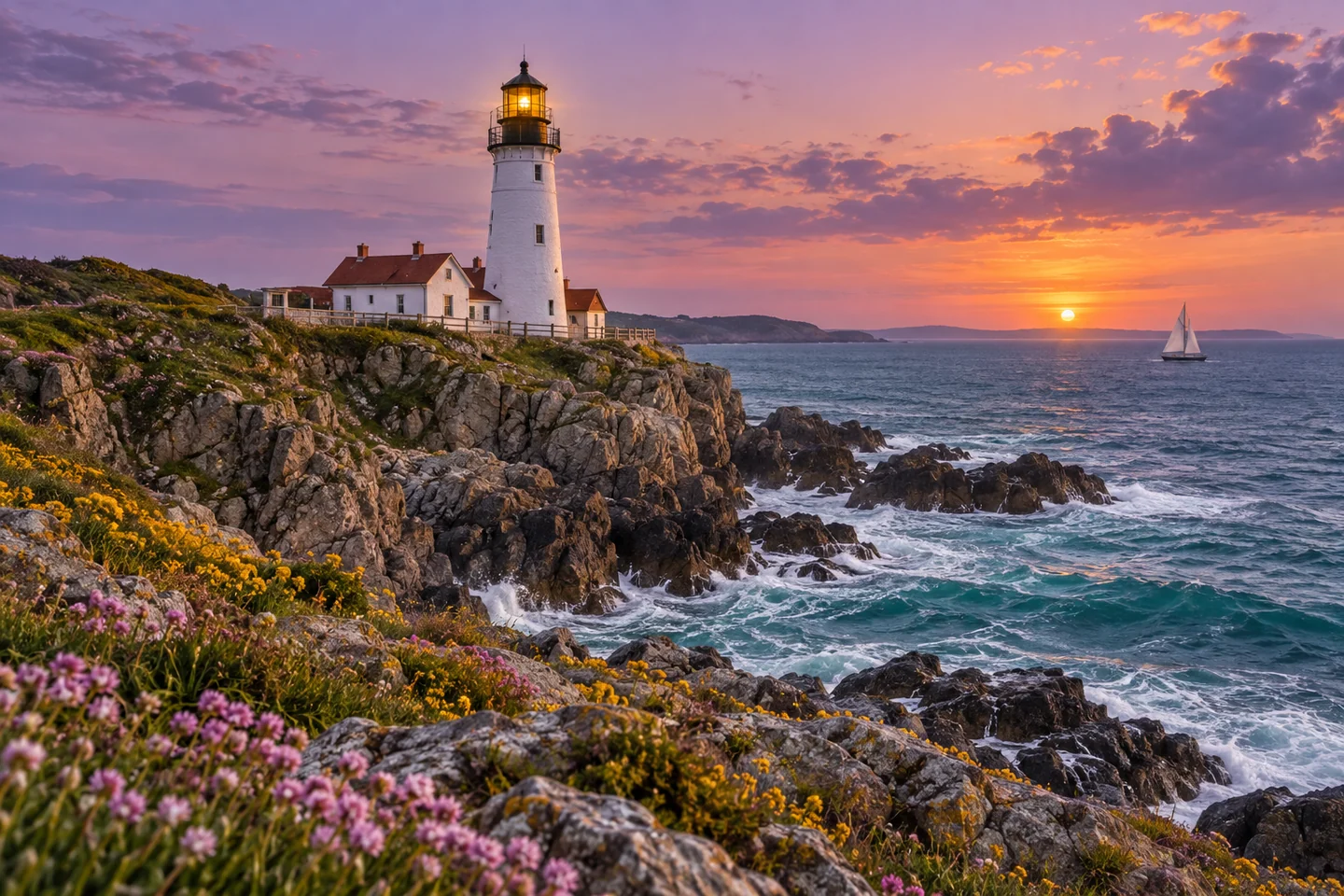
Creative example: a coastal lighthouse and sailboat at sunset
02 / 03

Review what changed

Review the free text to image result for composition, text, faces, edges, and the details that matter. If the direction is close, keep the useful parts before changing one instruction.

Return to the generator
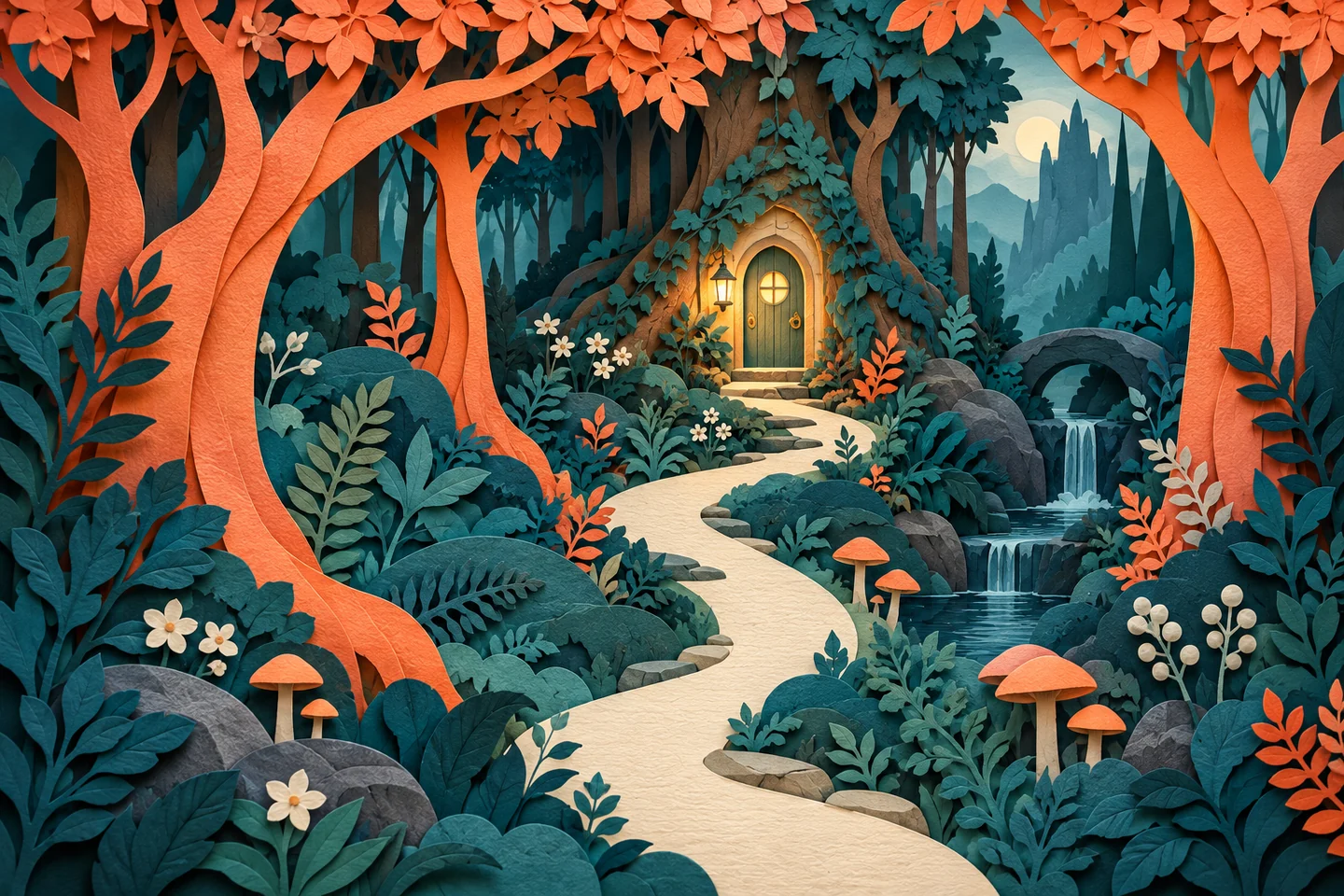
Creative example: a layered paper forest with an illuminated doorway
03 / 03

Download or continue editing

Download a free text to image result you can use, or open the image editor when a focused change should build on it. Keep important files on your device.

Open the image editor
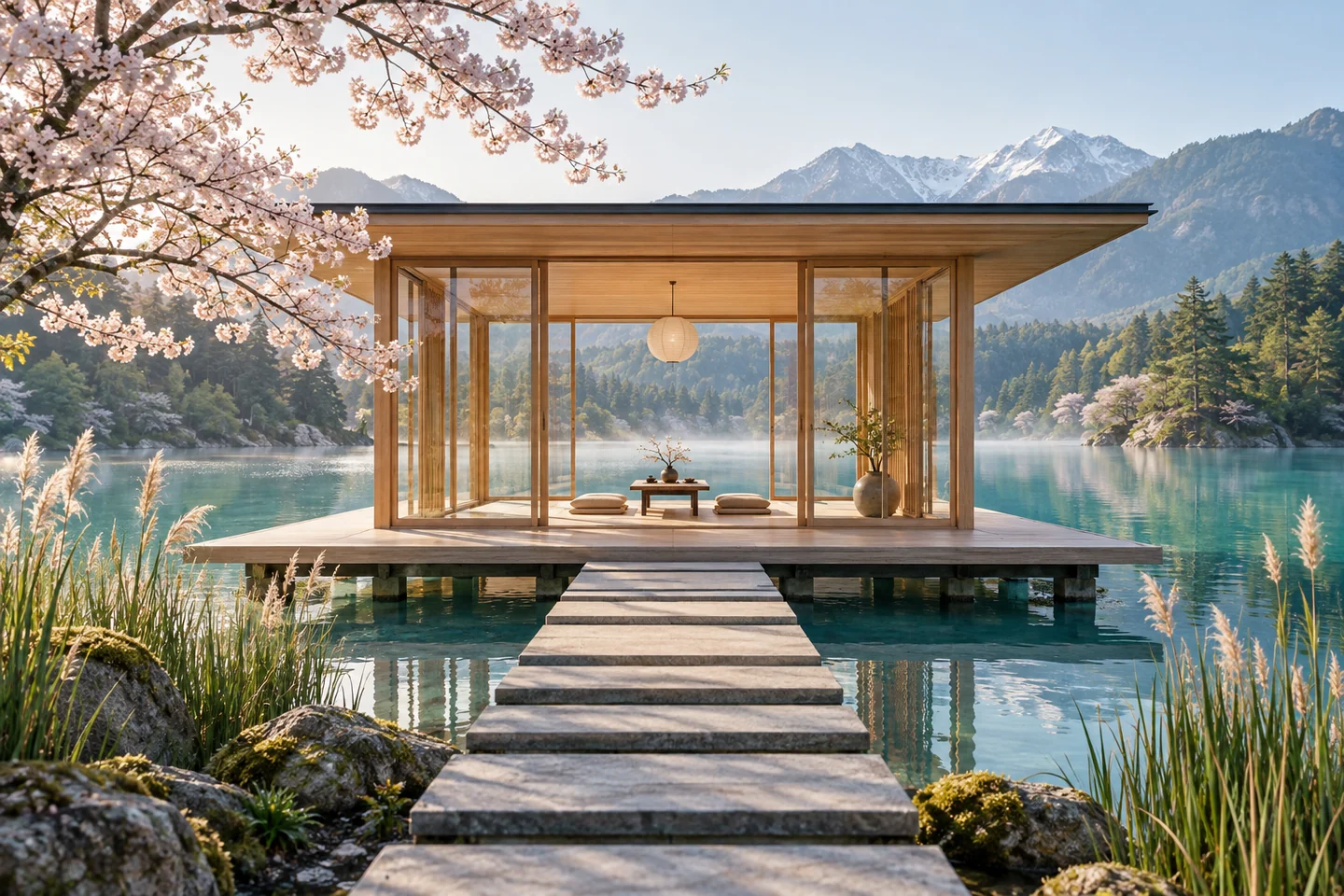
Creative example: a timber tea pavilion on a lake beneath cherry blossoms

Regenerate or continue editing?

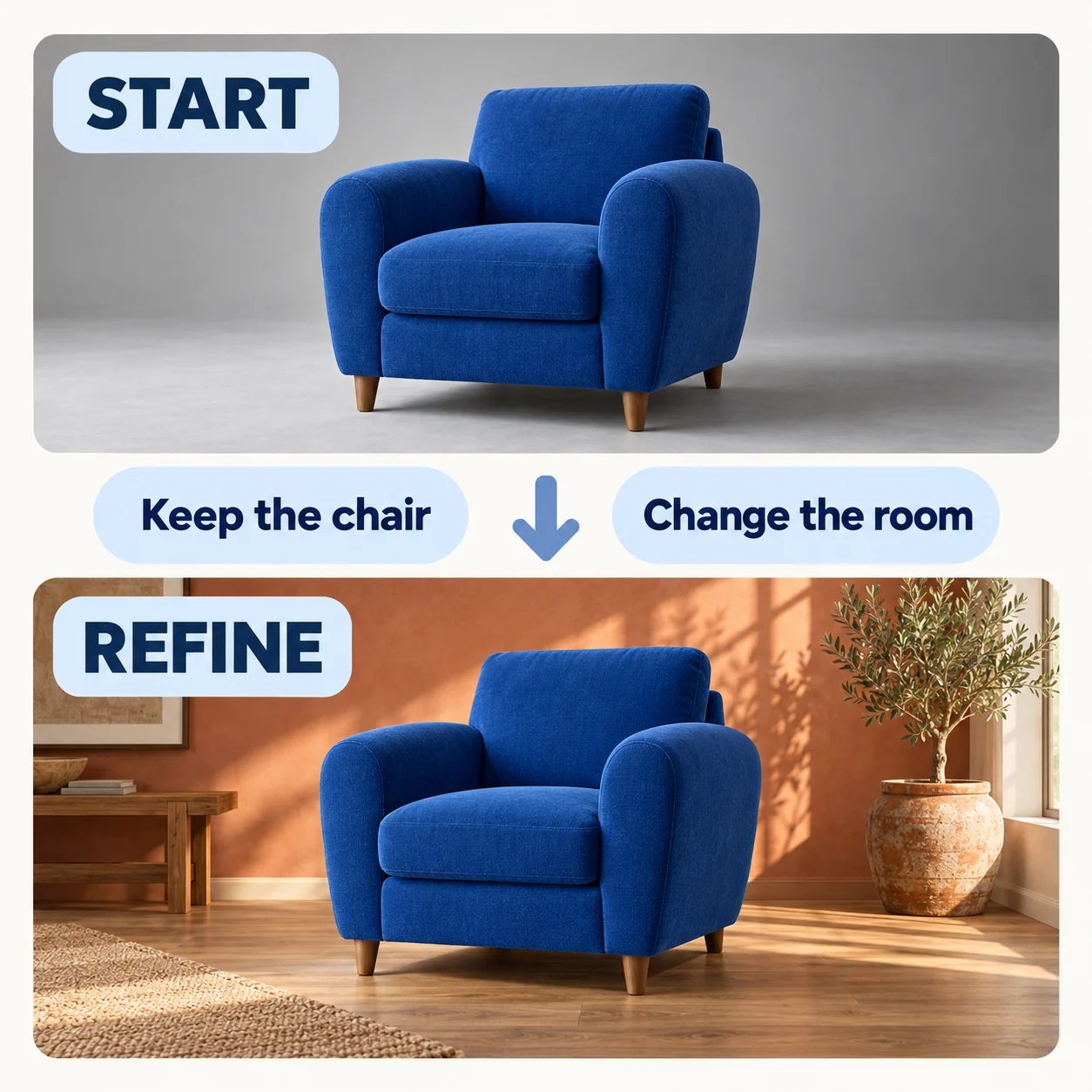
When a draft is close, choose the next move: change the prompt or preserve the image and edit one detail in the image editor.

An unchanged blue armchair moved from a gray studio into a warm room, with keep and change instructions

Regenerate for a new direction

If the subject is too small or the mood is wrong, change one prompt decision—crop, light, or background—and try again. Keep the parts that already work.

Continue editing a close result

If the composition is right, open the image editor and say what should stay and what should change. This gives a close result a focused next step.

More images. Better value.

Choose monthly, yearly, or one-time credits.

Start free

$0

No payment details needed

Daily allowance · up to
3 images / day · 6 credits

A small daily allowance for occasional ideas.

  • Daily credits expire; unused credits do not roll over
  • Images saved for only 7 days
  • Basic storage space

Pro

Save 50%

Recommended for regular creation

$10.00/month

$120.00 billed yearly

GPT Image 2 · 1K · up to
6,000 images

For individual creators making images throughout the month.

  • Supports more models
  • Annual credits valid for 12 months
  • Permanent storage for all your assets
  • Expanded workspace storage
  • 12,000 credits delivered upfront each year
  • Full downloads, no added watermark

Max

Save 50%
$40.00/month

$480.00 billed yearly

GPT Image 2 · 1K · up to
30,000 images

For higher-volume creation, more iterations, and larger image batches.

  • Supports more models
  • Annual credits valid for 12 months
  • Permanent storage for all your assets
  • Largest workspace storage
  • 60,000 credits delivered upfront each year
  • Full downloads, no added watermark

Free text-to-image questions

Questions about free text to image, AI image generator settings, content checks, and keeping a free AI image.

Can I try free text to image?

You can use available free credits for free text to image when your balance covers the selected task and free usage is available. It is not unlimited: the model, resolution, and current usage rules affect what you can create. The AI image generator shows the current credit quote before you start.

Do I need an account to try it?

You can open the AI image generator and use its controls without signing in. Eligible guests can use available guest credits to make a free AI image; sign-in is requested when account access is needed. Download a guest result before leaving.

Which models can I choose?

The selector includes the published GPT Image, Nano Banana, and Seedream options shown above for free text to image. Each model has its own output choices and credit quote; the AI image generator checks available credits and current free-use eligibility before submission.

Can I start with only a prompt?

Yes. Free text to image starts from a written description, so a free AI image can begin without a source photo. A reference is optional; use the image editor when an existing photo is the main source.

What reference images can I add to a free text to image task?

The AI image generator currently accepts up to 3 optional reference images in PNG, JPG, or WebP format, up to 10 MB each. Use a reference when the subject, color, or framing matters for this free text to image task and its free AI image.

How should I choose settings for a free AI image?

Start with the model whose published inputs and output choices fit your brief. For a free text to image task, choose square, landscape, or portrait based on placement, then use a supported resolution for the detail you need in the free AI image. The AI image generator shows the current credit quote before submission.

How should I handle words and logos?

Request short lettering by putting the words in quotation marks and describing their placement. Review spelling, shapes, and fine details in the free AI image; add final typography in your design tool when the layout must be exact.

What happens if a prompt does not pass the content check?

The AI image generator does not receive a request that fails the content check, so no free AI image is created. For free text to image, revise the prompt and try again. If a task has already consumed credits and then fails, the existing failed-task refund rule returns them; deleting or cancelling a task does not refund credits.

How are results from free text to image kept?

The task keeps its prompt and optional references so it can survive a refresh. A free AI image task's inputs and results are available for 7 days; deleting a task removes access immediately. The AI image generator is a place to create and review, so download important files or save reusable images in Assets rather than treating task history as a permanent archive.

How do I keep an image I like?

Download the result to your device. Signed-in task history currently has a seven-day retention period, so it is not a permanent archive. Save reusable images in Assets and keep important local copies. Treat each free AI image from free text to image as a working result, not your only archive.

Start with one image idea

Write a subject, choose a model, and make a free text to image draft in the AI image generator. Review the free AI image before you keep it.