
01 / 03
Choose a visual direction
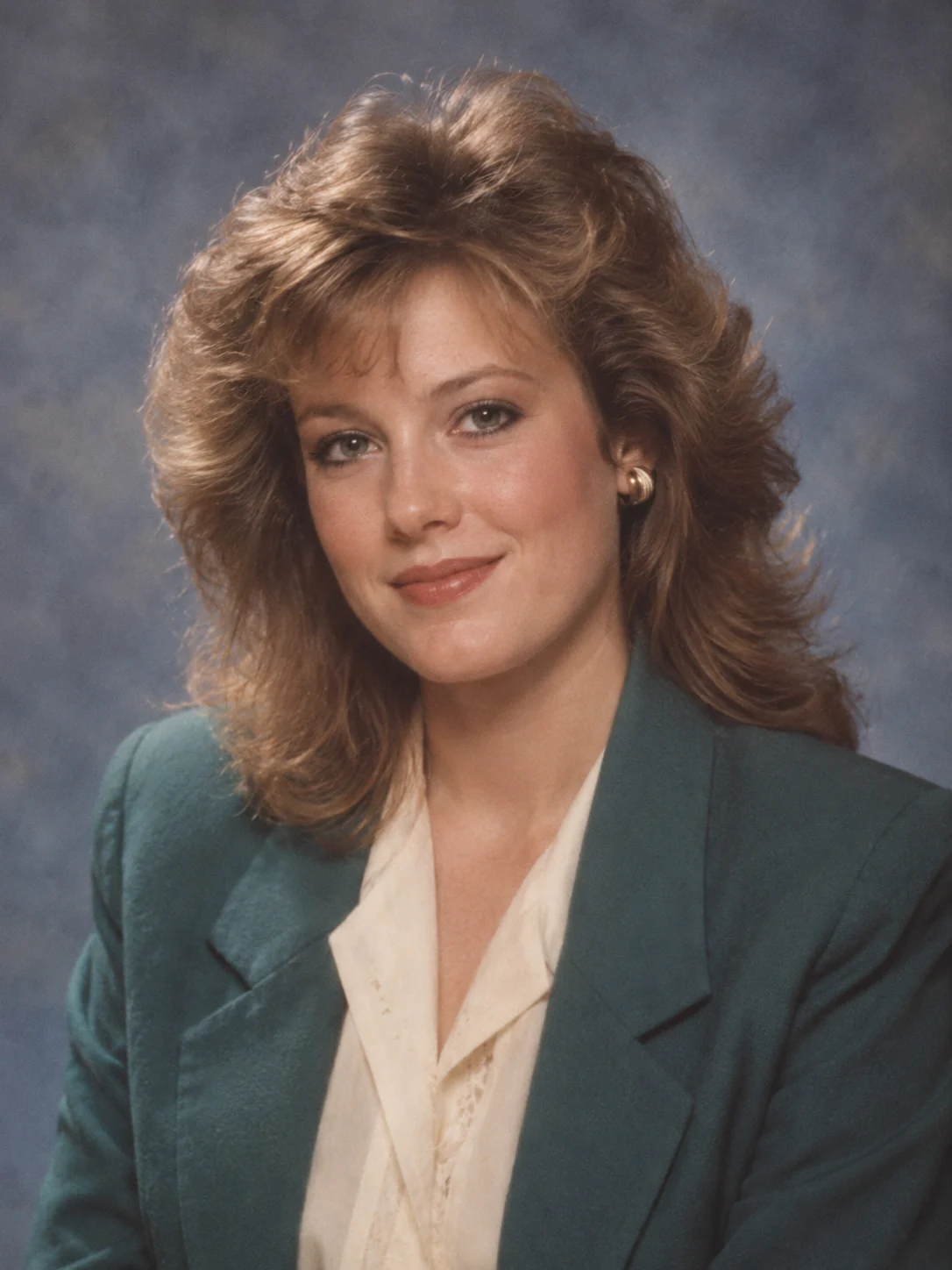
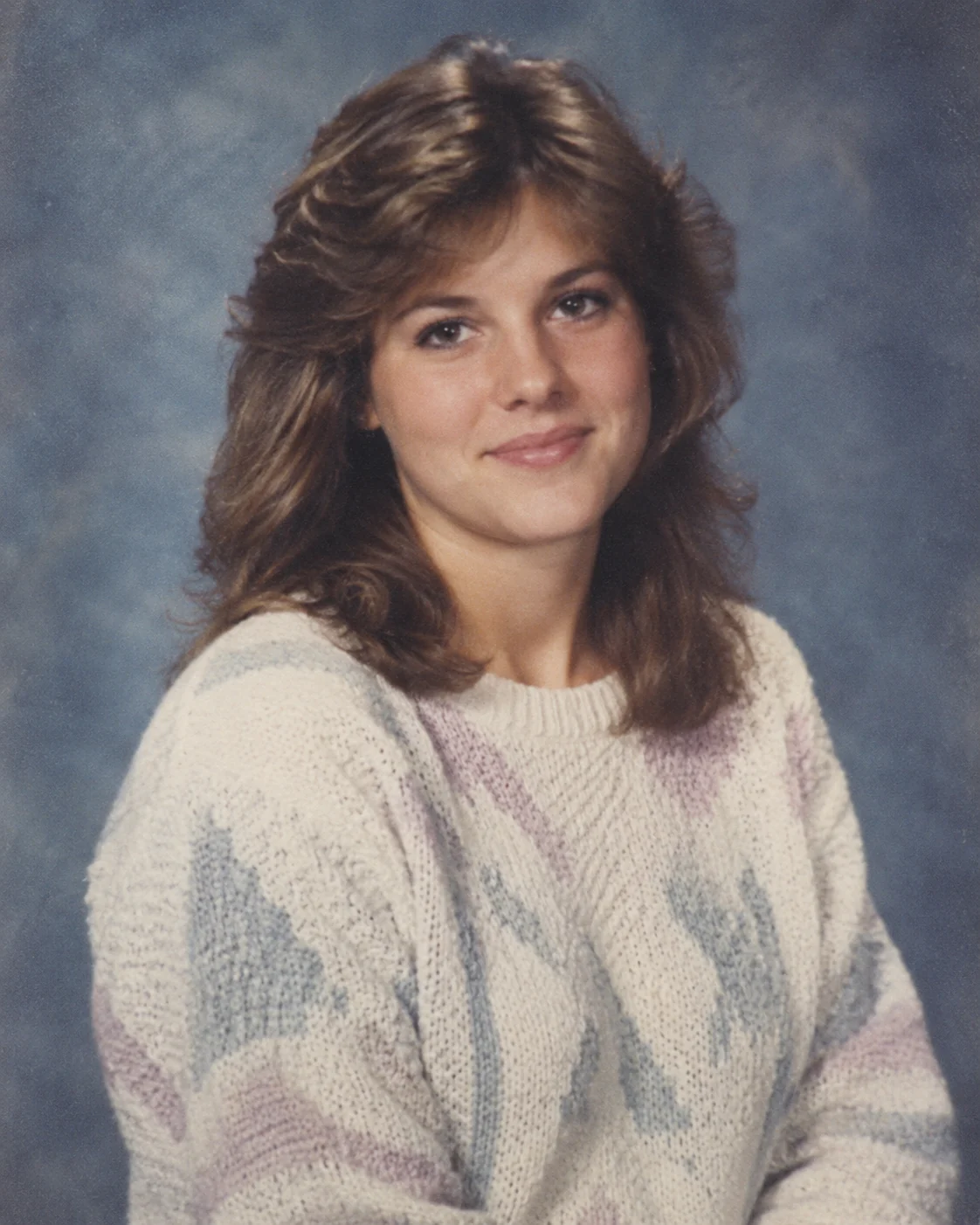
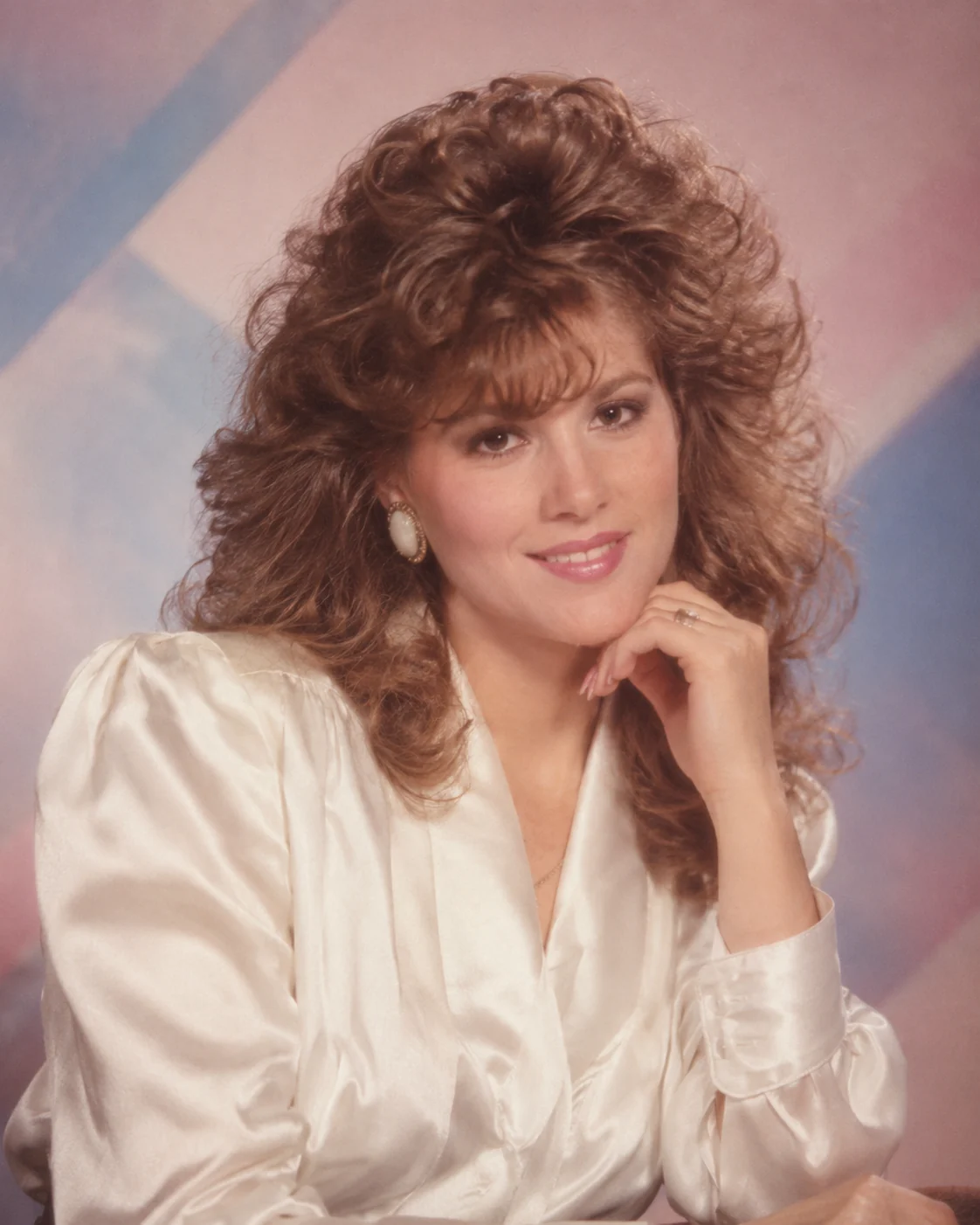
Browse the AI image effects on this page and open a collection that fits your idea. Use search and categories to narrow the available looks.
Browse effects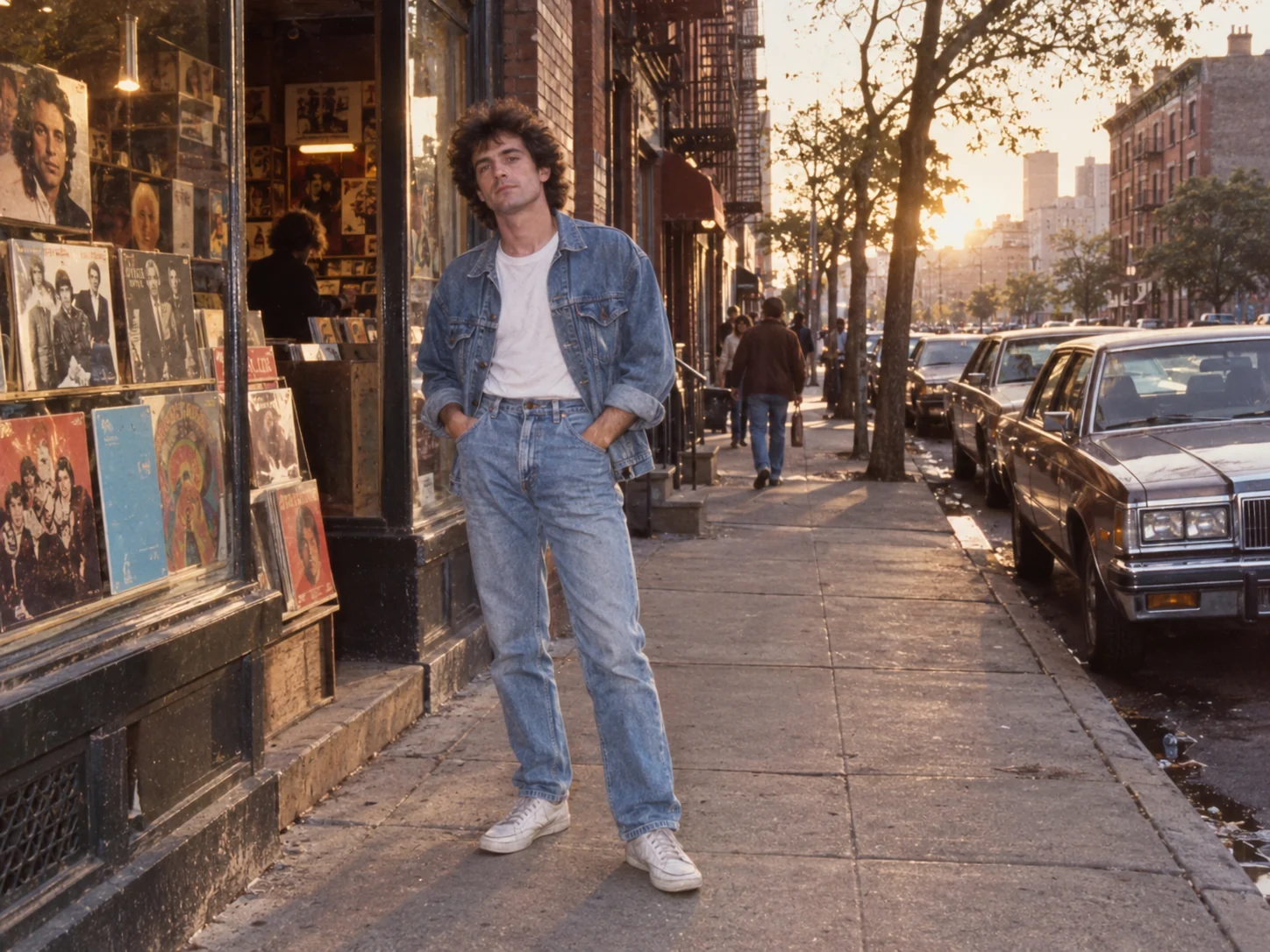
Find a look you want to try. Describe your own effect or open a collection, choose a recipe and make a new version.
Model
Compare the looks, then open a collection for its examples and complete prompts.
Choose a look, explore its recipe and adapt it to your idea.
Browse the AI image effects on this page and open a collection that fits your idea. Use search and categories to narrow the available looks.
Browse effectsOpen a photo in the collection to see its full recipe and recommended settings. Notice how the words describe the subject, light and setting, then copy the prompt or choose Create similar.
View an example collection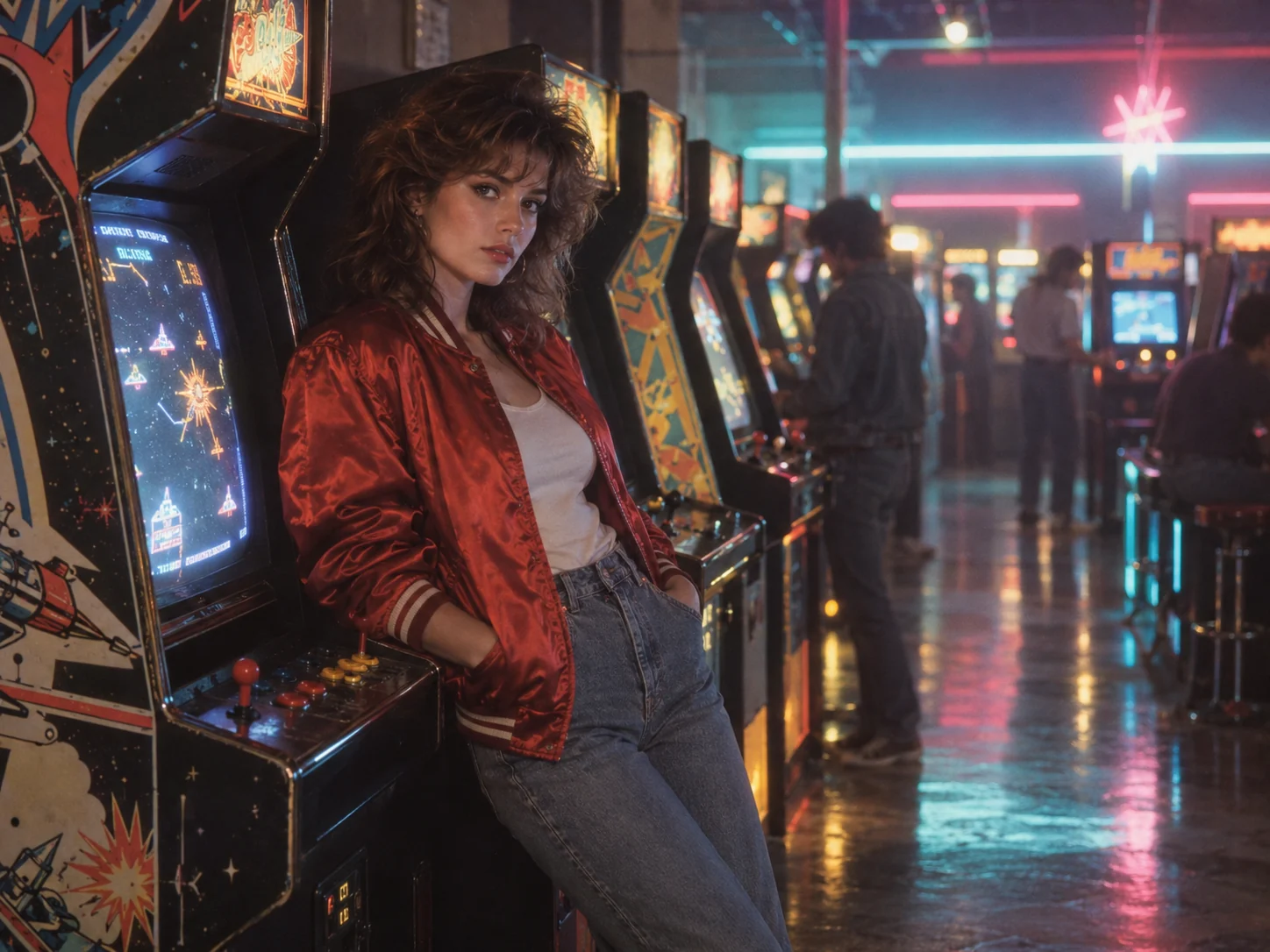
Change the subject or setting while keeping the style details you like. Choose a supported model, image shape and resolution, check the displayed credit quote, then create your image.
Open the generator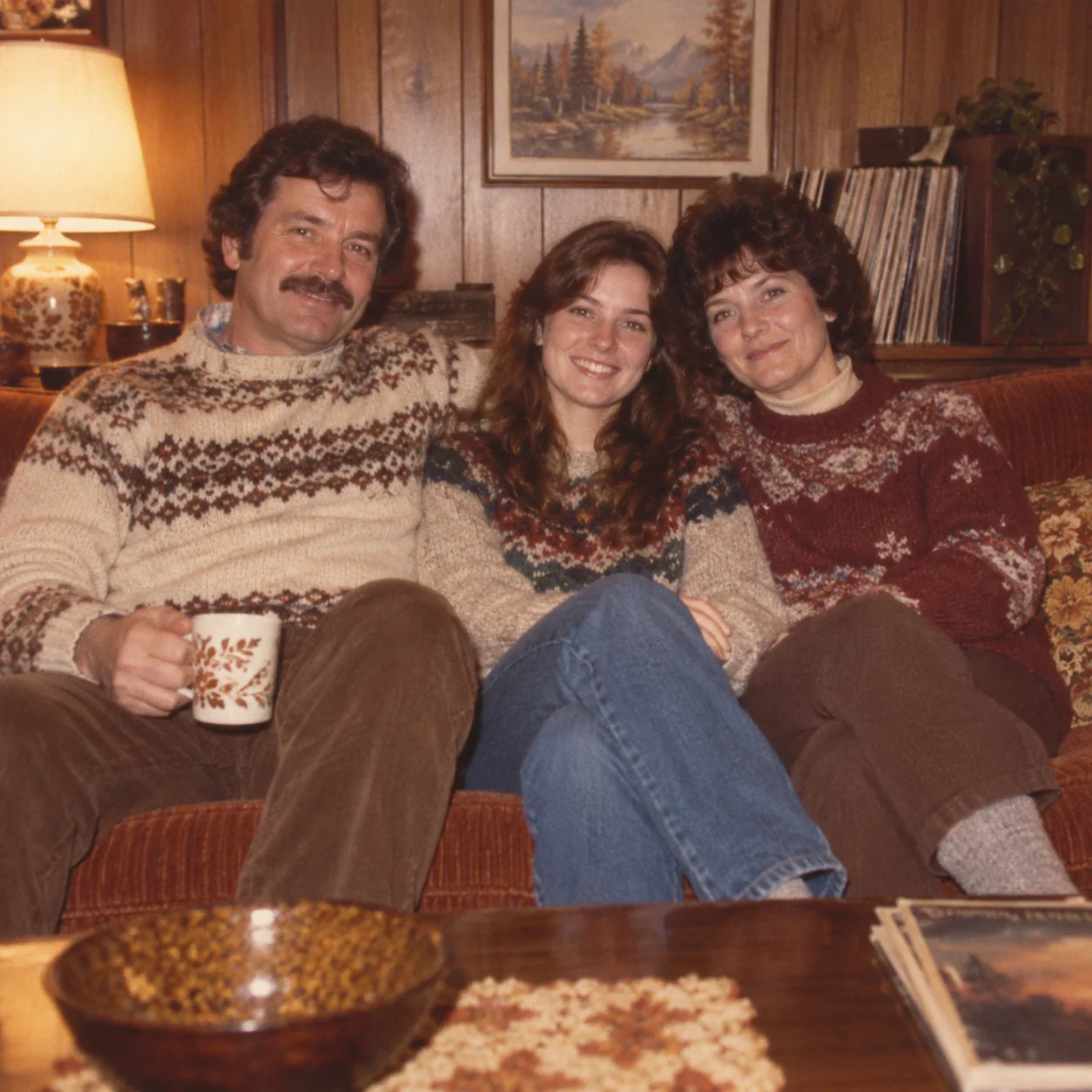
Choose monthly, yearly, or one-time credits.
Start free
No payment details needed
A small daily allowance for occasional ideas.
Pro
Recommended for regular creation
Billed monthly
For individual creators making images throughout the month.
Max
Billed monthly
For higher-volume creation, more iterations, and larger image batches.
Start free
No payment details needed
A small daily allowance for occasional ideas.
Pro
Save 50%Recommended for regular creation
$120.00 billed yearly
For individual creators making images throughout the month.
Max
Save 50%$480.00 billed yearly
For higher-volume creation, more iterations, and larger image batches.
Start free
No payment details needed
A small daily allowance for occasional ideas.
1,500 credits
One-time payment
Add credits for a specific project without starting a subscription.
3,000 credits
One-time payment
Add credits for a specific project without starting a subscription.
Yes. Describe the style, subject and setting in the generator at the top of this page. For a look based on your own photo, add it as a reference and say what to change or keep. The collections provide reusable directions when you want a starting point.
Open an effect collection, pick an image and choose Create similar. Its recipe fills the generator so you can adjust the subject or setting before creating an image. You can also add a reference photo.
Yes. Add your photo as a reference in the collection's generator and describe what should change or stay. The examples show creative directions; faces and details can vary, so review your result before downloading it.
No. Browsing examples and selecting a recipe do not start generation. The generator shows the credit cost before you submit your image request.
Use PNG, JPG or WebP images. Each file can be up to 10 MB, with up to 12 MB across one request. This generator supports up to three references, within the selected model’s limit. Some collection recipes need a reference; others start from text.
Compare the lighting, color and texture in the examples, then open the collection to read the full prompt. Keep the style details you like and replace the subject or setting. If you want a recognizably different direction, change one of those visual choices rather than adding several conflicting styles to the same request.
Start with an effect you like, or describe a new direction in the generator.