
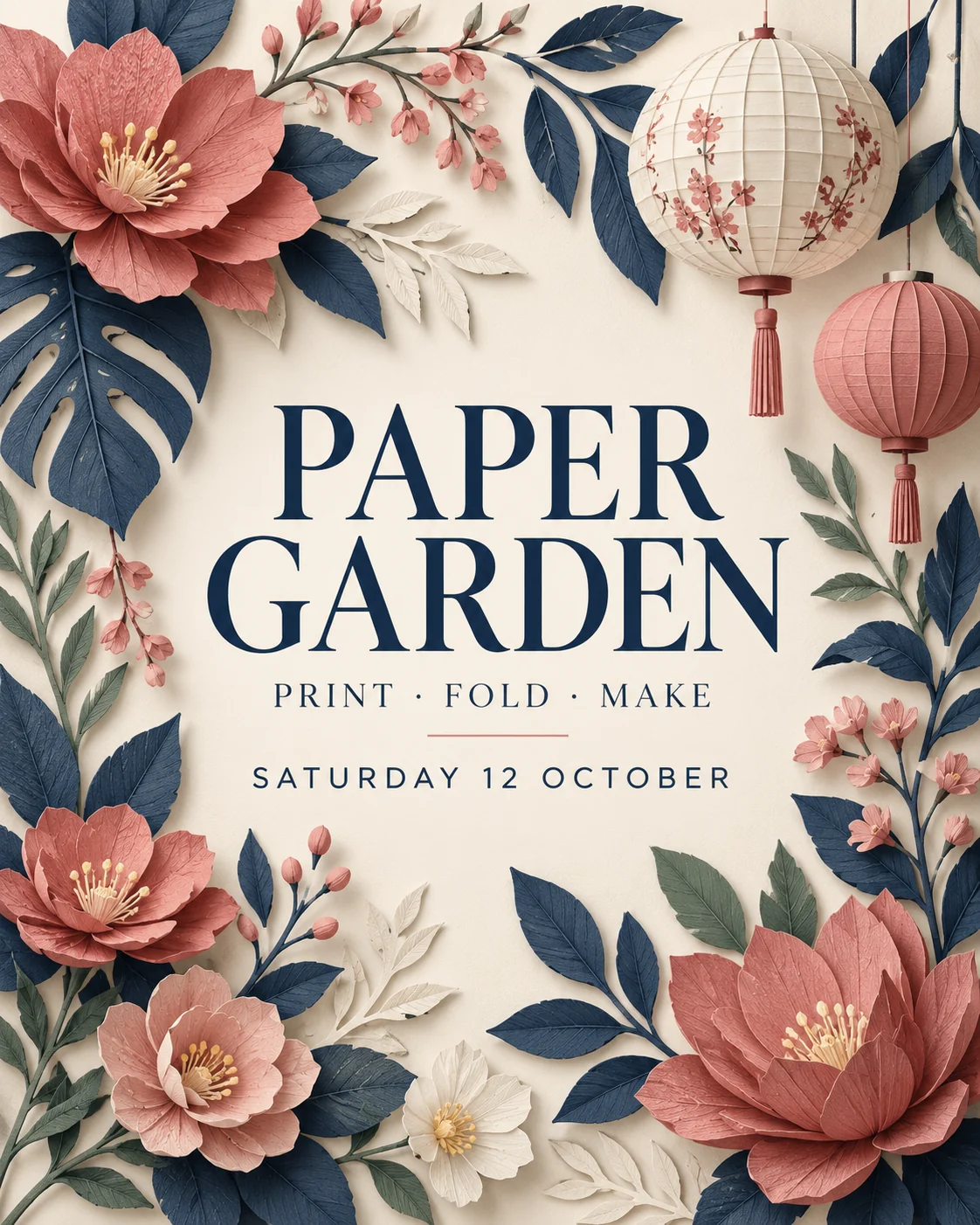
Nano Banana Pro for posters and product visuals
Turn a design brief into a poster, a product composition or a directed edit with Nano Banana Pro. Describe the wording, hierarchy and lighting, then bring references for the details that should carry through.
Nano Banana Pro workbench
Create your result
Recent images
Review, continue editing, or download your results.
Nano Banana Pro prompt ideas
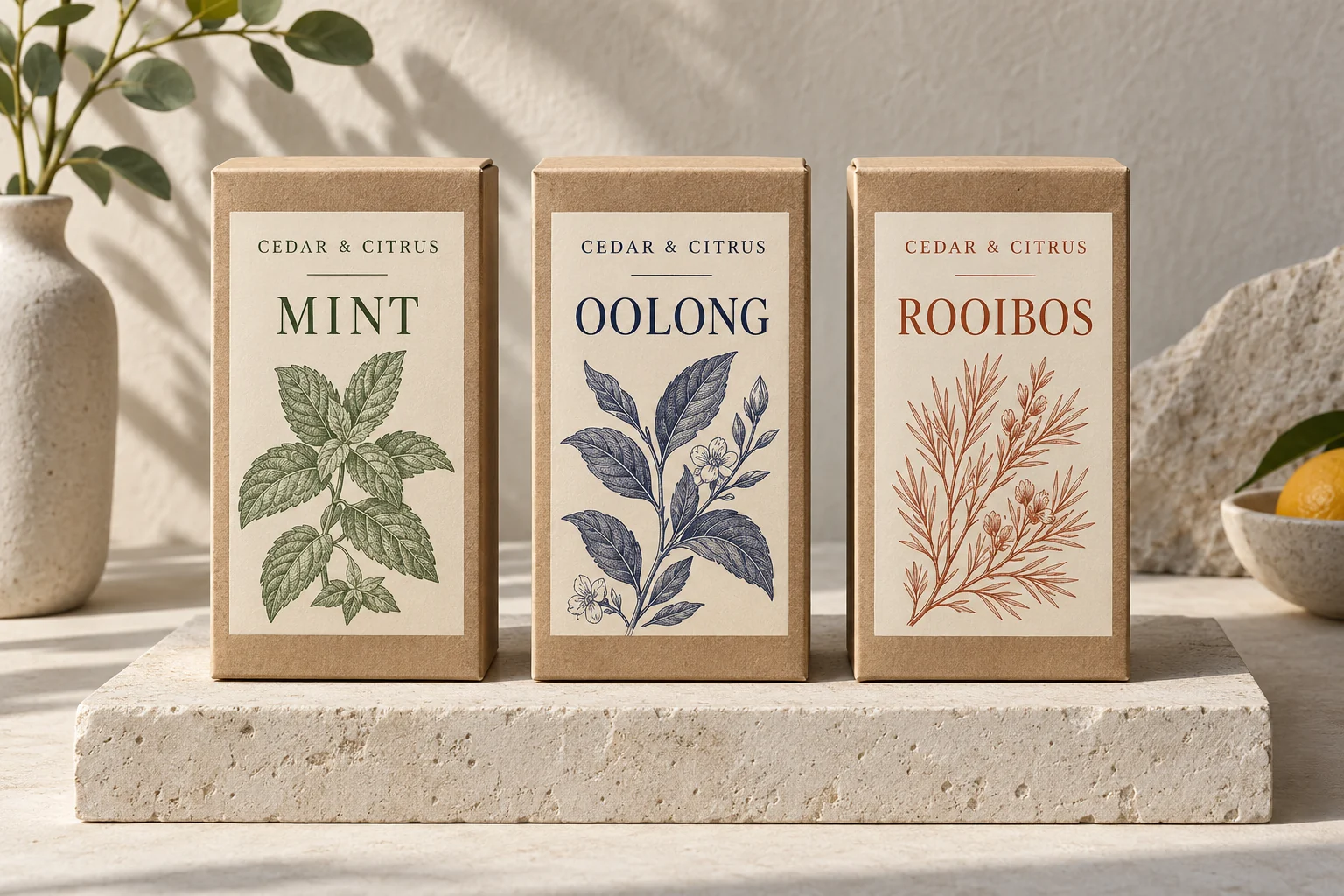
Original creative references with prompts to adapt. These images illustrate possible briefs, rather than verified results from this model.

Create and refine with Nano Banana Pro
Make the layout part of the brief
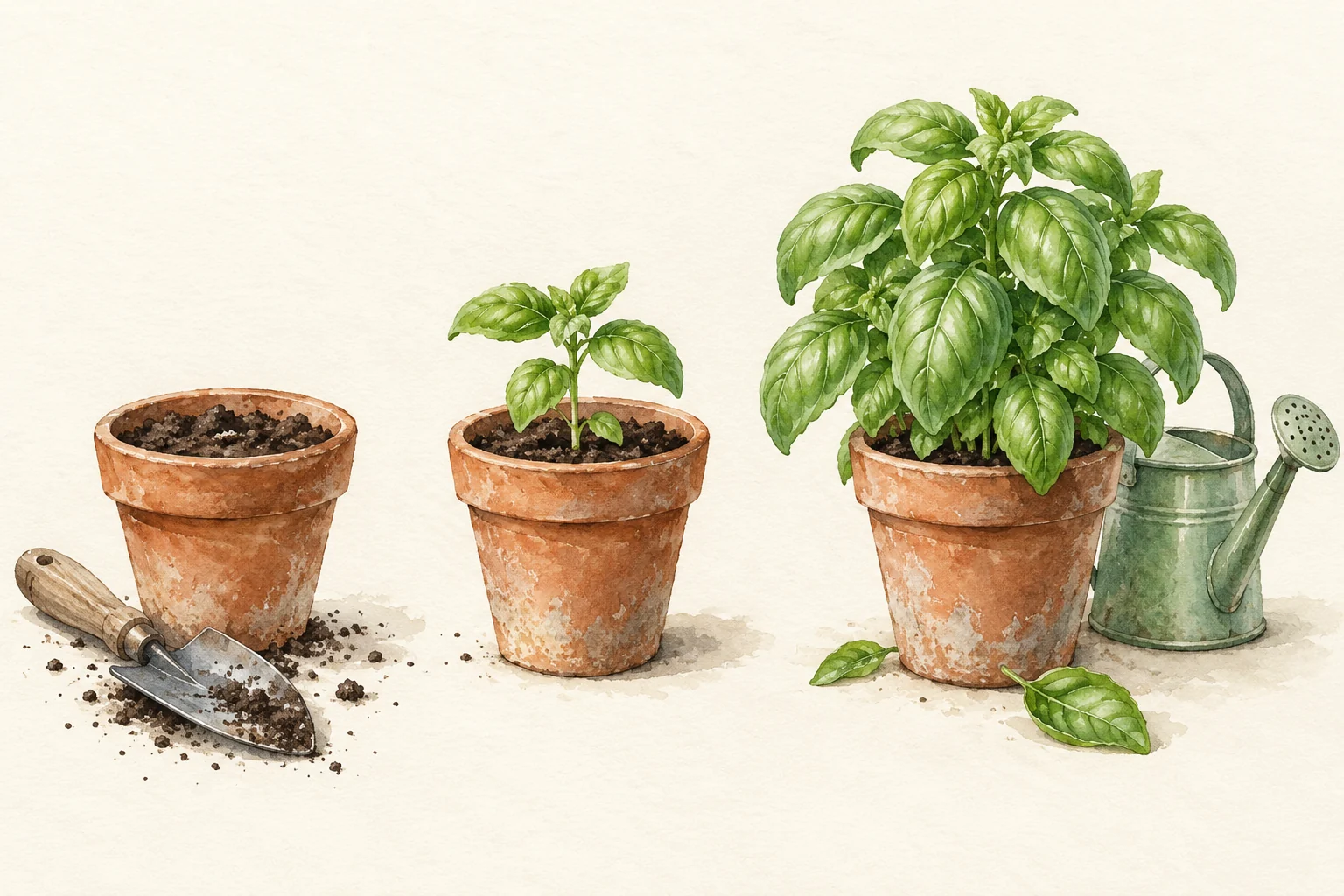
Describe the composition as well as the subject: where the focal image belongs, how elements relate and how much breathing room they need. This basil illustration uses three stages to tell a visual story without labels. Add a short headline to your brief only when the final design needs one.
Give each reference a clear job
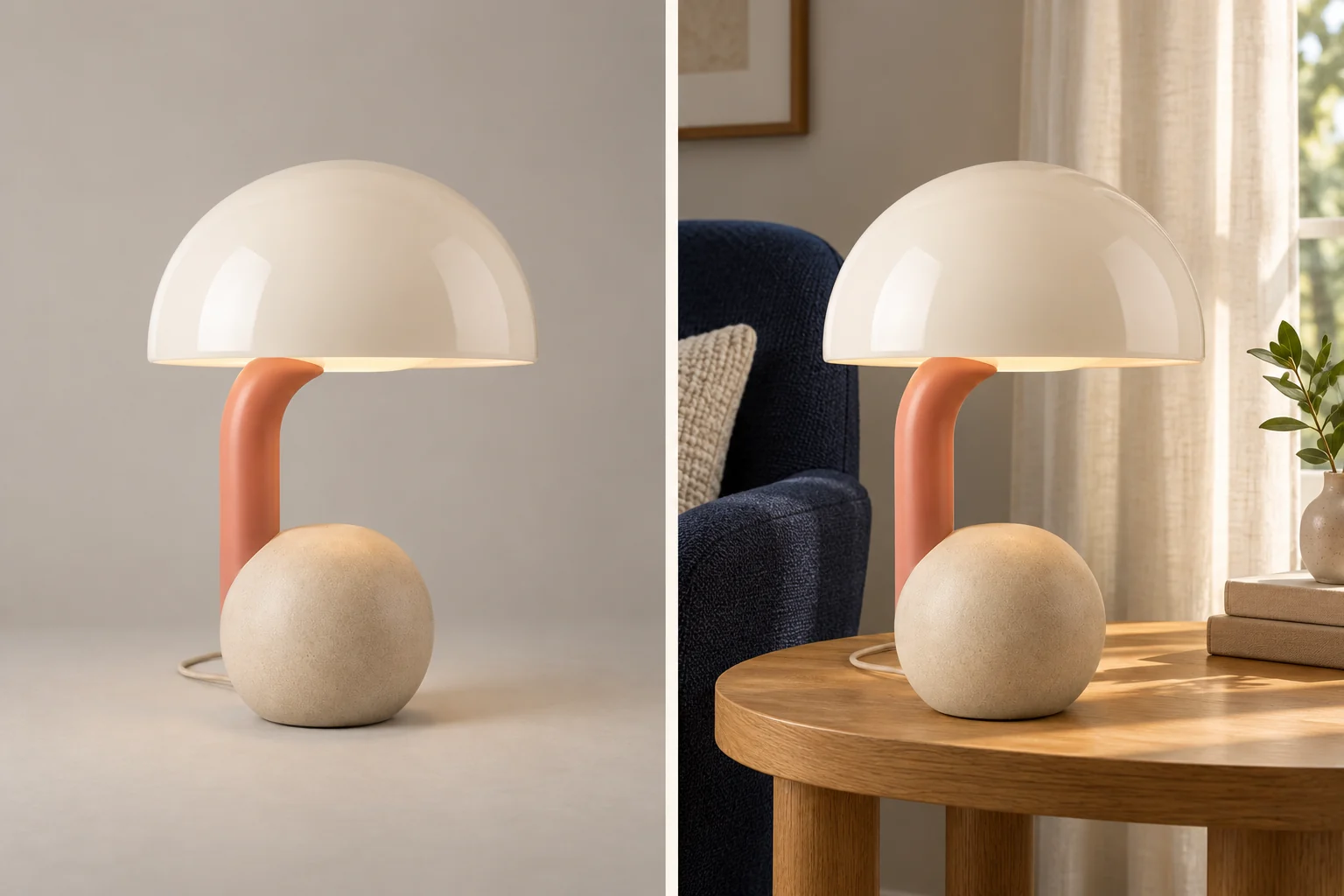
Use Nano Banana Pro to explore a composition from your own product, palette or subject references. Identify which image supplies the object and which supplies the setting, then name the details to preserve. The paired creative example shows the same sculptural lamp in a plain studio and a furnished reading corner, so the scene change is easy to compare.
Your Nano Banana Pro workflow
Build a Nano Banana Pro brief around one communication goal, then review the image at the size where it will appear.
01 / 03
Describe the scene and focal point
Give Nano Banana Pro a focal subject and clear surroundings. In the lighthouse example, the tower anchors the left, the sailboat sits on the open water and sunset light connects the scene. Describe those relationships before adding style details.
Write a brief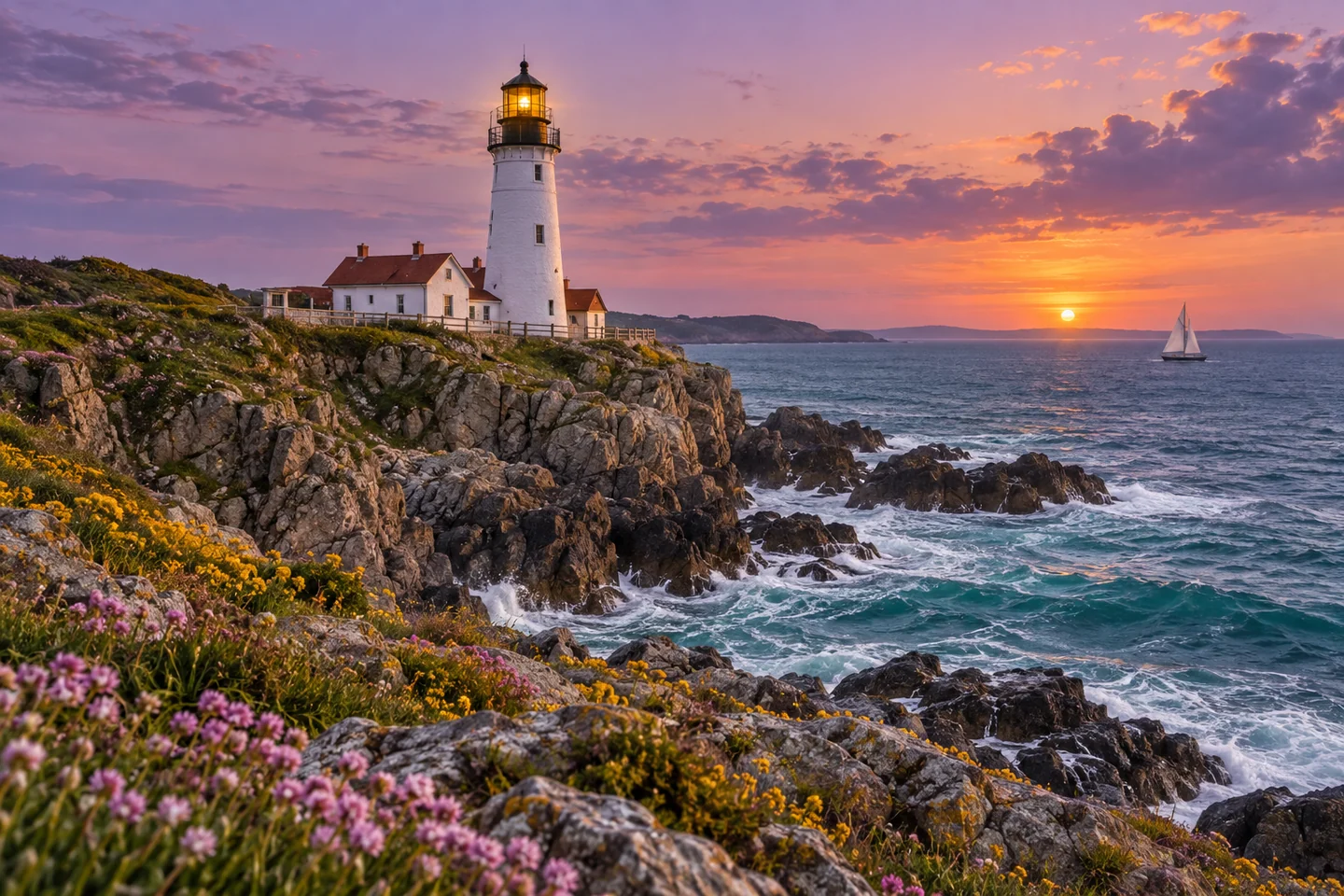
02 / 03
Choose the shape for the placement
Set a portrait, square or landscape composition to fit the intended placement. Give the subject room inside the frame so a later crop does not cut off the headline or important product details.
Choose a shape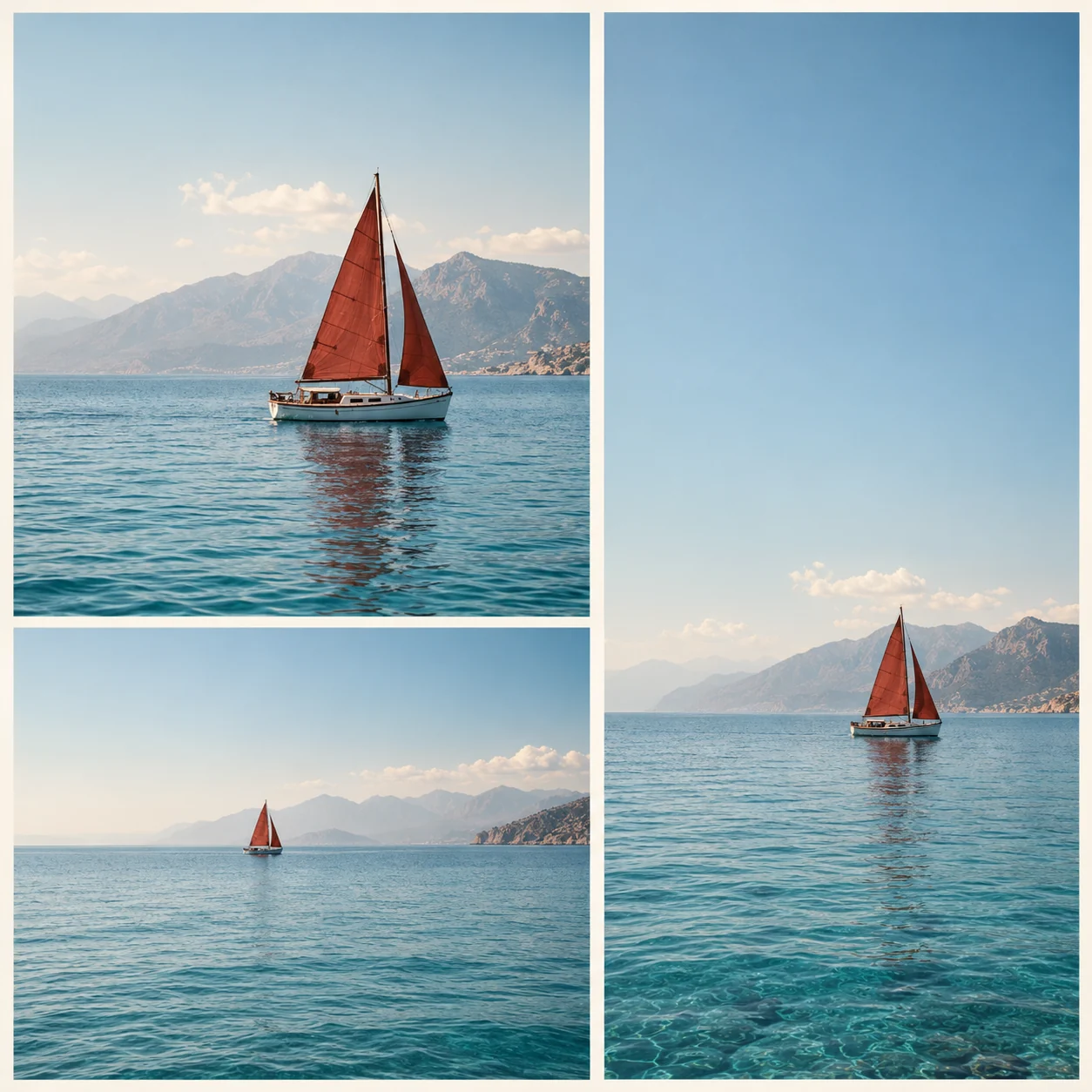
03 / 03
Inspect the details that carry the message
Review the Nano Banana Pro result for spelling, factual labels and product proportions. Compare an edit with its source—the lamp reference shows the silhouette and materials to check. Refine one issue at a time, or continue in the AI Image Editor.
Review a result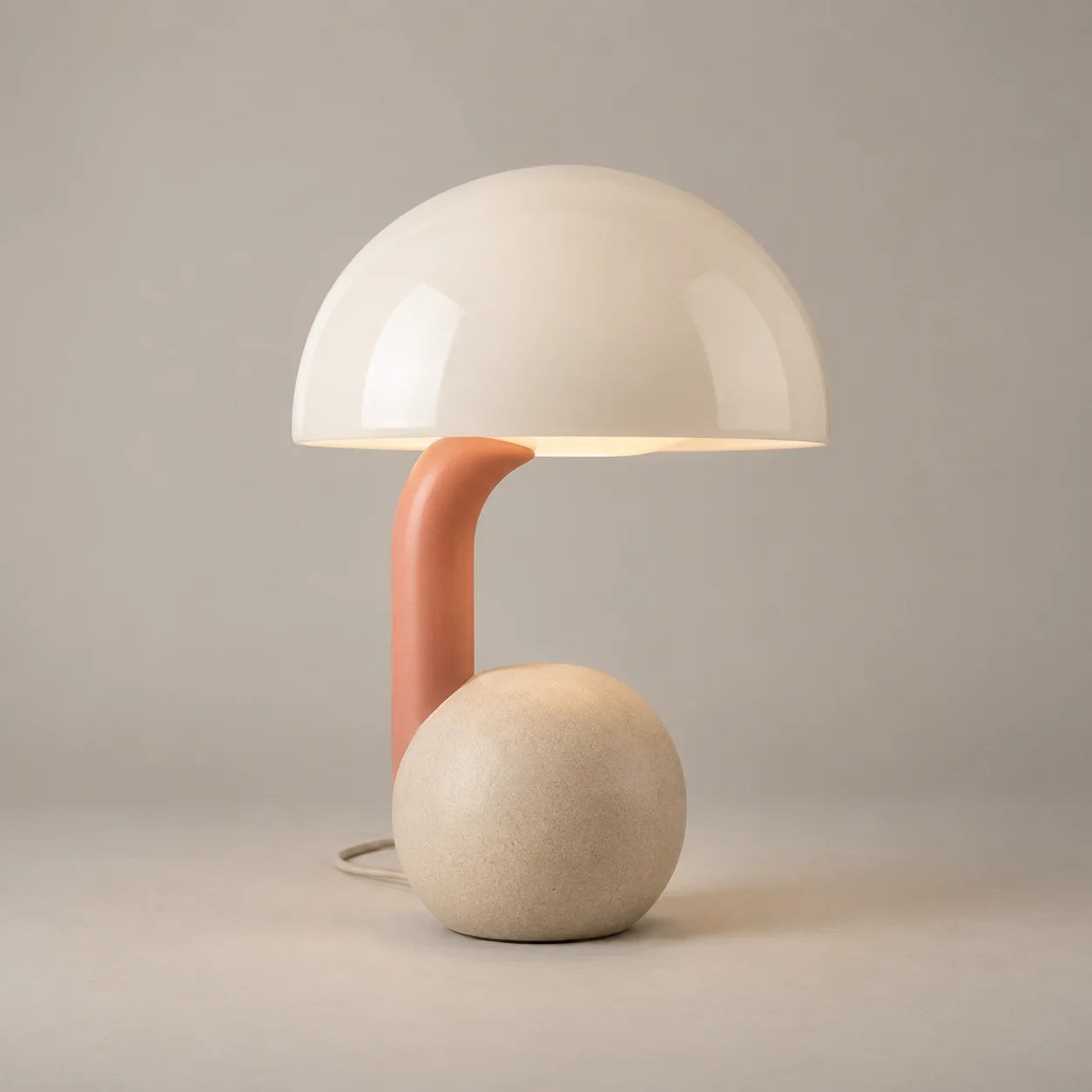
Explore AI image models
Annual plans · save 50%Match the model to your next image: compare output sizes, reference editing and the kind of composition you want to explore. Open a model page to see its current controls and credit quote.

A flexible starting point for new ideas, reference-led edits, and polished creative directions.
GPT Image 2
HOTA precise choice for detailed prompts, text-rich designs, controlled composition, and image-to-image work.

Text-rich layouts and multi-reference compositions in 1K, 2K or 4K.

Information layouts, spatially directed edits and commercial scenes in 1K or 2K.
Scene variations and flexible formats from 0.5K to 4K.
Fixed 1K concepts and focused reference edits.
Everyday reference edits and style transformations at 1K.
Visual reasoning, reference-led edits and illustrated explanations in 2K or 3K.
Where Nano Banana Pro fits
Choose Nano Banana Pro for a brief where wording, several visual ingredients or carefully directed light matter. These use cases suggest what to request, without promising a finished design on the first attempt.
Event and campaign posters
Ask for a headline, supporting copy and a clear hierarchy in one composition. Nano Banana Pro can explore a poster direction that gives the message a deliberate place beside the artwork.
Product combinations
Place a product reference in a new setting, or assign different references to several objects. Describe scale, contact shadows and the parts of the product that must remain recognizable.
Diagrams and explainers
Use Nano Banana Pro to turn supplied information into a visual draft with named sections and readable labels. Provide the facts yourself and review the relationships before using the image to teach or sell.
Language and art direction
Explore the same visual brief with different supplied text, lighting or palette. Nano Banana Pro is useful for testing whether the message and mood still work together before final layout production.
More images. Better value.
Choose monthly, yearly, or one-time credits.
Start free
$0
No payment details needed
Daily allowance · up to
3 images / day · 6 credits
A small daily allowance for occasional ideas.
- Daily credits expire; unused credits do not roll over
- Images saved for only 7 days
- Basic storage space
Pro
Recommended for regular creation
$20.00/month
Billed monthly
GPT Image 2 · 1K · up to
500 images
For individual creators making images throughout the month.
- Supports more models
- Credits valid for the paid month
- Permanent storage for all your assets
- Expanded workspace storage
- 1,000 credits each paid month
- Full downloads, no added watermark
Max
$80.00/month
Billed monthly
GPT Image 2 · 1K · up to
2,500 images
For higher-volume creation, more iterations, and larger image batches.
- Supports more models
- Credits valid for the paid month
- Permanent storage for all your assets
- Largest workspace storage
- 5,000 credits each paid month
- Full downloads, no added watermark
Start free
$0
No payment details needed
Daily allowance · up to
3 images / day · 6 credits
A small daily allowance for occasional ideas.
- Daily credits expire; unused credits do not roll over
- Images saved for only 7 days
- Basic storage space
Pro
Save 50%Recommended for regular creation
$10.00/month
$120.00 billed yearly
GPT Image 2 · 1K · up to
6,000 images
For individual creators making images throughout the month.
- Supports more models
- Annual credits valid for 12 months
- Permanent storage for all your assets
- Expanded workspace storage
- 12,000 credits delivered upfront each year
- Full downloads, no added watermark
Max
Save 50%$40.00/month
$480.00 billed yearly
GPT Image 2 · 1K · up to
30,000 images
For higher-volume creation, more iterations, and larger image batches.
- Supports more models
- Annual credits valid for 12 months
- Permanent storage for all your assets
- Largest workspace storage
- 60,000 credits delivered upfront each year
- Full downloads, no added watermark
Start free
$0
No payment details needed
Daily allowance · up to
3 images / day · 6 credits
A small daily allowance for occasional ideas.
- Daily credits expire; unused credits do not roll over
- Images saved for only 7 days
- Basic storage space
1,500 credits
$29.90
One-time payment
One purchase · up to
750 images with this pack
Add credits for a specific project without starting a subscription.
- Supports more models
- Credits valid for 180 days
- Permanent storage for all your assets
- Expanded workspace storage
- One-time packs do not renew automatically
- Full downloads, no added watermark
3,000 credits
$49.90
One-time payment
One purchase · up to
1,500 images with this pack
Add credits for a specific project without starting a subscription.
- Supports more models
- Credits valid for 180 days
- Permanent storage for all your assets
- Largest workspace storage
- One-time packs do not renew automatically
- Full downloads, no added watermark
Nano Banana Pro reviews — sample stories
Fictional creator scenarios with illustrative ratings, not customer reviews.

Sophie H.
Graphic Designer
“For a flyer concept, I include the headline and layout in my brief. I check every word before taking the design into a final layout.”

Daniel R.
Online Store Owner
“I want to explore a futuristic visor on a portrait. Keeping the face and lighting in the brief helps me decide what to compare.”

Maya C.
Content Creator
“For a handmade mug, I describe a cafe setting and list the handle, painted pattern and glaze as details to keep.”

Alex T.
Photographer
“A glass-jellyfish scene starts with a material brief: translucent edges, underwater light and a quiet background. I change one part of the brief at a time.”
Questions about Nano Banana Pro
Model choices, reference inputs, output options and using the result.
What is Nano Banana Pro?
Nano Banana Pro is Google’s Gemini 3 Pro Image model. This page connects to APIMart’s nano-banana-pro-ext channel for prompt generation and optional reference editing.
When should I choose Nano Banana Pro instead of Nano Banana?
Nano Banana Pro is a sensible starting point for text-led designs, multi-reference compositions and higher-resolution drafts. The original Nano Banana page offers fixed 1K output for everyday image work. Your best choice depends on the brief and the details you need to preserve.
Which output sizes can I choose here?
Nano Banana Pro offers 1K, 2K and 4K on iLoveAIImg, with 2K selected by default. Ten aspect ratios include square, portrait, landscape and 21:9; choose the shape before you generate.
How many references can Nano Banana Pro use here?
This workbench accepts up to 14 optional reference images. Explain what each contributes—such as the product, person, palette or setting. This is the limit of the current iLoveAIImg integration, rather than a universal limit across Google products.
How many credits does Nano Banana Pro cost?
The current iLoveAIImg quote is 8 credits per image at 1K or 2K and 10 credits at 4K. The workbench shows the applicable quote before submission; an available balance and the current usage rules determine whether you can submit.
How should I prompt Nano Banana Pro for text?
Put essential words in quotation marks and describe their size, position and reading order. Keep long paragraphs and tiny lettering out of the first draft. Check the final words and factual labels at full size before publishing.
Does this page search the web for my image?
No. The current Nano Banana Pro request does not enable web-search grounding. Supply the facts, dates and wording you want in the image instead of asking for live news, weather or automatically verified information.
How do I preserve a product when editing?
Add a clear reference and describe the shape, colors, material and label that should stay. Tell Nano Banana Pro to change the surroundings or one named element. Compare the output with the original; reference input does not guarantee every detail remains exact.
Is iLoveAIImg an official Google service?
No. iLoveAIImg is an independent service that accesses Nano Banana Pro through APIMart. Google’s model documentation describes upstream capabilities; this page explains the choices available in this workbench.
Are the example images Nano Banana Pro test results?
No. The displayed artwork is original AI-generated creative reference material made for these briefs. It is not verified output from Nano Banana Pro or a result generated with iLoveAIImg. The prompts are starting points to adapt, including your own reference images for editing.
How should I keep a result?
Download an important result to your device. Guests should save it before leaving; signed-in task history currently has a seven-day retention period. You can keep important files in Assets as well.
How does the guest trial work?
Eligible visitors receive trial credits when they enter, once per guest session. Each new guest image task requires verification; signed-in users generate without this verification. Paid credits are used first, then free credits cover any remainder. Unused daily free credits expire at the next UTC midnight, even if paid credits were used instead. If trial spending is paused or its budget is used up, your balance is kept.
Bring your brief to Nano Banana Pro
Start with the message your image needs to carry, then choose the references and composition. Review a Nano Banana Pro draft before refining the detail that matters.