

Seedream 5.0 Pro Generator & Image Editor
Give a commercial brief a clear visual form with Seedream 5.0 Pro. Plan the information hierarchy, direct materials and lighting, or bring a sketch into the iLoveAIImg workbench to explore a finished scene.
Seedream 5.0 Pro workbench
Create your result
Recent images
Review, continue editing, or download your results.

Seedream 5.0 Pro prompt inspiration
Explore creative references and bring a prompt into the generator.

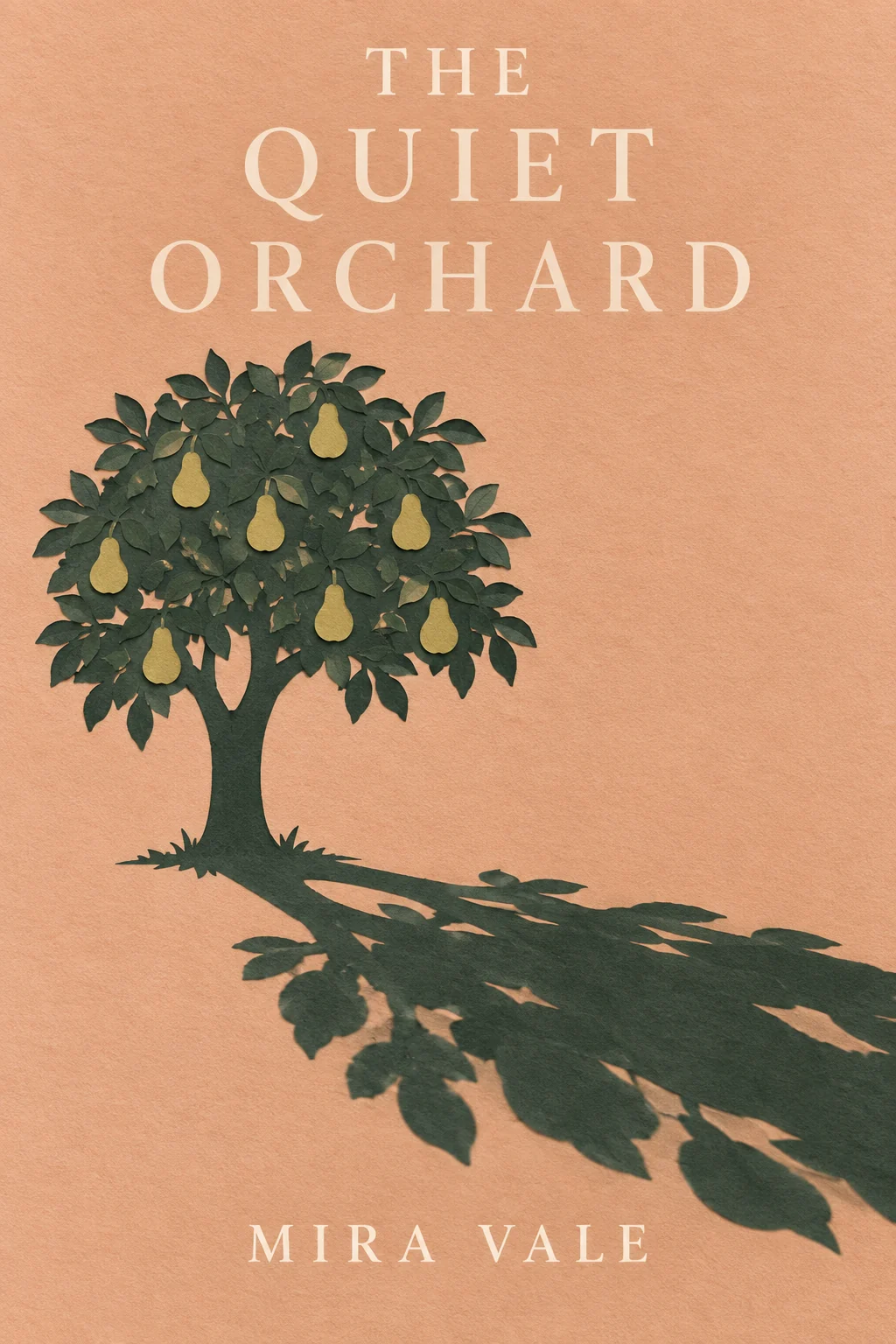
Two ways to direct Seedream 5.0 Pro
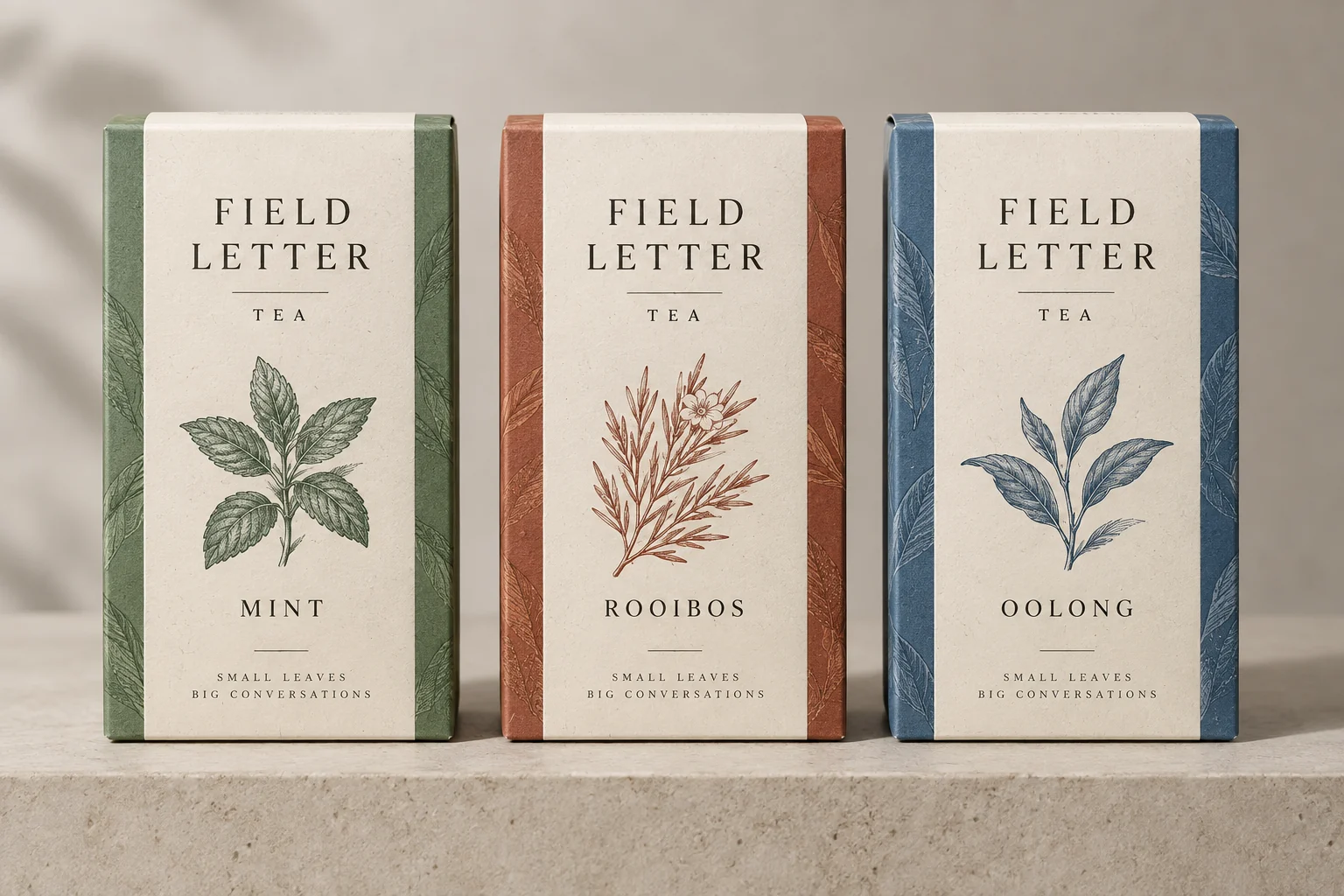
Give a product range one visual system
Ask Seedream 5.0 Pro for a coordinated packaging concept: a shared label hierarchy, distinct variant colors and consistent materials. This creative reference shows the kind of design decision to describe. Name the repeated elements before adding the differences, then compare the whole range in the result.

Carry a sketch into a finished room
Use Seedream 5.0 Pro with a sketch when furniture positions and the viewpoint are already decided. Ask for the materials and light you want while preserving those relationships. The creative comparison shows the intended transition; it gives you a concrete keep-list for reviewing your own reference-led result.
A brief-led Seedream 5.0 Pro workflow
Separate the message, the layout and the finishing details before asking Seedream 5.0 Pro for an image.
01 / 03
Describe the image and message
Tell Seedream 5.0 Pro which object and supporting details deserve attention. For a product brief, describe the materials, light and space around the bottle before adding a headline or layout direction.
Write a brief
02 / 03
Choose the placement
Set the output shape for a poster, presentation or product image. Give Seedream 5.0 Pro a clear center of interest, margins and the amount of surrounding context.
Choose a shape
03 / 03
Inspect the finishing details
Inspect faces, hands, object shapes and textures. Refine one issue with another focused prompt, or continue in the AI Image Editor for another directed pass.
Review a resultCompare AI image models
Annual plans · save 50%Choose a model for the job: a dense layout, reference-led edit, illustrated concept or product scene. Compare the available controls before starting.
Create posters, product scenes and reference-led edits in 1K, 2K or 4K.

A flexible starting point for new ideas, reference-led edits, and polished creative directions.
GPT Image 2
HOTA precise choice for detailed prompts, text-rich designs, controlled composition, and image-to-image work.

Text-rich layouts and multi-reference compositions in 1K, 2K or 4K.

Information layouts, spatially directed edits and commercial scenes in 1K or 2K.
Scene variations and flexible formats from 0.5K to 4K.
Fixed 1K concepts and focused reference edits.
Everyday reference edits and style transformations at 1K.
Visual reasoning, reference-led edits and illustrated explanations in 2K or 3K.
Where Seedream 5.0 Pro fits
Choose Seedream 5.0 Pro when the brief combines an image with a deliberate design decision: hierarchy, placement, material or light.
Commercial product direction
Explore glass, fabric, packaging and reflective surfaces. Specify the camera and lighting so the result answers a campaign question.
Information-rich layouts
Bring Seedream 5.0 Pro a supplied set of labels, sections and relationships for a diagram or poster. Explain what belongs together before describing the decorative style.
Sketch-led scene design
Give Seedream 5.0 Pro a drawing to establish the room, object positions and perspective. Describe the material changes that turn the arrangement into a rendered concept.
Editorial photography
Direct the scene with a subject, activity, motivated light and believable setting. Ask for natural materials and a specific mood rather than a generic cinematic finish.
More images. Better value.
Choose monthly, yearly, or one-time credits.
Start free
$0
No payment details needed
Daily allowance · up to
3 images / day · 6 credits
A small daily allowance for occasional ideas.
- Daily credits expire; unused credits do not roll over
- Images saved for only 7 days
- Basic storage space
Pro
Recommended for regular creation
$20.00/month
Billed monthly
GPT Image 2 · 1K · up to
500 images
For individual creators making images throughout the month.
- Supports more models
- Credits valid for the paid month
- Permanent storage for all your assets
- Expanded workspace storage
- 1,000 credits each paid month
- Full downloads, no added watermark
Max
$80.00/month
Billed monthly
GPT Image 2 · 1K · up to
2,500 images
For higher-volume creation, more iterations, and larger image batches.
- Supports more models
- Credits valid for the paid month
- Permanent storage for all your assets
- Largest workspace storage
- 5,000 credits each paid month
- Full downloads, no added watermark
Start free
$0
No payment details needed
Daily allowance · up to
3 images / day · 6 credits
A small daily allowance for occasional ideas.
- Daily credits expire; unused credits do not roll over
- Images saved for only 7 days
- Basic storage space
Pro
Save 50%Recommended for regular creation
$10.00/month
$120.00 billed yearly
GPT Image 2 · 1K · up to
6,000 images
For individual creators making images throughout the month.
- Supports more models
- Annual credits valid for 12 months
- Permanent storage for all your assets
- Expanded workspace storage
- 12,000 credits delivered upfront each year
- Full downloads, no added watermark
Max
Save 50%$40.00/month
$480.00 billed yearly
GPT Image 2 · 1K · up to
30,000 images
For higher-volume creation, more iterations, and larger image batches.
- Supports more models
- Annual credits valid for 12 months
- Permanent storage for all your assets
- Largest workspace storage
- 60,000 credits delivered upfront each year
- Full downloads, no added watermark
Start free
$0
No payment details needed
Daily allowance · up to
3 images / day · 6 credits
A small daily allowance for occasional ideas.
- Daily credits expire; unused credits do not roll over
- Images saved for only 7 days
- Basic storage space
1,500 credits
$29.90
One-time payment
One purchase · up to
750 images with this pack
Add credits for a specific project without starting a subscription.
- Supports more models
- Credits valid for 180 days
- Permanent storage for all your assets
- Expanded workspace storage
- One-time packs do not renew automatically
- Full downloads, no added watermark
3,000 credits
$49.90
One-time payment
One purchase · up to
1,500 images with this pack
Add credits for a specific project without starting a subscription.
- Supports more models
- Credits valid for 180 days
- Permanent storage for all your assets
- Largest workspace storage
- One-time packs do not renew automatically
- Full downloads, no added watermark
Seedream 5.0 Pro reviews — sample stories
Fictional creator scenarios with illustrative ratings, not customer reviews.

Sophie H.
Graphic Designer
“For a cafe portrait, I describe window light, skin texture and the coffee cup. I compare the details before selecting a direction.”

Daniel R.
Online Store Owner
“I want an overhead food composition, so I name the camera angle before the dishes and table setting.”

Maya C.
Content Creator
“For a bilingual poster idea, I specify the text and hierarchy. I check both languages before preparing the final design.”

Alex T.
Photographer
“An infographic concept needs room for labels and a clear reading order. I review the small text separately from the overall composition.”
Questions about Seedream 5.0 Pro
Practical answers about this model, references, output choices and reviewing the image before use.
What is Seedream 5.0 Pro?
Seedream 5.0 Pro is ByteDance’s image generation and editing model for design-oriented work. Here it runs through APIMart as doubao-seedream-5-0-pro, using a prompt and optional reference images.
Can Seedream 5.0 Pro start from text alone?
Yes. Write the image brief without a reference, or attach images when a subject, layout or style needs to carry into the result. Name the role of each reference in the prompt.
How many references does Seedream 5.0 Pro accept here?
The current iLoveAIImg workbench accepts up to 10 optional reference images. Seedream 5.0 Pro includes the first reference in its base quote; additional references can change the displayed cost.
Which Seedream 5.0 Pro output sizes are available?
This page offers 1K and 2K with eight supported aspect ratios; 2K is the default. Seedream 5.0 Pro does not offer a 4K option in this iLoveAIImg integration.
Can Seedream 5.0 Pro make precise text and diagrams?
ByteDance demonstrates dense layouts, multilingual text and spatial editing. Seedream 5.0 Pro still needs checking for spelling, small labels, factual relationships and details outside the requested edit. Supply the facts rather than asking a diagram to invent them.
How are Seedream 5.0 Pro credits calculated?
The current base quote is 9 credits for 1K or 17 credits for 2K. Extra references beyond the first add provider cost before the total is converted to credits and rounded up; there is no fixed one-credit surcharge per reference. Check the quote before submitting.
Should I choose Seedream 5.0 Pro or Lite?
Seedream 5.0 Pro emphasizes dense information, spatial direction and commercial design. Lite emphasizes visual reasoning and reference-led generation. Here Pro offers 1K/2K and Lite offers 2K/3K; the names do not rank the available resolution or prove which will be faster for your task.
Does Seedream 5.0 Pro export layers or use live search here?
This workbench returns an image. It does not expose a layer editor, PSD export or a search switch. Official demonstrations of other interfaces do not establish those controls in iLoveAIImg.
How long are Seedream 5.0 Pro results retained?
Guests should download before leaving. Signed-in task history currently has a seven-day retention period; keep important files on your device or in Assets.
Are the Seedream 5.0 Pro examples verified model results?
No. The Flaq.ai examples are MIT-licensed original creative references with the license retained; their generation notes do not expose a model ID. The sketch comparison is an original Codex-generated illustration. These show prompt intentions, not verified Seedream 5.0 Pro or iLoveAIImg outputs.
How does the guest trial work?
Eligible visitors receive trial credits when they enter, once per guest session. Each new guest image task requires verification; signed-in users generate without this verification. Paid credits are used first, then free credits cover any remainder. Unused daily free credits expire at the next UTC midnight, even if paid credits were used instead. If trial spending is paused or its budget is used up, your balance is kept.
Shape your next Seedream 5.0 Pro brief
Bring the hierarchy, product direction or sketch you want to explore. Start with Seedream 5.0 Pro, then refine the details that determine whether the image works.