A flexible starting point for new ideas, reference-led edits, and polished creative directions.
Model guide + image workspace
Free AI Image Models for the Work You Need | iLoveAIImg
Explore free AI image models on iLoveAIImg by the work you need to do. Choose a model for precise layouts, product scenes, consistent characters, cinematic direction, or quick drafts, then test the same prompt in the workspace.
GPT Image 2.5 Generator workbench
Model
Compare AI image models with one brief when you want a different visual direction. Your prompt and reference images stay with the workbench.
Free AI Image Models on iLoveAIImg
Annual plans · save 50%Choose among free AI image models on iLoveAIImg by the result you need—not by a spec sheet. Compare prompt following, editing control, character consistency, cinematic direction, and iteration speed in one workspace.
GPT Image 2
HOTA precise choice for detailed prompts, text-rich designs, controlled composition, and image-to-image work.

Nano Banana Pro
PROBuilt for high-detail campaign visuals, multi-reference direction, and carefully shaped product scenes.

Seedream 5.0 Pro
PROA cinematic option for editorial portraits, atmospheric scenes, and art direction with a strong visual finish.
Nano Banana 2
NEWUseful when a subject needs to stay recognizable across references, scenes, and wider creative formats.
Nano Banana 2 Lite
FASTA practical model for quick concepts, everyday edits, and testing several directions before committing.
Nano Banana
FASTNatural-language generation and edits for storyboards, character changes, and focused photo adjustments.
Seedream 5.0 Lite
NEWA lighter cinematic direction for exploring mood, light, fashion, and editorial-style scenes.
Prompt references by model
Get inspired, then make it your own
Browse self-generated visual directions based on model-specific prompt references. Choose a direction, then send its prompt and model straight to the workspace.
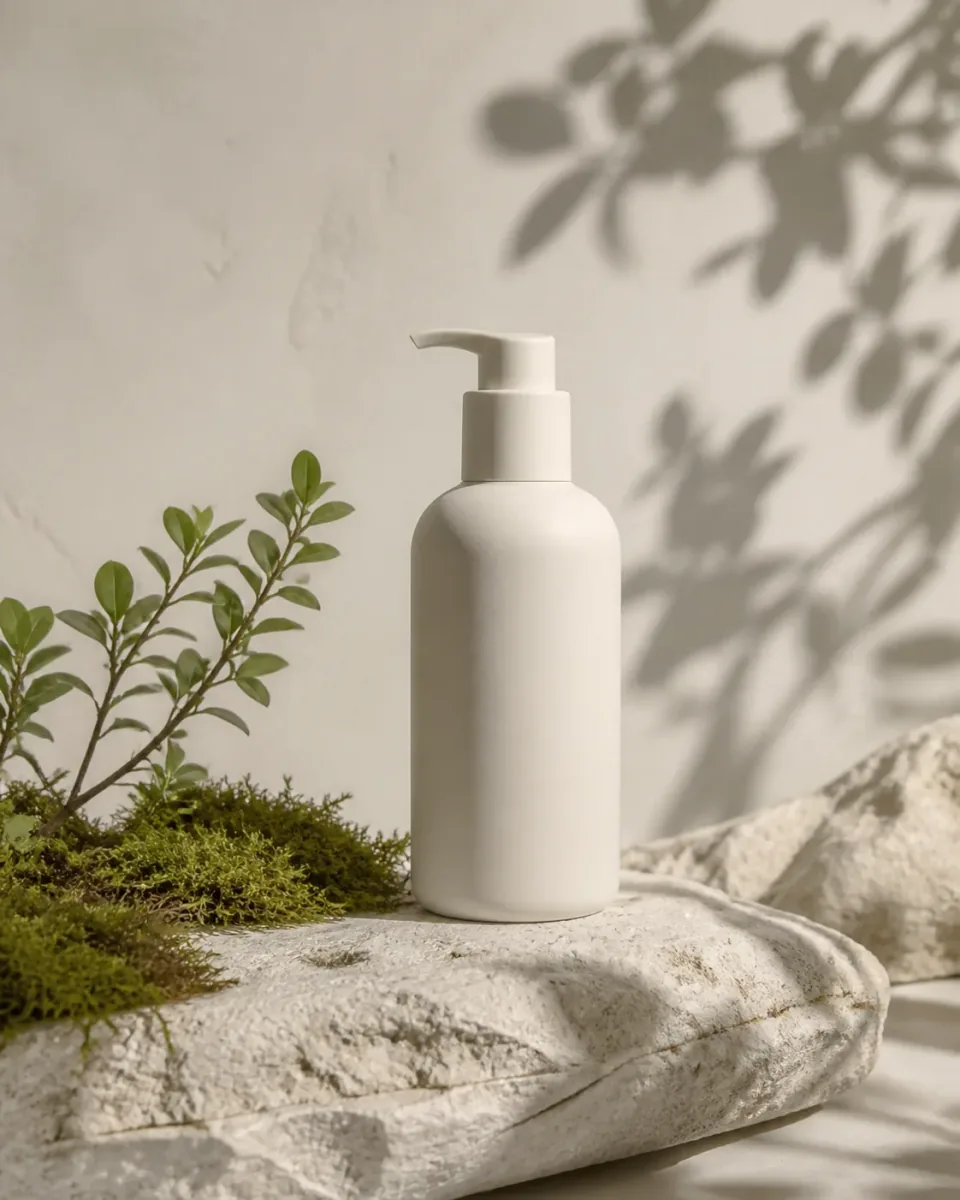
Open model prompt references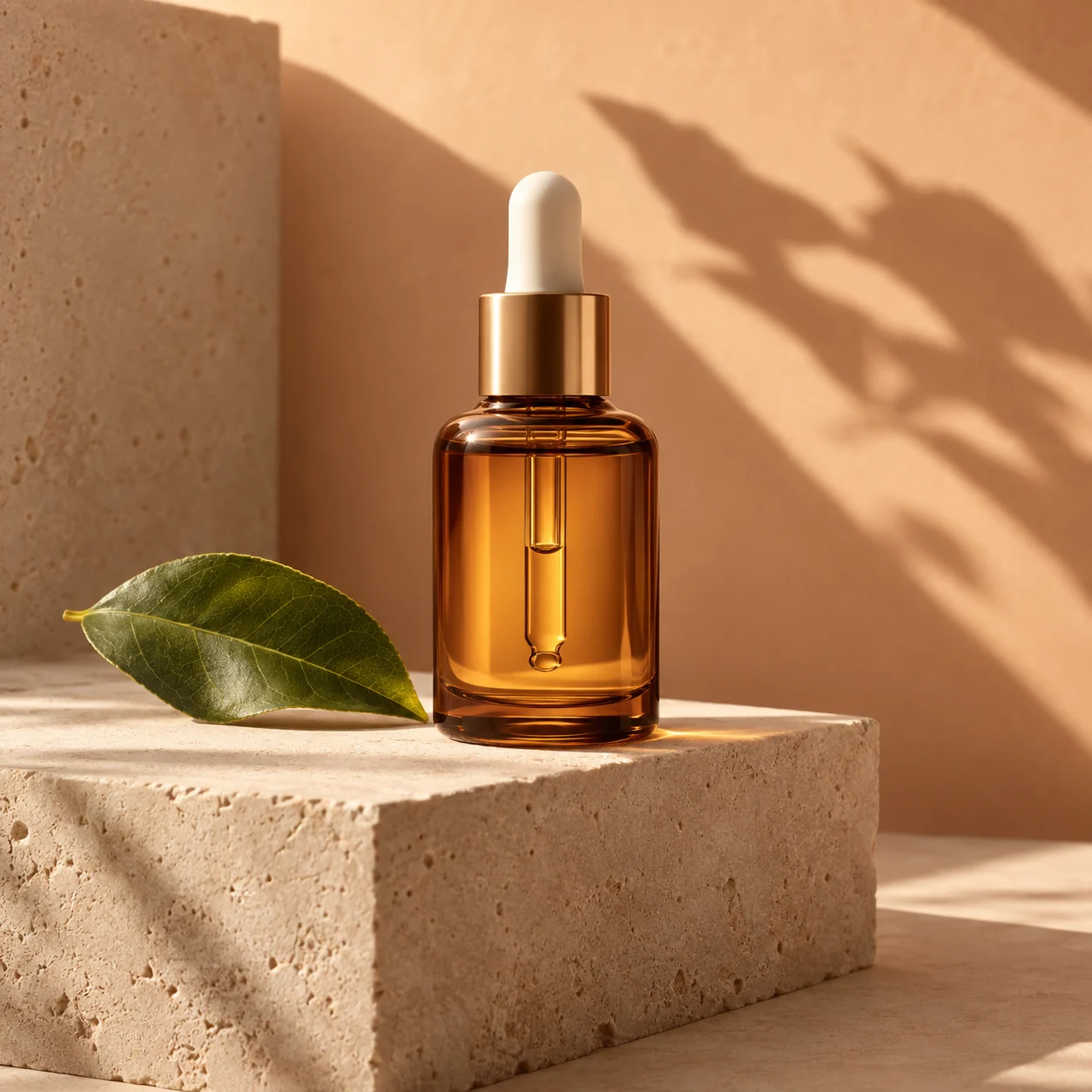
A product scene with a clear point of view
Warm light, material, and one hero product keep a campaign image focused.
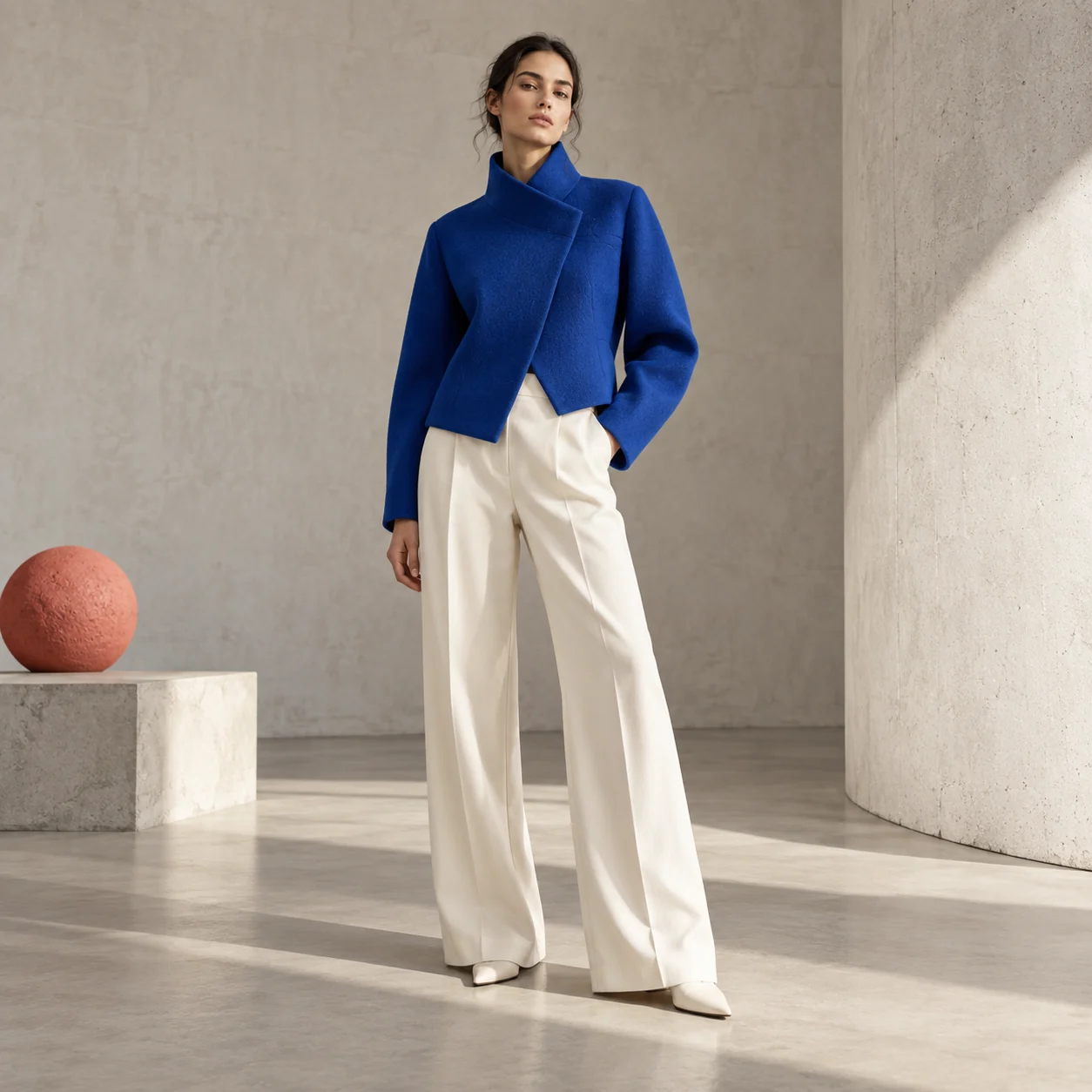
An editorial lookbook frame
Clean styling, controlled composition, and a strong silhouette make the direction easy to refine.
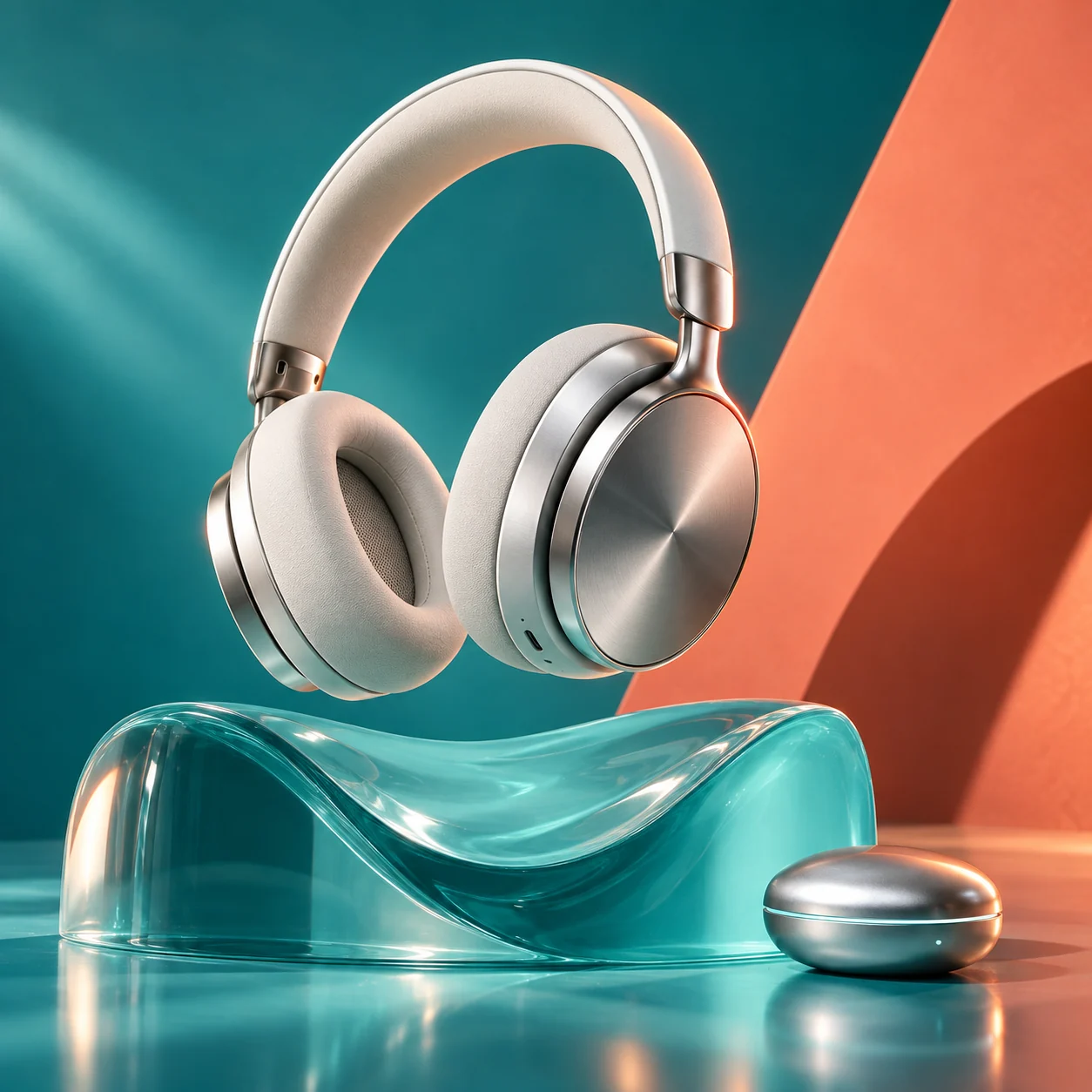
A premium product campaign
Material, lighting, and a single hero object make fine detail easy to judge.
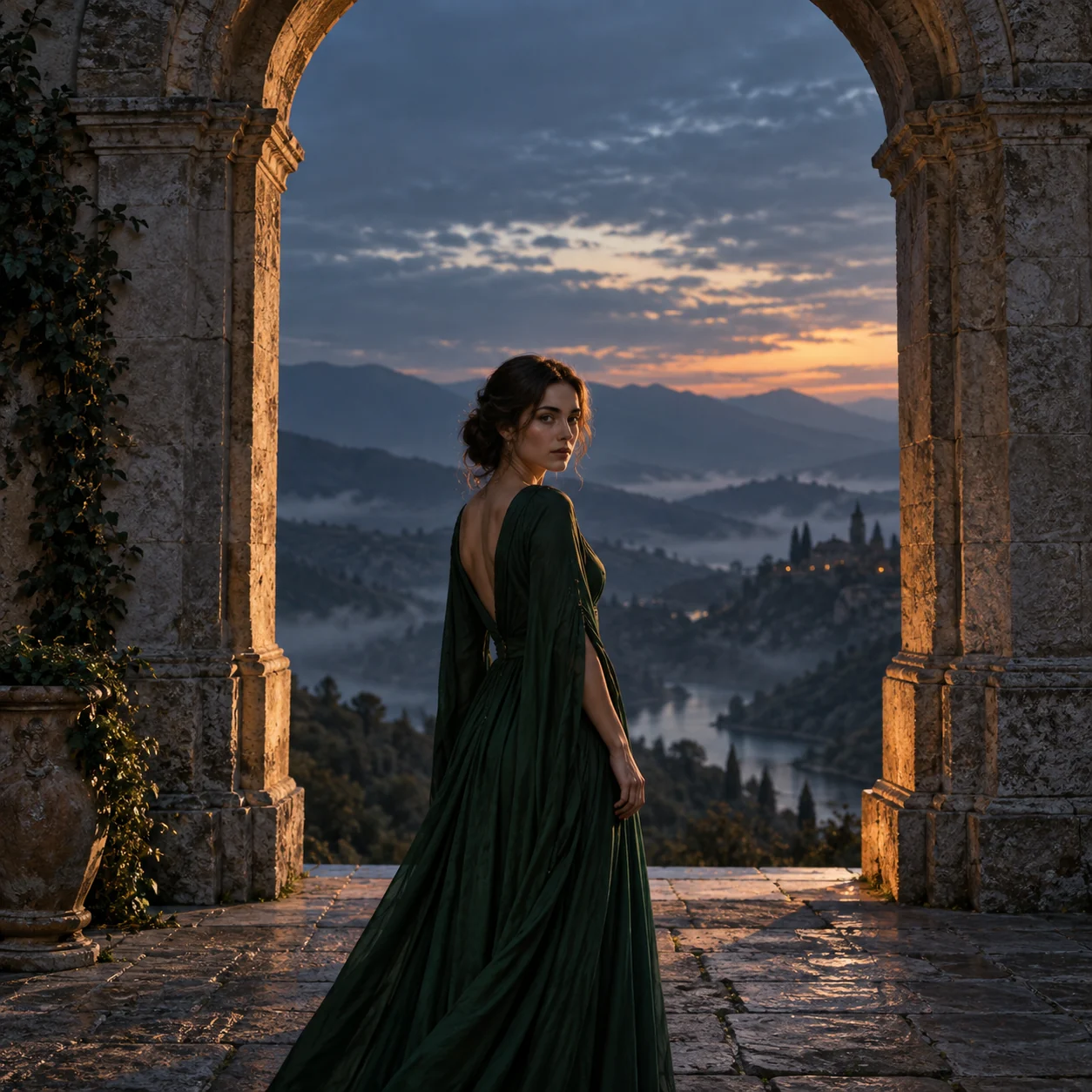
A cinematic portrait at dusk
Architecture, atmosphere, and controlled light turn a portrait into an editorial frame.
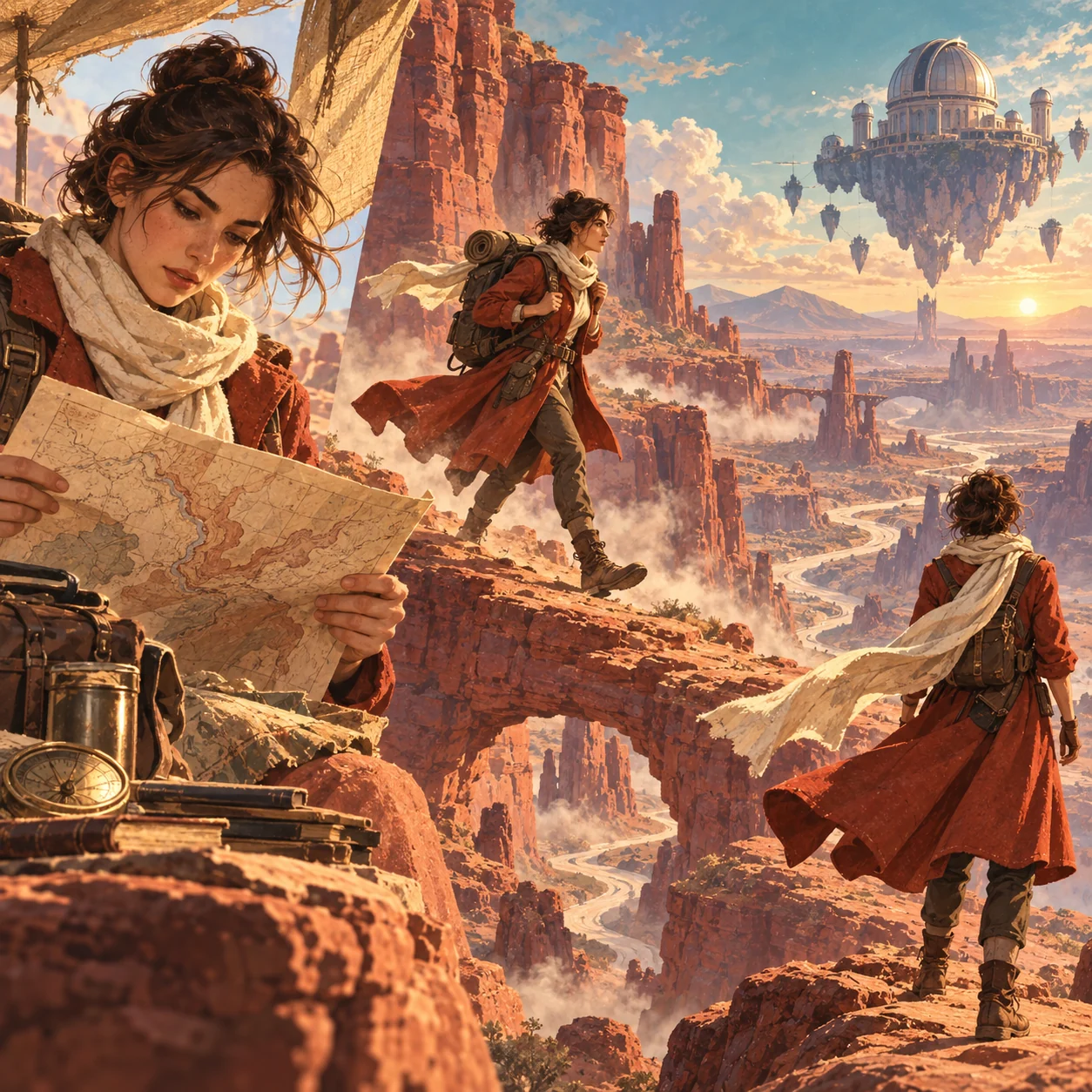
A story told in one frame
A consistent character, clear movement, and a large setting give a prompt narrative energy.
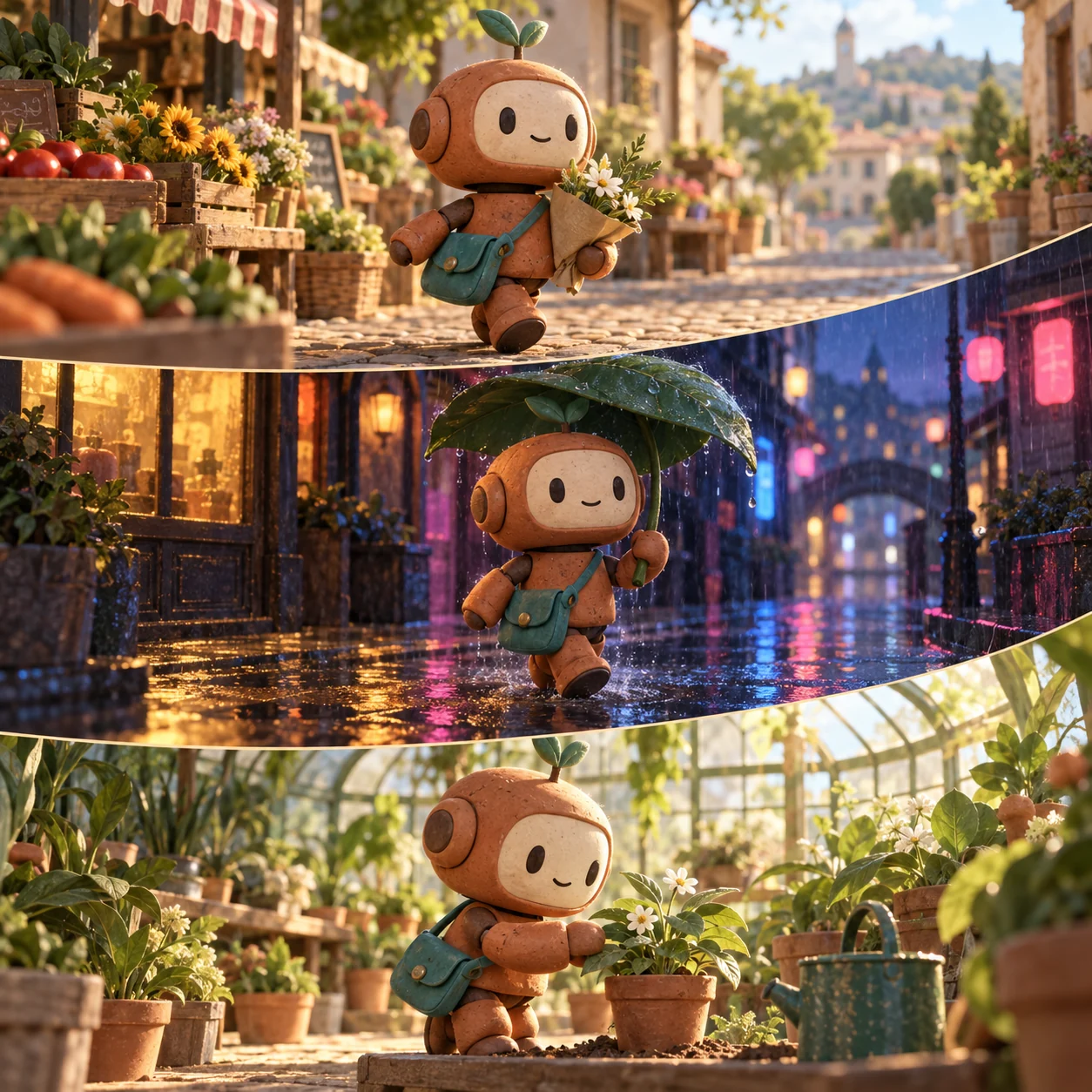
One character, three settings
Keep the subject recognizable while changing the environment, weather, and feeling around it.
Explore what these models can help you make
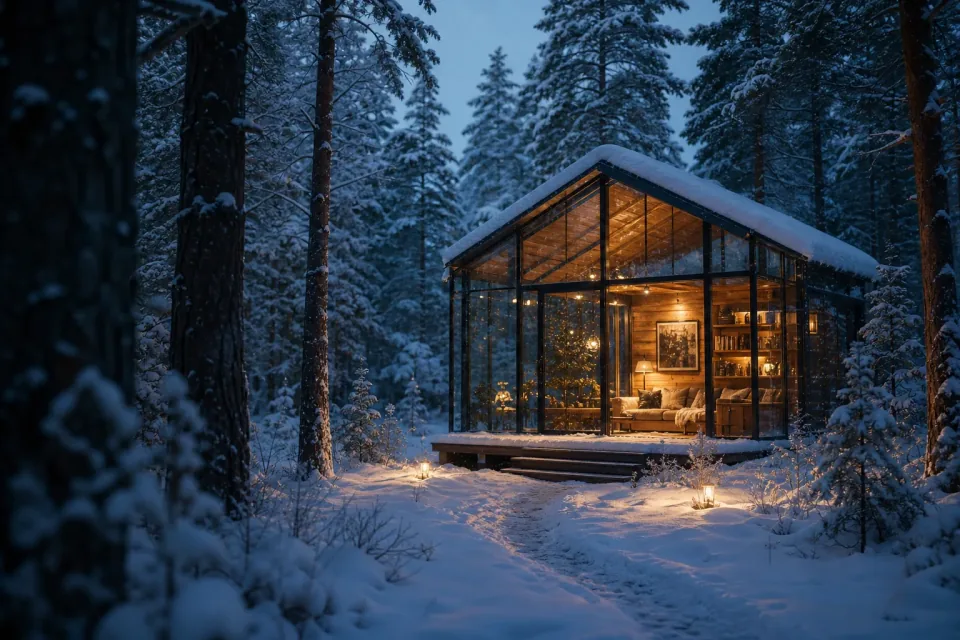
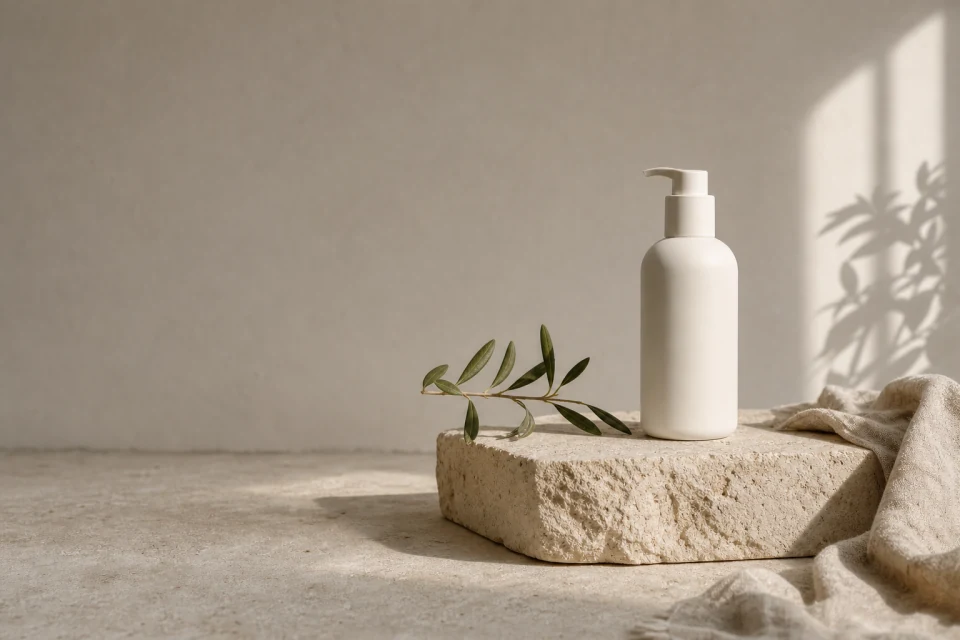
Turn a product idea into a campaign scene
Give a product a setting, mood, and visual direction with room for the copy your campaign needs. Start with GPT Image 2.5 or GPT Image 2.
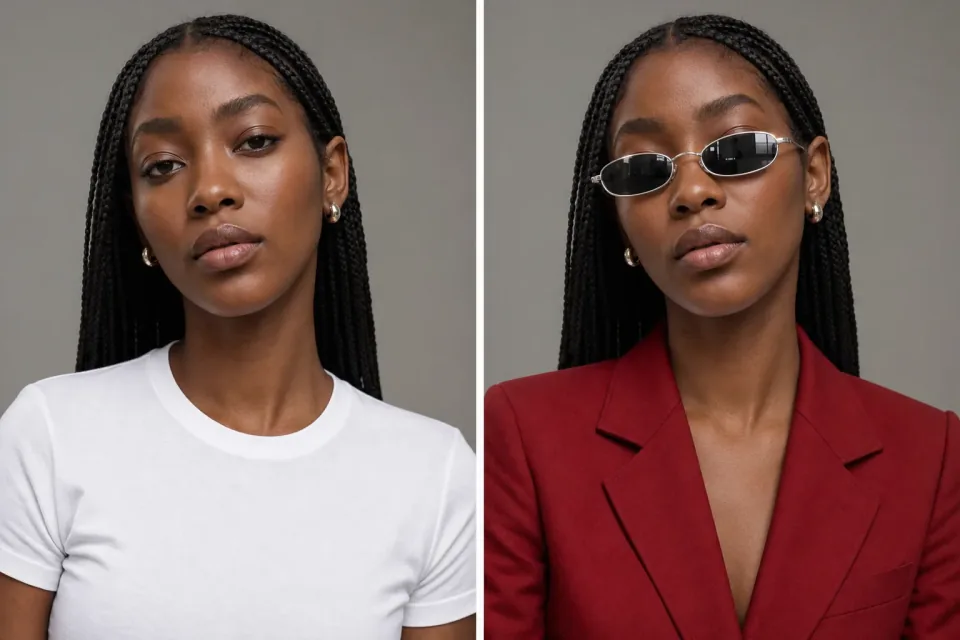
Move a character into a new world
Keep the visual identity that makes a character recognizable while changing the scene, atmosphere, or story around them. Try Nano Banana with references.
Build a cinematic visual direction
Start with light, palette, and camera language, then explore a polished editorial or campaign frame with Seedream 5.0 Pro.
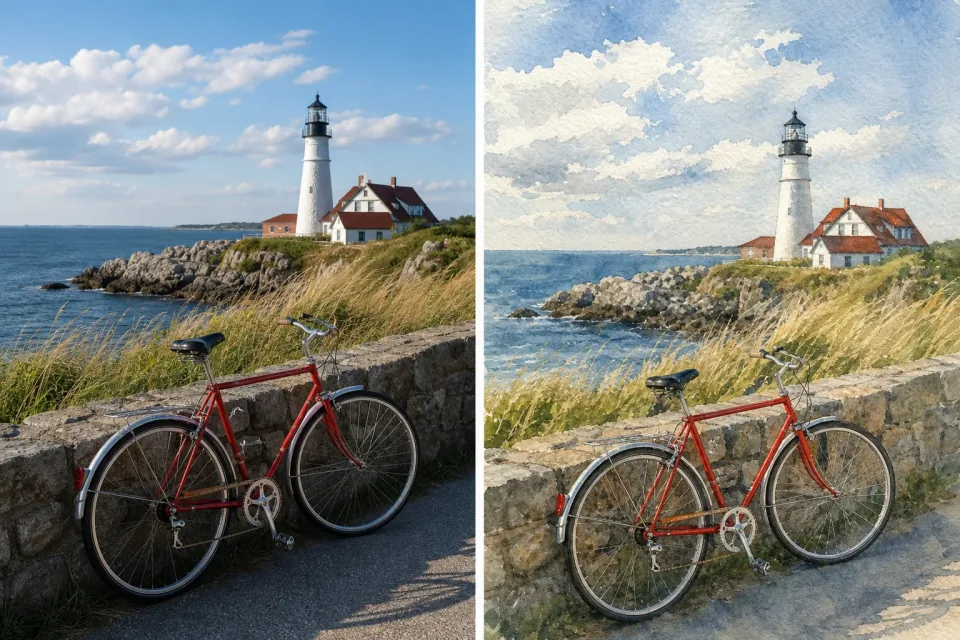
Keep the subject, change the feeling
Bring an existing photo into a new setting, style, or color direction. Use AI Image Editor when the source image needs to stay recognizable.
More images. Better value.
Choose monthly, yearly, or one-time credits.
Start free
$0
No payment details needed
Daily allowance · up to
3 images / day · 6 credits
A small daily allowance for occasional ideas.
- Daily credits expire; unused credits do not roll over
- Images saved for only 7 days
- Basic storage space
Pro
Recommended for regular creation
$20.00/month
Billed monthly
GPT Image 2 · 1K · up to
500 images
For individual creators making images throughout the month.
- Supports more models
- Credits valid for the paid month
- Permanent storage for all your assets
- Expanded workspace storage
- 1,000 credits each paid month
- Full downloads, no added watermark
Max
$80.00/month
Billed monthly
GPT Image 2 · 1K · up to
2,500 images
For higher-volume creation, more iterations, and larger image batches.
- Supports more models
- Credits valid for the paid month
- Permanent storage for all your assets
- Largest workspace storage
- 5,000 credits each paid month
- Full downloads, no added watermark
Start free
$0
No payment details needed
Daily allowance · up to
3 images / day · 6 credits
A small daily allowance for occasional ideas.
- Daily credits expire; unused credits do not roll over
- Images saved for only 7 days
- Basic storage space
Pro
Save 50%Recommended for regular creation
$10.00/month
$120.00 billed yearly
GPT Image 2 · 1K · up to
6,000 images
For individual creators making images throughout the month.
- Supports more models
- Annual credits valid for 12 months
- Permanent storage for all your assets
- Expanded workspace storage
- 12,000 credits delivered upfront each year
- Full downloads, no added watermark
Max
Save 50%$40.00/month
$480.00 billed yearly
GPT Image 2 · 1K · up to
30,000 images
For higher-volume creation, more iterations, and larger image batches.
- Supports more models
- Annual credits valid for 12 months
- Permanent storage for all your assets
- Largest workspace storage
- 60,000 credits delivered upfront each year
- Full downloads, no added watermark
Start free
$0
No payment details needed
Daily allowance · up to
3 images / day · 6 credits
A small daily allowance for occasional ideas.
- Daily credits expire; unused credits do not roll over
- Images saved for only 7 days
- Basic storage space
1,500 credits
$29.90
One-time payment
One purchase · up to
750 images with this pack
Add credits for a specific project without starting a subscription.
- Supports more models
- Credits valid for 180 days
- Permanent storage for all your assets
- Expanded workspace storage
- One-time packs do not renew automatically
- Full downloads, no added watermark
3,000 credits
$49.90
One-time payment
One purchase · up to
1,500 images with this pack
Add credits for a specific project without starting a subscription.
- Supports more models
- Credits valid for 180 days
- Permanent storage for all your assets
- Largest workspace storage
- One-time packs do not renew automatically
- Full downloads, no added watermark
Choosing and using AI image models
A few practical answers before you start comparing.
Which model should I try first?
Start with GPT Image 2.5 Flare for a flexible new direction and reference-led work. Compare AI image models with the same brief, then try GPT Image 2 when the request depends on precise instructions, text-rich layouts, or controlled composition.
Which model fits text-rich designs and controlled layouts?
GPT Image 2 is the clearest choice when the prompt has many precise parts or the image needs readable text. GPT Image 2.5 is a flexible alternative when you want to explore a visual direction while keeping reference-led edits in the same brief.
Which model is best for consistent characters?
Try Nano Banana for natural-language edits and character changes, or Nano Banana 2 when the scene needs more references and a wider visual format. Keep the character-defining references in the workbench.
Which model fits cinematic or editorial scenes?
Seedream 5.0 Pro is a strong fit for cinematic portraits, editorial atmosphere, and art-directed scenes. Seedream 5.0 Lite is useful when you want to explore light, mood, and style before settling on a direction.
Can I try the models on this page?
Yes. The image workspace at the top uses the same published AI image models. Write a prompt, add references if they help, and switch models while keeping the brief in place.
Can I compare the same brief across AI image models?
Yes. Keep the prompt and visual goal consistent, then change the model in the workspace. Compare the result for the details that matter to your task, such as composition, lettering, character identity, or atmosphere.
How do credits and pricing work?
Available free credits follow the current model estimate. Before you create, the workbench shows the cost for the selected model and output choice. Choose monthly, yearly, or one-time credits.
Find your model by making something
Choose among AI image models by the work you need to do, try one with your own brief, and keep refining the direction that gives you a useful image.