iLoveAIImg
See what you can create with ILoveAIImg credits
Compare plans by the images you want to make. See supported models, practical credit estimates, editing tools, storage, and billing terms before you pay.
More images. Better value.
Choose monthly, yearly, or one-time credits.
Start free
No payment details needed
A small daily allowance for occasional ideas.
- Daily credits expire; unused credits do not roll over
- Images saved for only 7 days
- Basic storage space
Pro
Recommended for regular creation
Billed monthly
For individual creators making images throughout the month.
- Supports more models
- Credits valid for the paid month
- Permanent storage for all your assets
- Expanded workspace storage
- 1,000 credits each paid month
- Full downloads, no added watermark
Max
Billed monthly
For higher-volume creation, more iterations, and larger image batches.
- Supports more models
- Credits valid for the paid month
- Permanent storage for all your assets
- Largest workspace storage
- 5,000 credits each paid month
- Full downloads, no added watermark
Start free
No payment details needed
A small daily allowance for occasional ideas.
- Daily credits expire; unused credits do not roll over
- Images saved for only 7 days
- Basic storage space
Pro
Save 50%Recommended for regular creation
$120.00 billed yearly
For individual creators making images throughout the month.
- Supports more models
- Annual credits valid for 12 months
- Permanent storage for all your assets
- Expanded workspace storage
- 12,000 credits delivered upfront each year
- Full downloads, no added watermark
Max
Save 50%$480.00 billed yearly
For higher-volume creation, more iterations, and larger image batches.
- Supports more models
- Annual credits valid for 12 months
- Permanent storage for all your assets
- Largest workspace storage
- 60,000 credits delivered upfront each year
- Full downloads, no added watermark
Start free
No payment details needed
A small daily allowance for occasional ideas.
- Daily credits expire; unused credits do not roll over
- Images saved for only 7 days
- Basic storage space
1,500 credits
One-time payment
Add credits for a specific project without starting a subscription.
- Supports more models
- Credits valid for 180 days
- Permanent storage for all your assets
- Expanded workspace storage
- One-time packs do not renew automatically
- Full downloads, no added watermark
3,000 credits
One-time payment
Add credits for a specific project without starting a subscription.
- Supports more models
- Credits valid for 180 days
- Permanent storage for all your assets
- Largest workspace storage
- One-time packs do not renew automatically
- Full downloads, no added watermark
One credit balance for generating, editing, and removing backgrounds

Generate a new image from a clear idea
Choose an available image model, write the scene you want, and select the size and shape before you submit. The current credit cost appears in the workbench so each generation starts with a visible price.

Start with your image and change what you need
Upload an existing image and describe the change in words. Try a new outfit, setting, color, or composition, then review the result before downloading it or continuing with another version.

Prepare a clean cutout for the next design
Remove the background from a product, portrait, or object and receive a transparent PNG. Inspect edges at full size, then move the cutout into a listing, campaign, slide, or new image composition.
Choose a model for the result you need
Paid credits work across the image models currently available in ILoveAIImg. Compare how each model follows your prompt, works with reference images, handles edits, and supports different resolutions before choosing one in the generator.
 NEW
NEWGPT Image 2.5
Create images and refine references with Flare, at the same credit cost as GPT Image 2.
- Generate and edit
- Up to 16 references
- 1K–4K

GPT Image 2
Precise prompts, clean in-image text, and product-ready edits.
- Generate and edit
- Up to 16 references
- 1K–4K
 PRO
PRONano Banana Pro
High-detail 1K–4K generation for polished campaign visuals.
- 1K–4K output
- Up to 14 references
- Professional detail
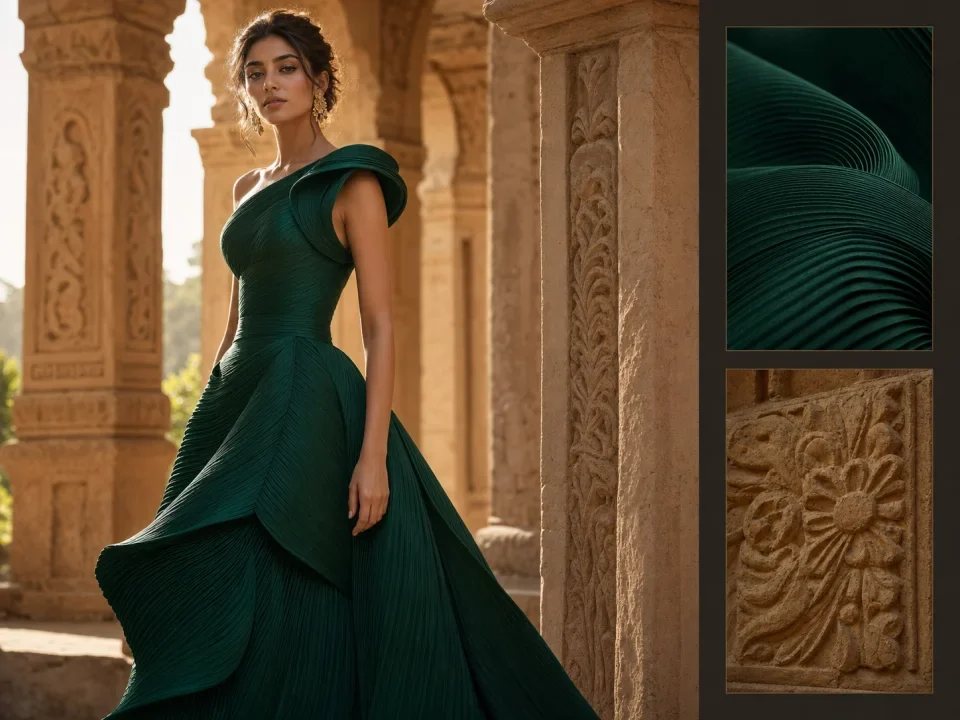 PRO
PROSeedream 5.0 Pro
Professional 1K/2K generation with cinematic detail and multi-reference control.
- 1K and 2K
- Up to 10 references
- Cinematic detail
Compare estimated image counts for Pro and Max
These examples use one representative output setting for each model and the monthly credits included with Pro and Max. This keeps the differences between models visible instead of reducing them to one average.
| Image model | Example output | Credits / image | Pro · 1,000 credits | Max · 5,000 credits |
|---|---|---|---|---|
| GPT Image 2 | 1K | 2 | 500 images | 2,500 images |
| GPT Image 2.5 | 1K | 2 | 500 images | 2,500 images |
| Nano Banana Pro | 1K | 8 | 125 images | 625 images |
| Seedream 5.0 Pro | 1K | 9–14Depends on reference images | 71–111 images | 357–555 images |
Estimates assume every plan credit is used on the listed model and output. Reference images and other settings can change the cost. The workbench shows the final quote before you submit.
Questions before you choose a plan
The details that affect what you pay, how long credits last, and what happens after a task starts.
How do ILoveAIImg credits work?
Each image task has a credit quote based on the selected model, output, and any reference images or other selected options. The workbench shows that quote before submission. Completed generation, editing, and background-removal tasks each use the displayed amount.
What changes when I move from Free to a paid plan?
Free provides a small daily allowance, seven-day image retention, and basic storage. Paid options add more model access, permanent asset storage, expanded workspace storage, and full downloads without an added watermark.
What is the difference between monthly and yearly billing?
Each monthly payment adds the listed credits, which remain valid for that billing month. Yearly plans are billed once at the displayed annual price and provide the full year of credits upfront, valid for 12 months.
When should I choose a one-time credit pack?
Choose a credit pack when you want additional credits without starting a subscription. Packs are one-time purchases, do not renew automatically, and remain valid for 180 days.
Why is the number of images an estimate?
Models and output resolutions use different credit amounts. Some models also charge differently when reference images are included. The estimate assumes all credits go to one listed setting; your actual mix of tasks determines the final number.
Do failed image tasks use credits?
If a billed image task fails, the credits charged for that attempt are returned automatically. Changing a completed result starts a new task and uses the quote shown before you run it again.
How long are my images stored?
Images created with Free are kept for seven days. Paid options include permanent storage for saved images, with the available workspace storage depending on the option shown in the plan cards.
Do subscriptions renew automatically, and can I cancel?
Monthly and yearly subscriptions renew at their billing interval until canceled. You can cancel from Settings > Billing; cancellation stops future renewals and your current paid period remains available until it ends.
Choose the credit amount that fits your next set of images
Compare Free, Pro, Max, and one-time packs based on the models and output settings you plan to use. You can also start free and review the exact credit cost before subscribing.