Free AI Image Tools for Your Ideas — ILoveAIImg
AI images, made simple. Start free.
GPT Image 2.5 Generator workbench
Model
Find your next look
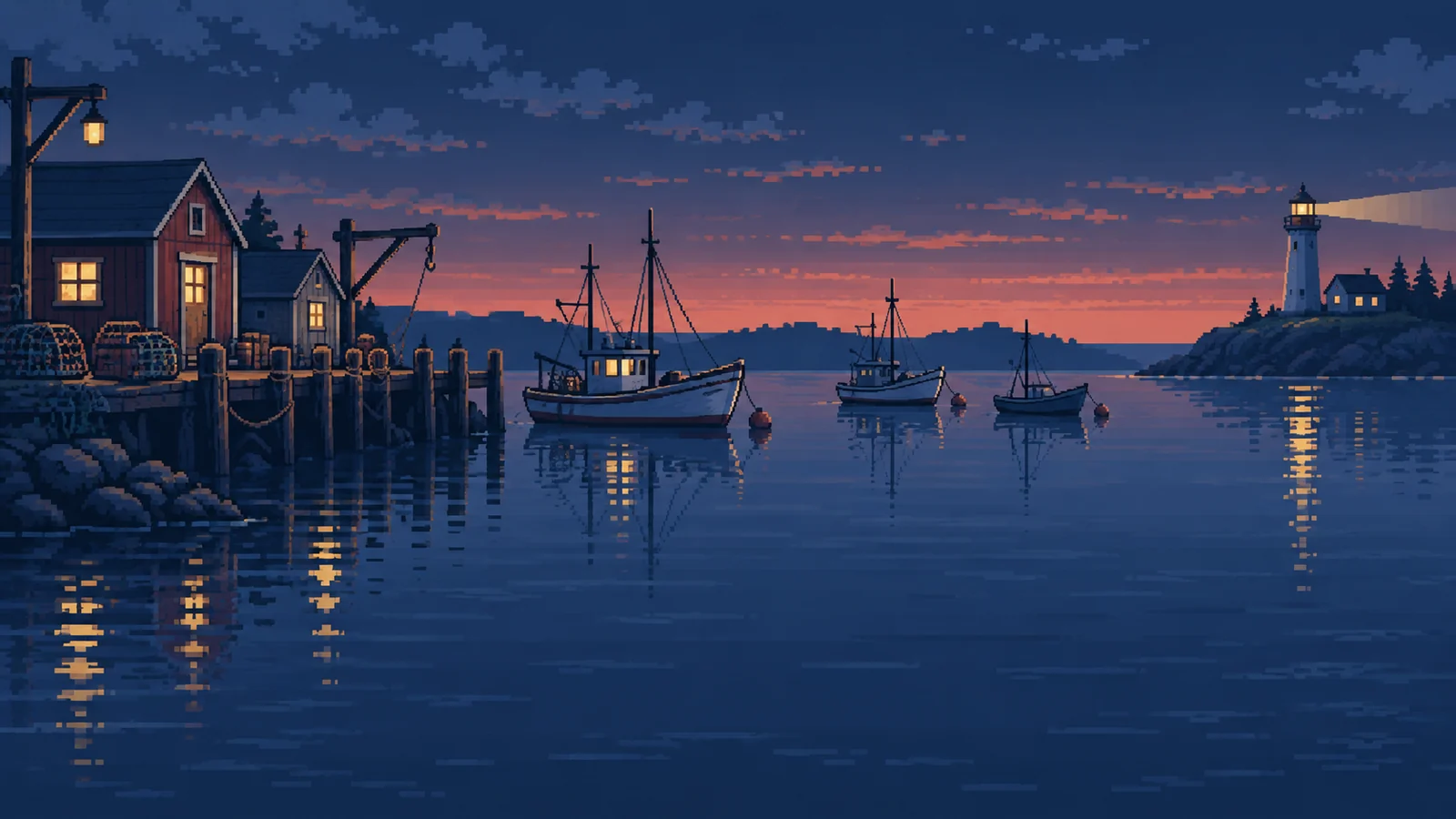
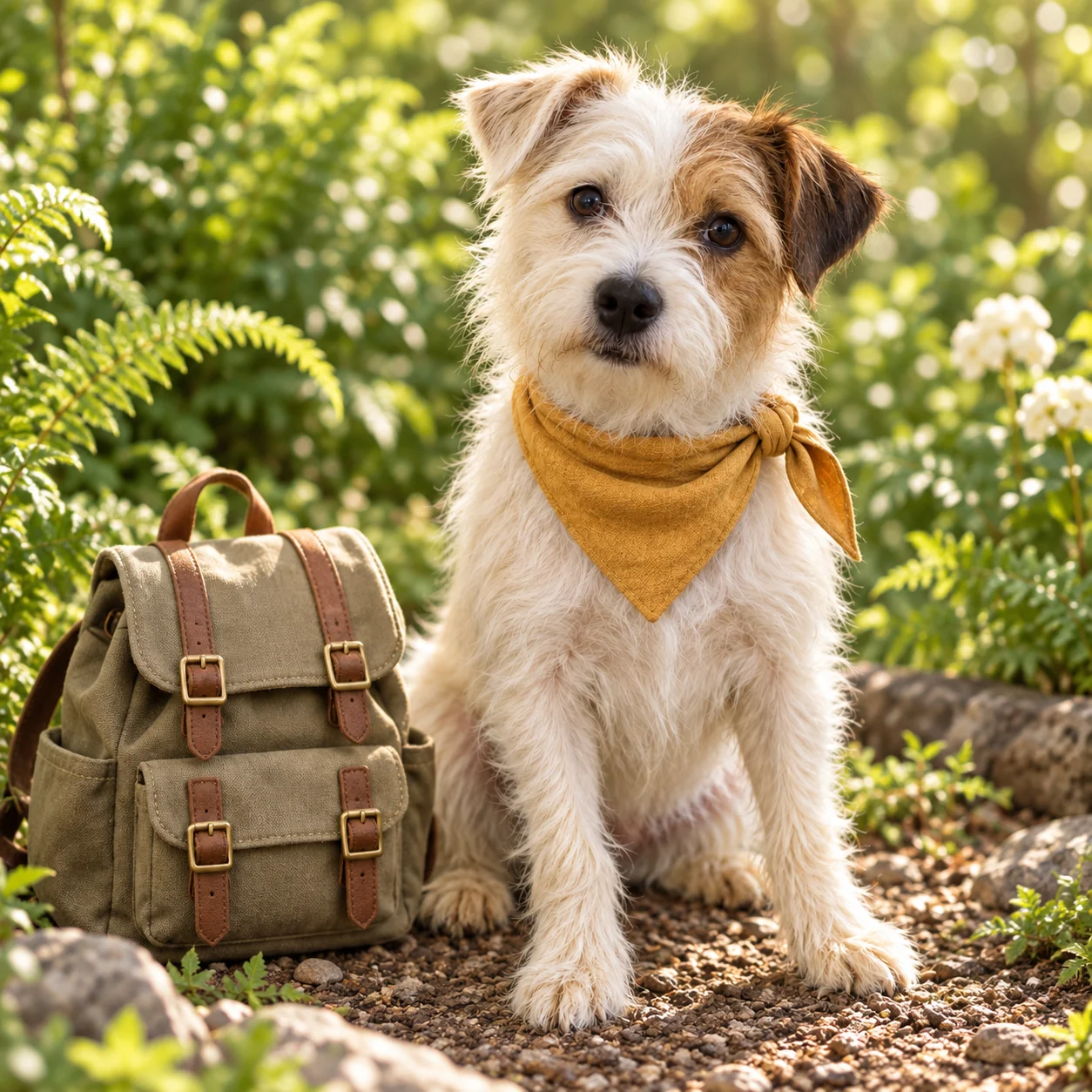
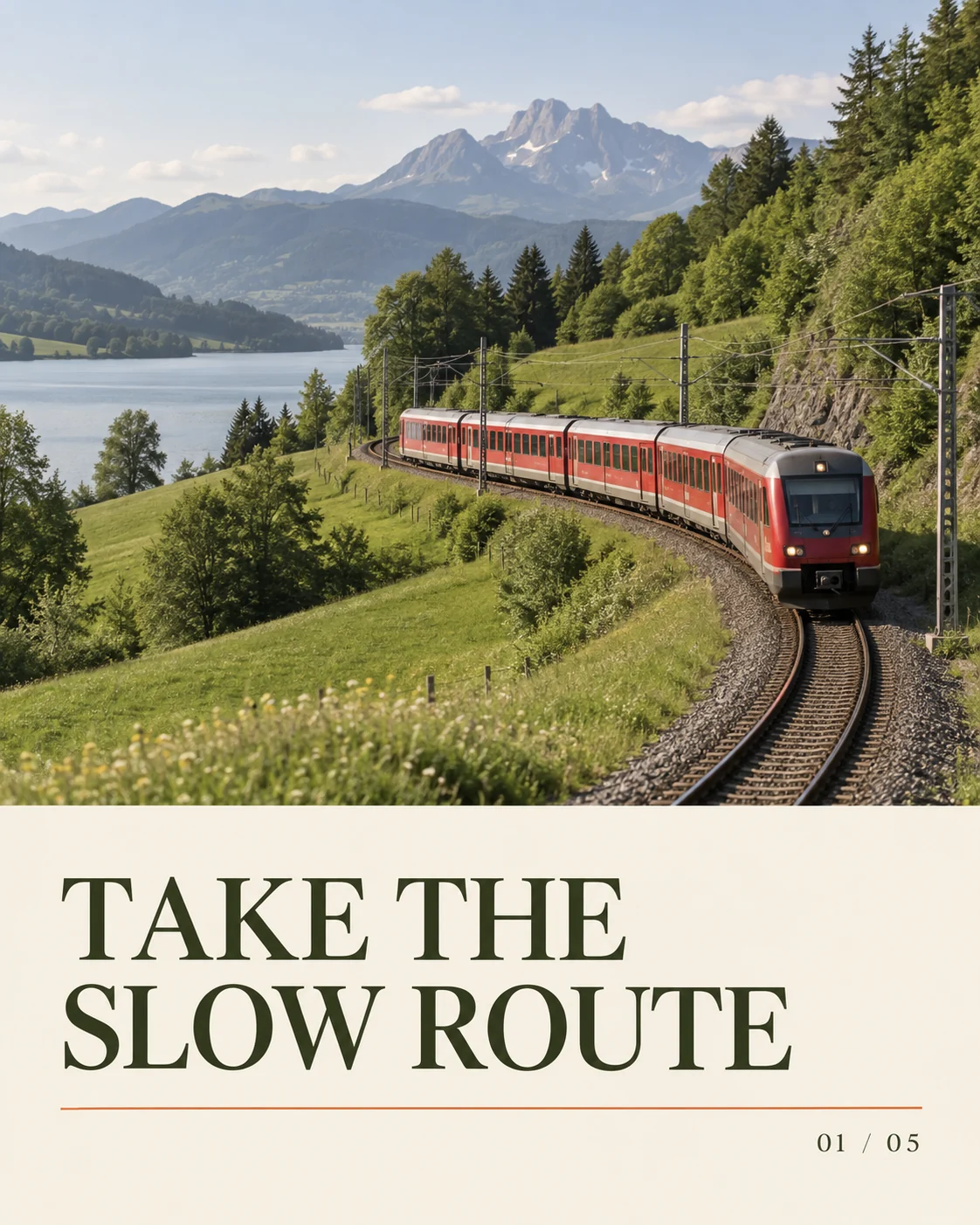
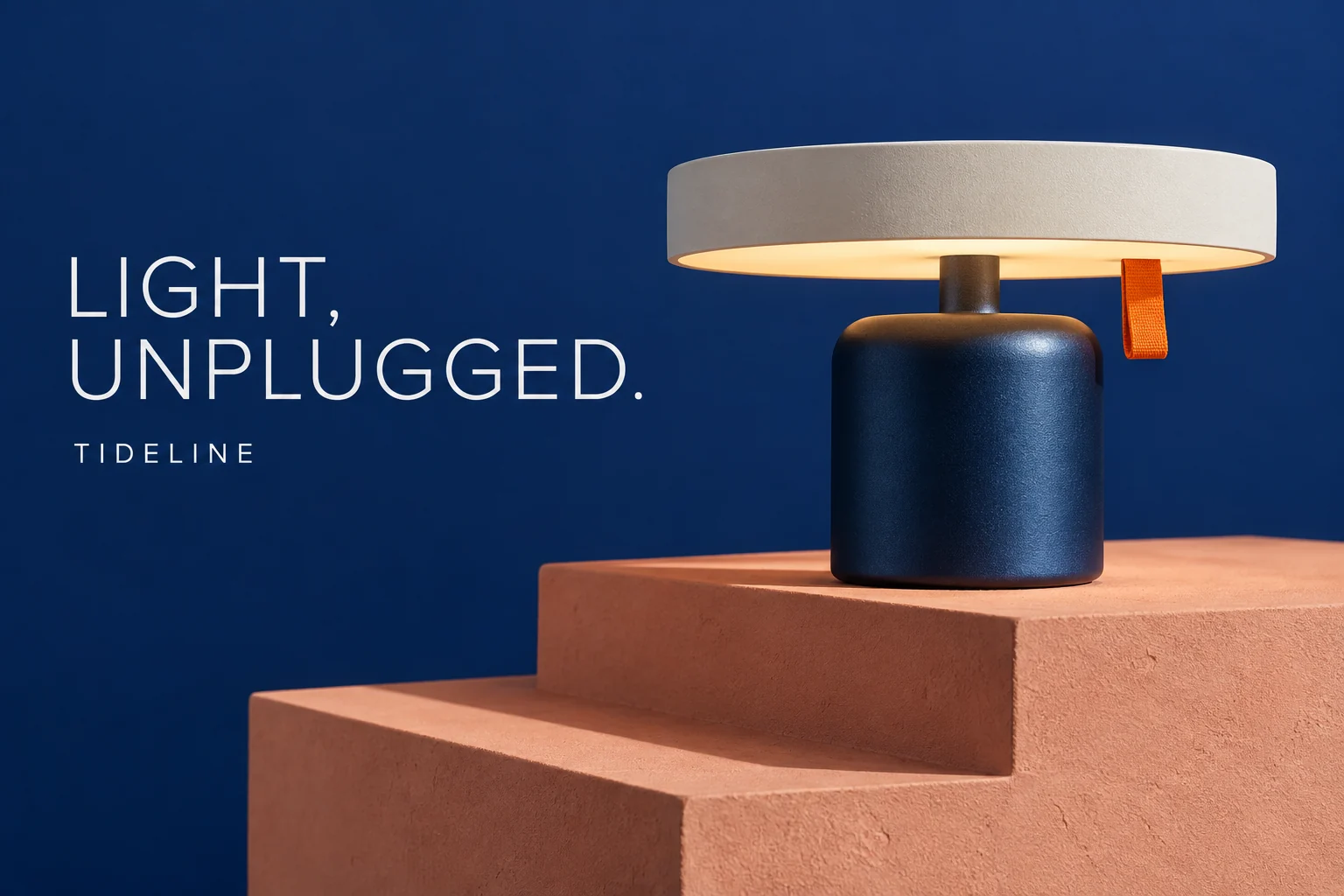
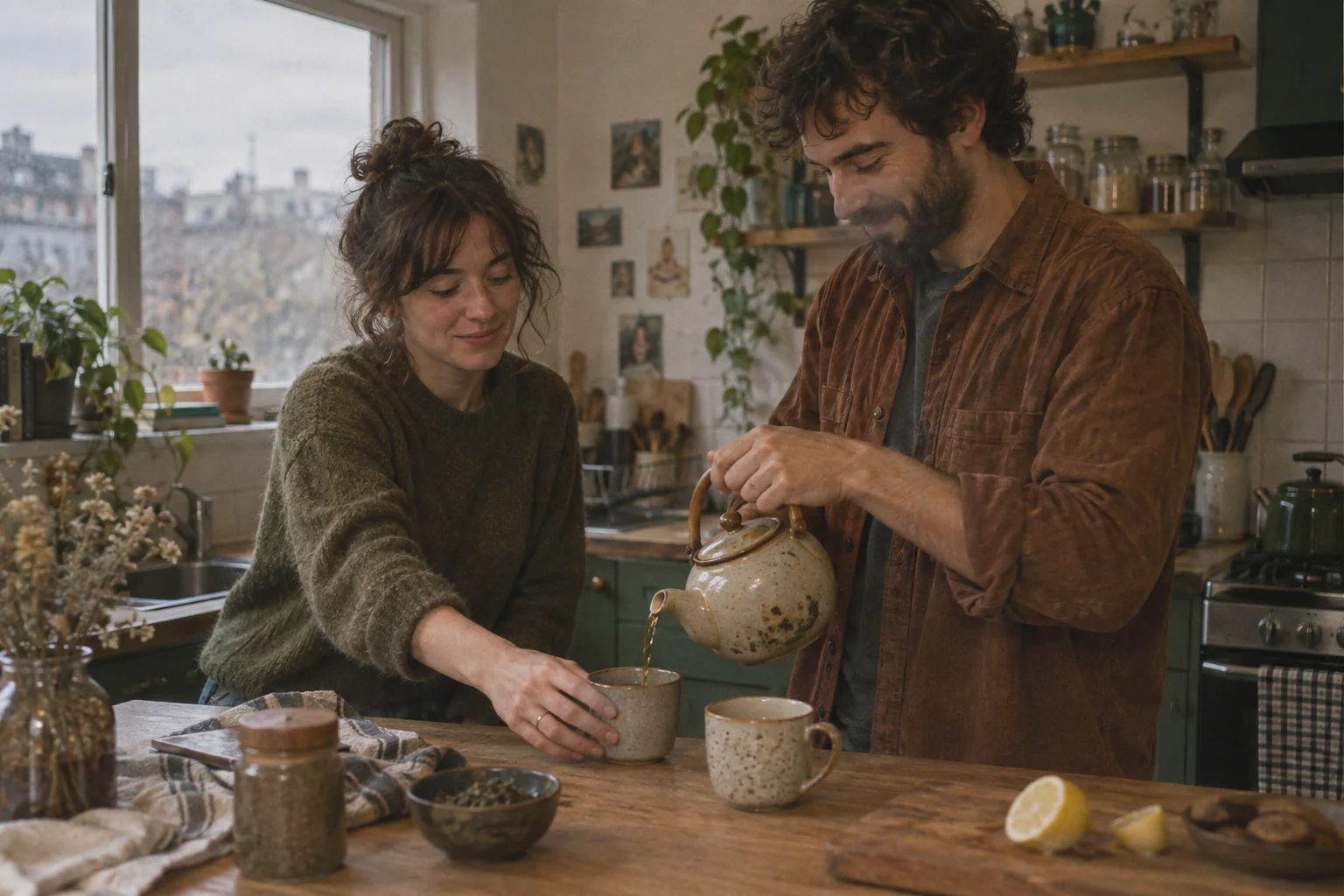
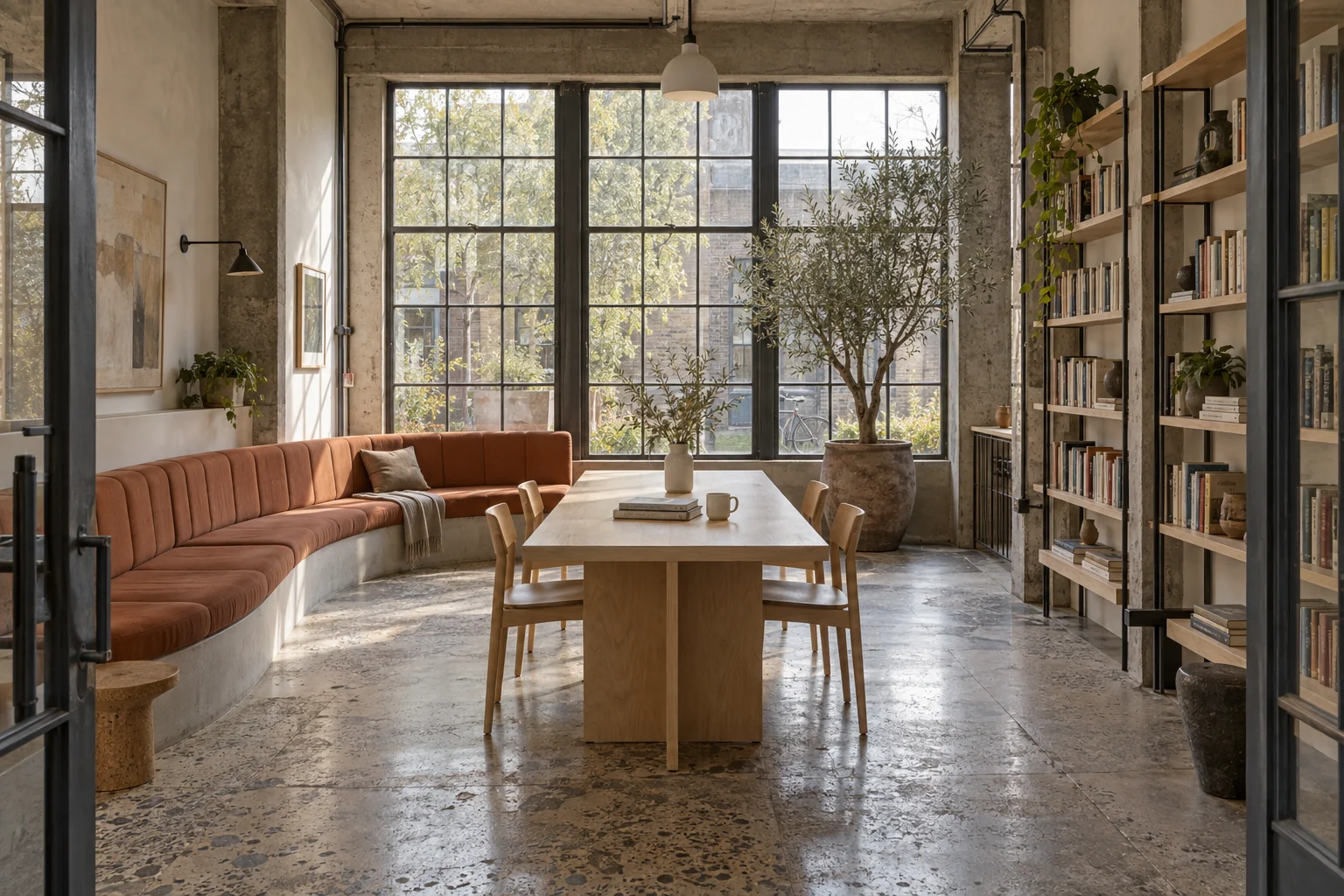
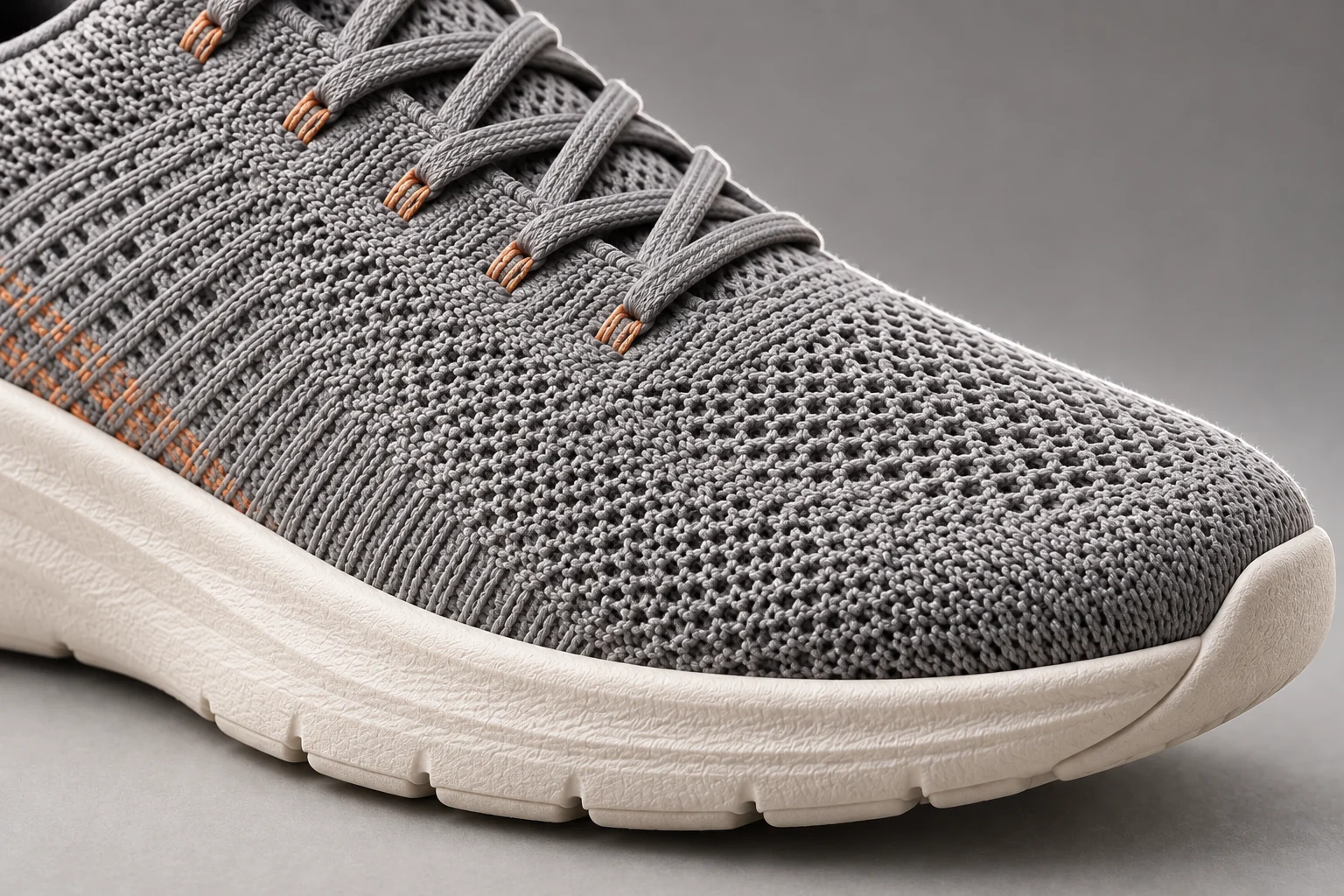
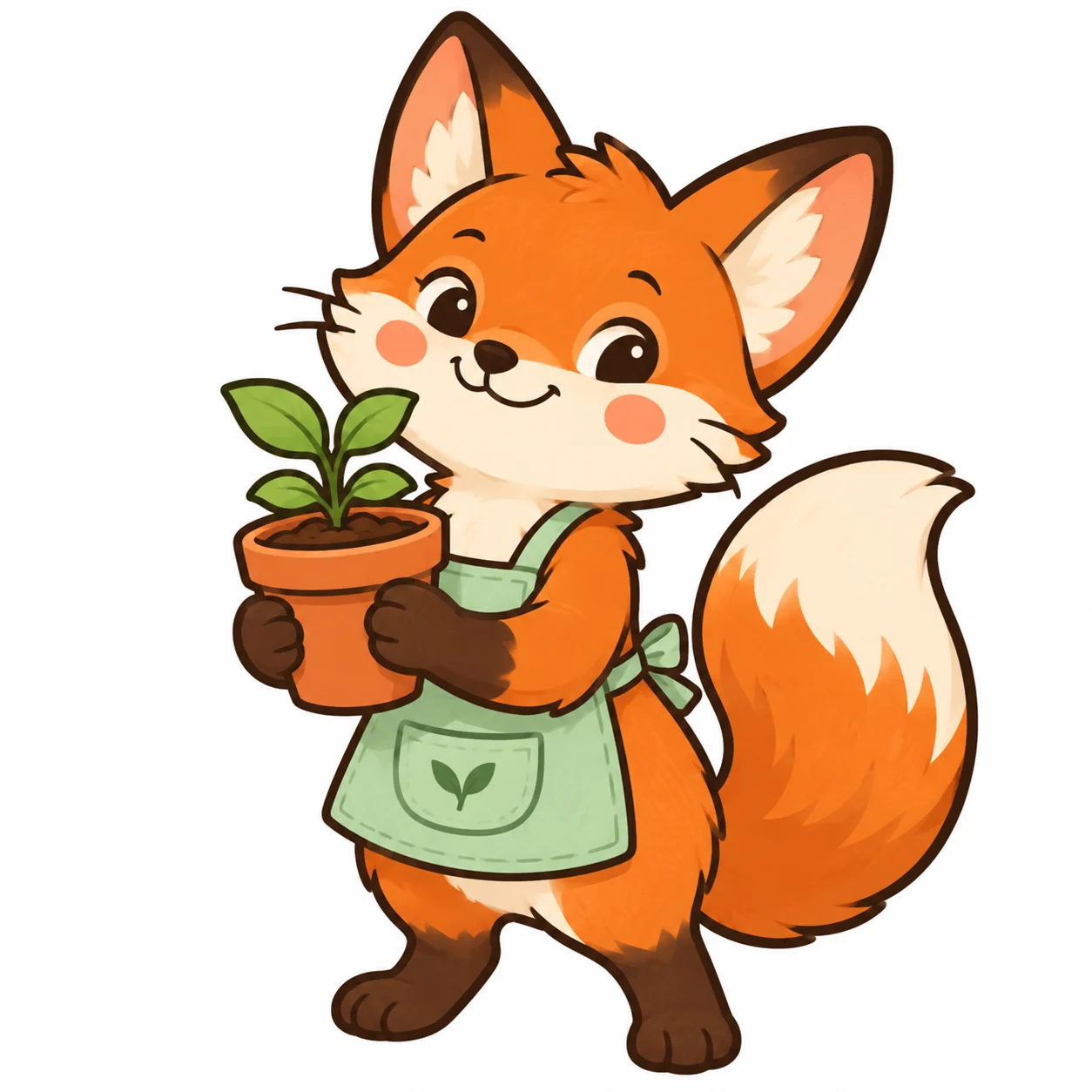
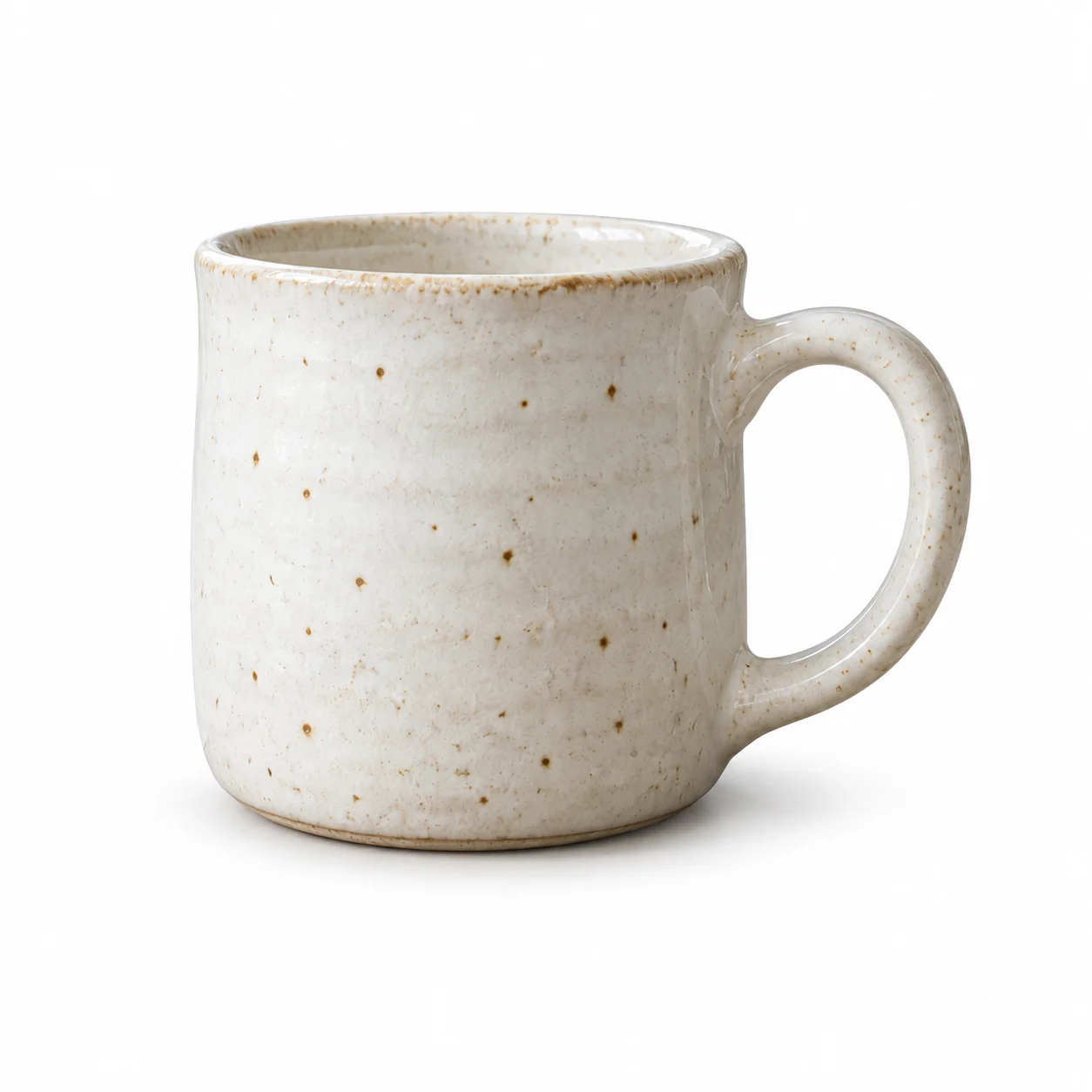
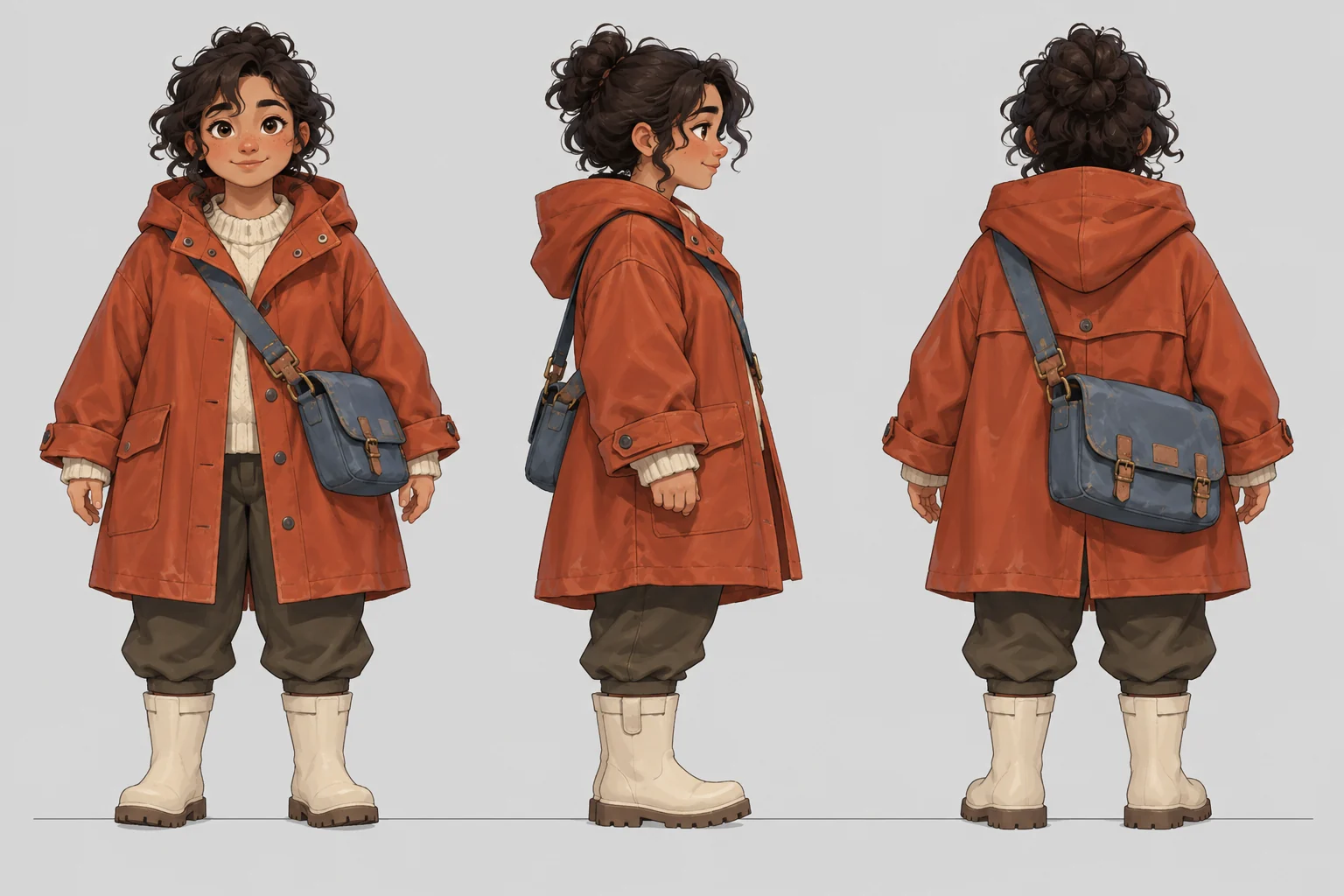
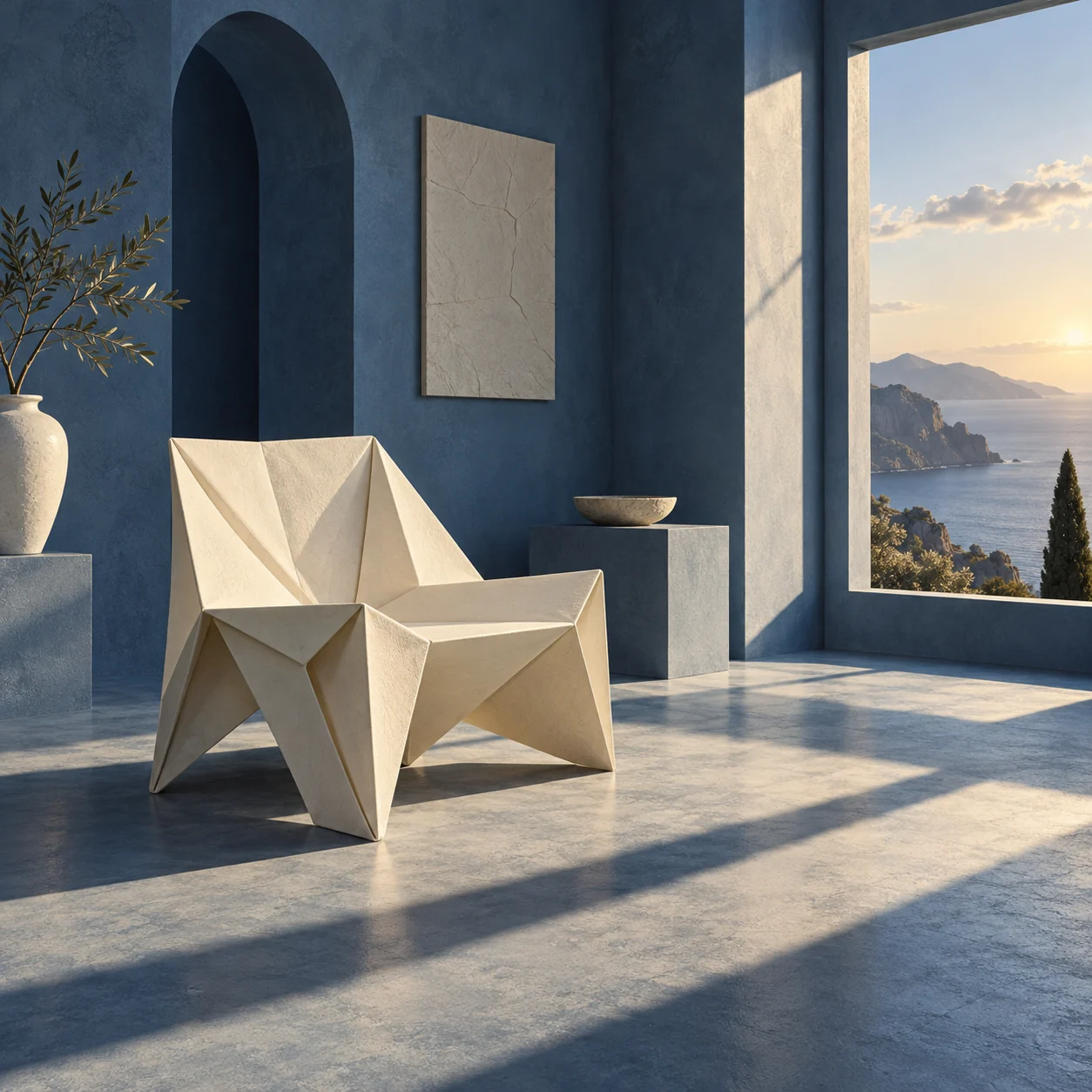
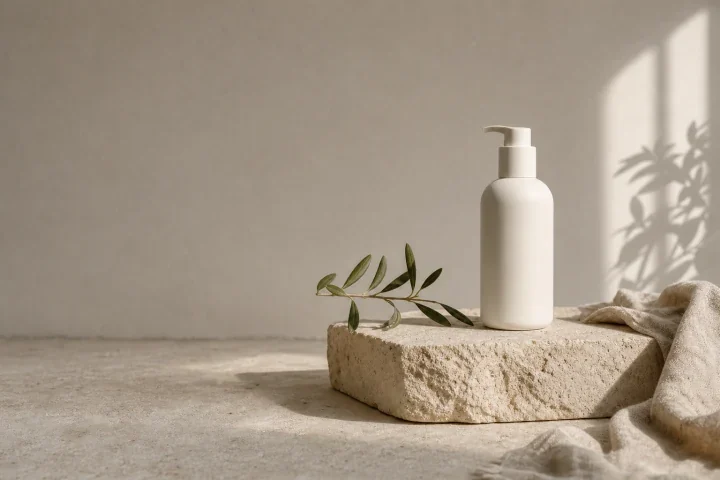
Use a prompt to start your own version.

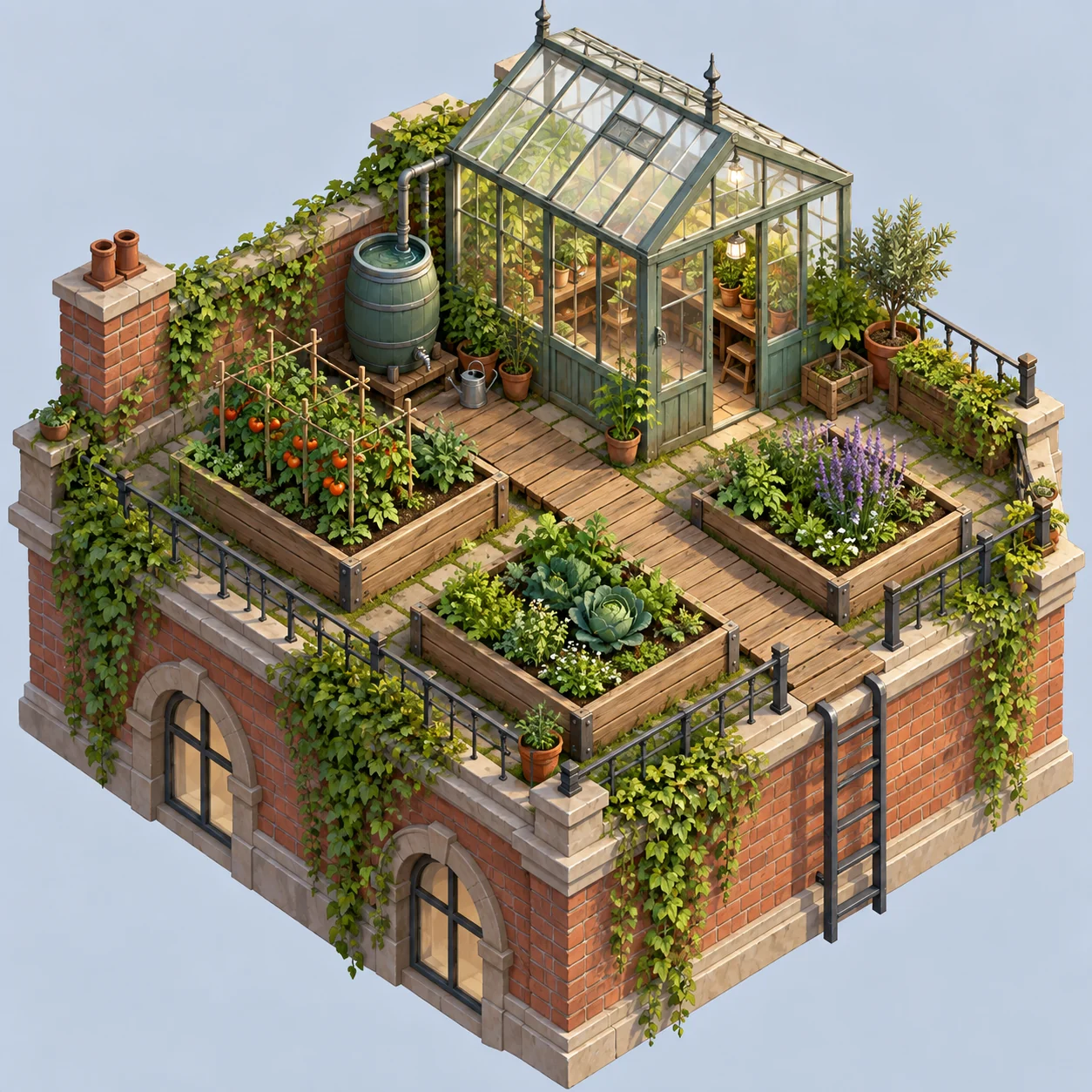
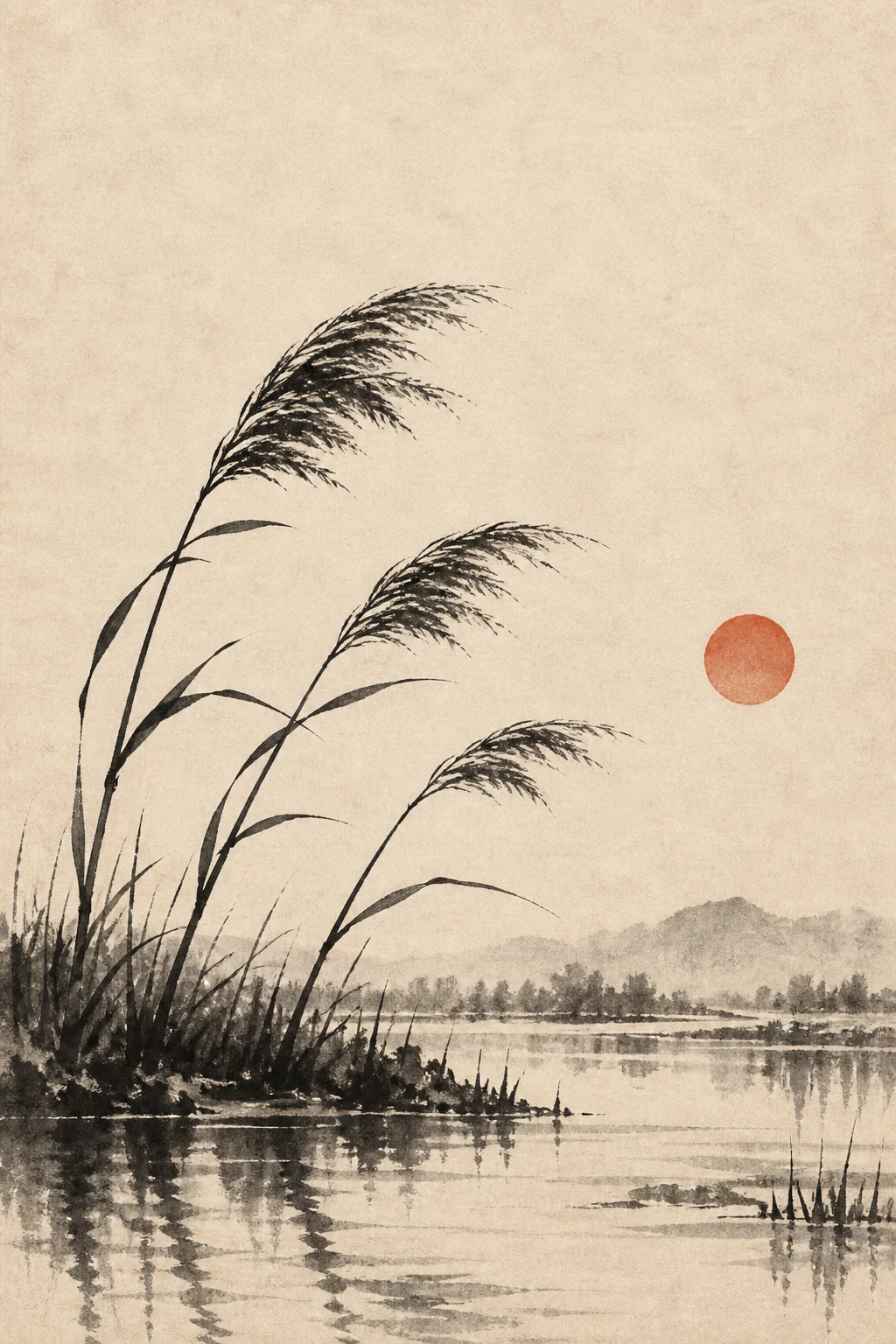
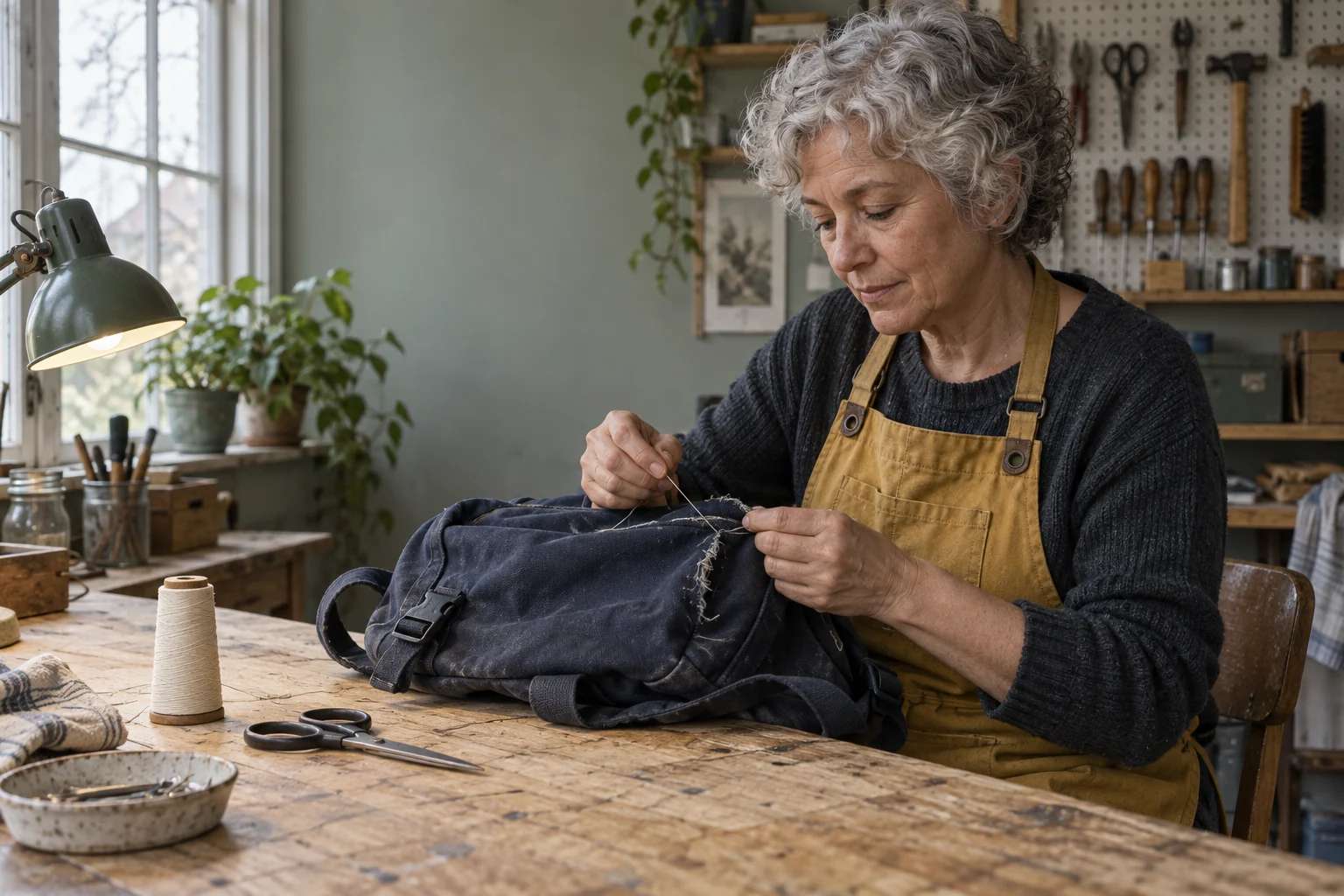
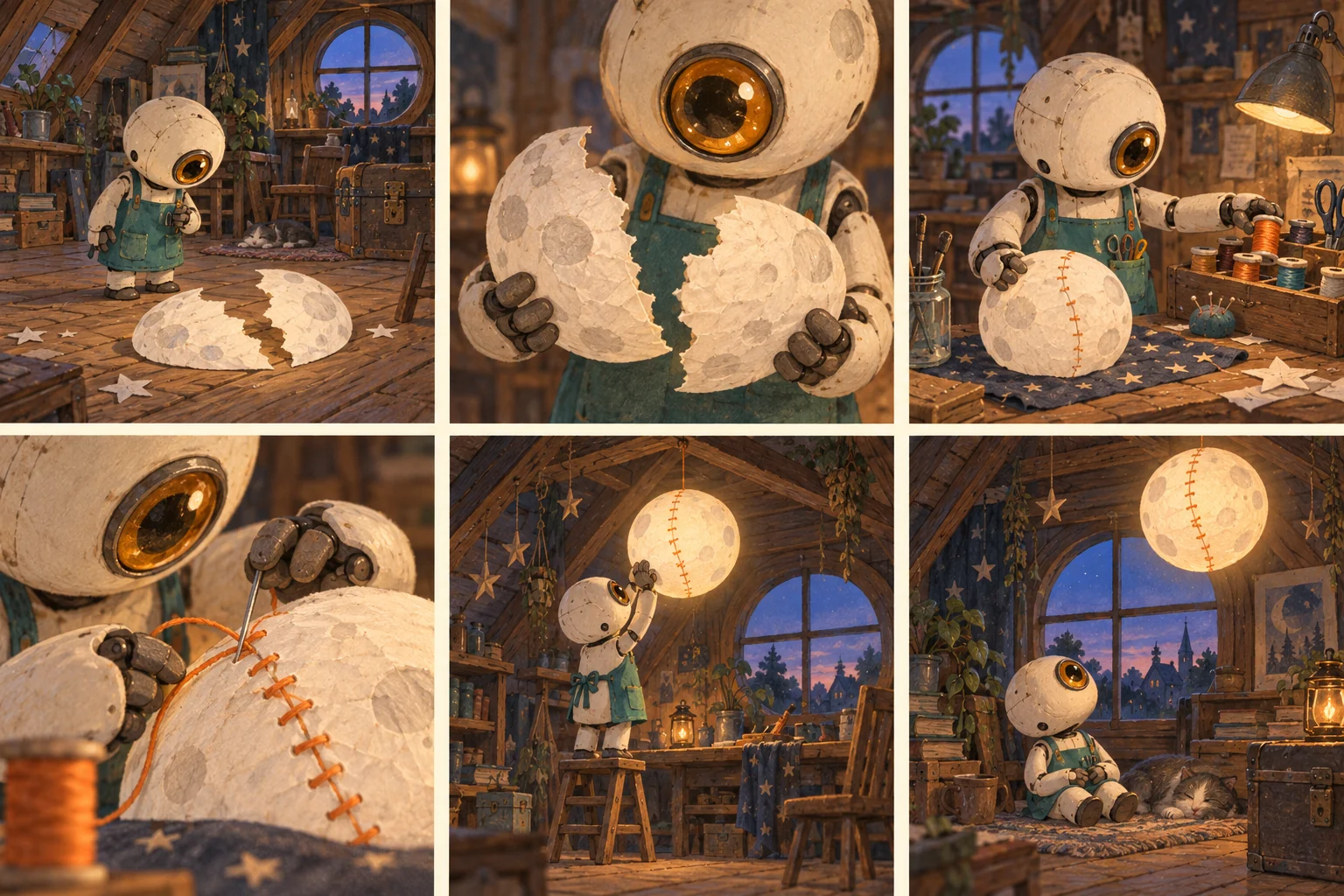
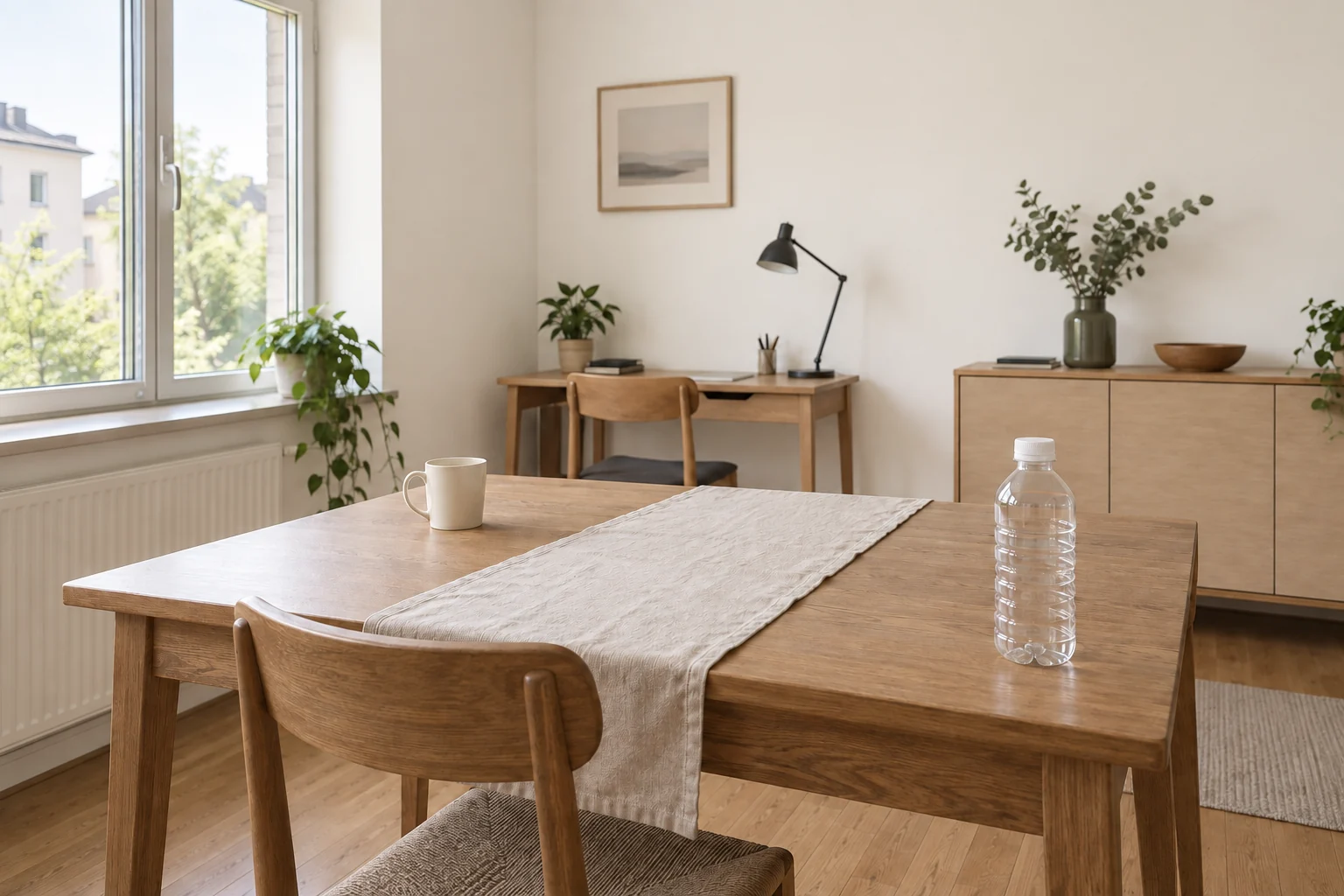
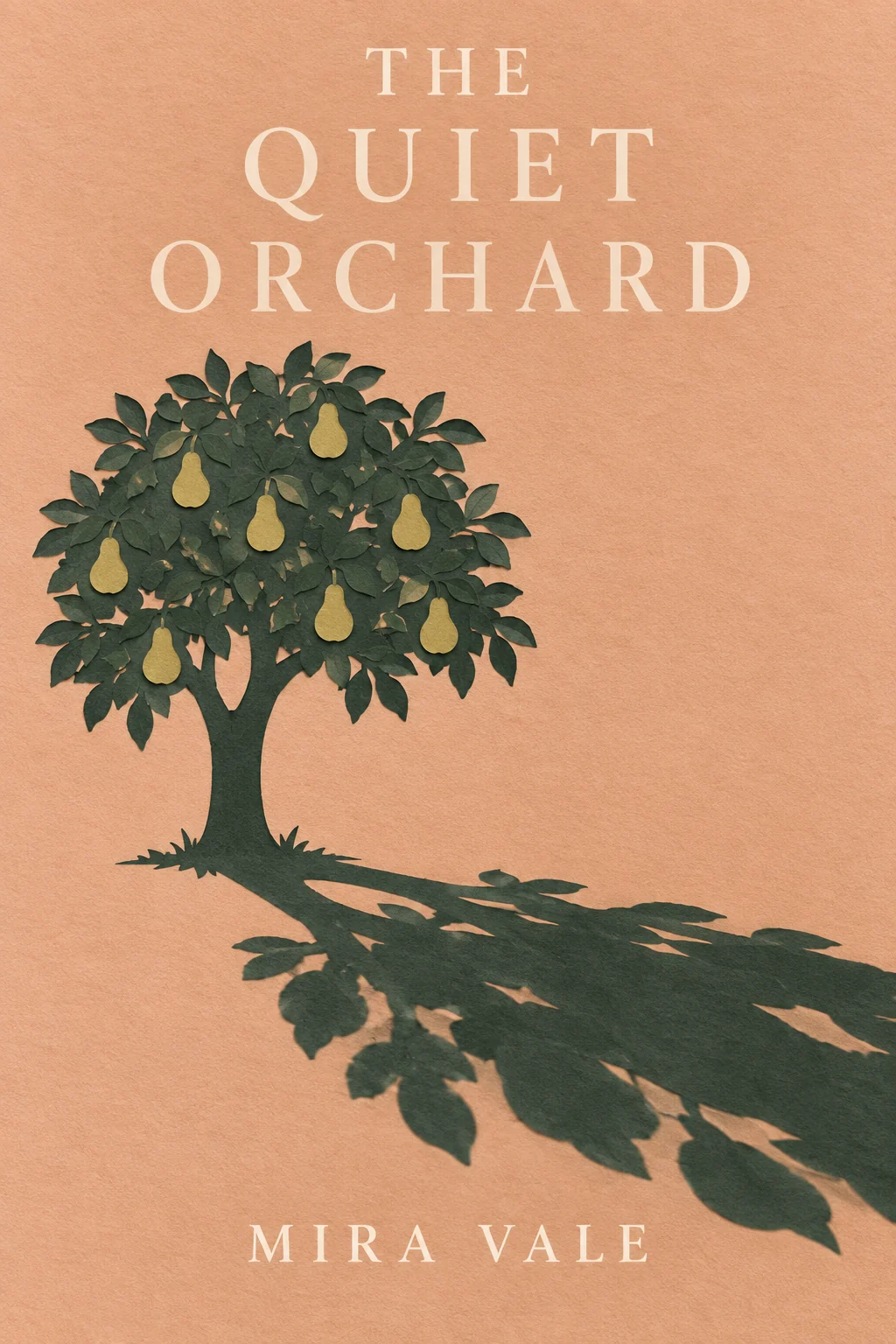
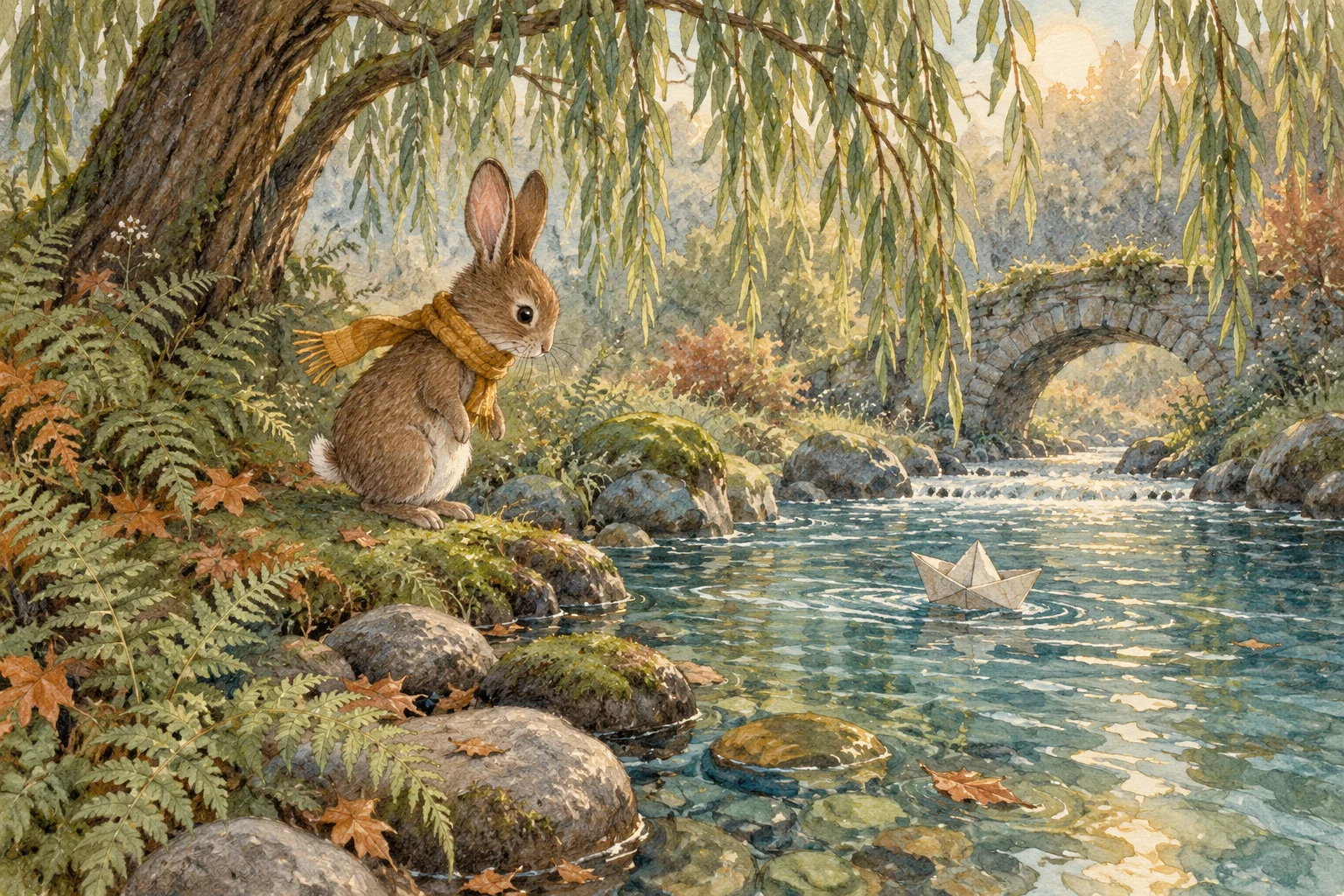
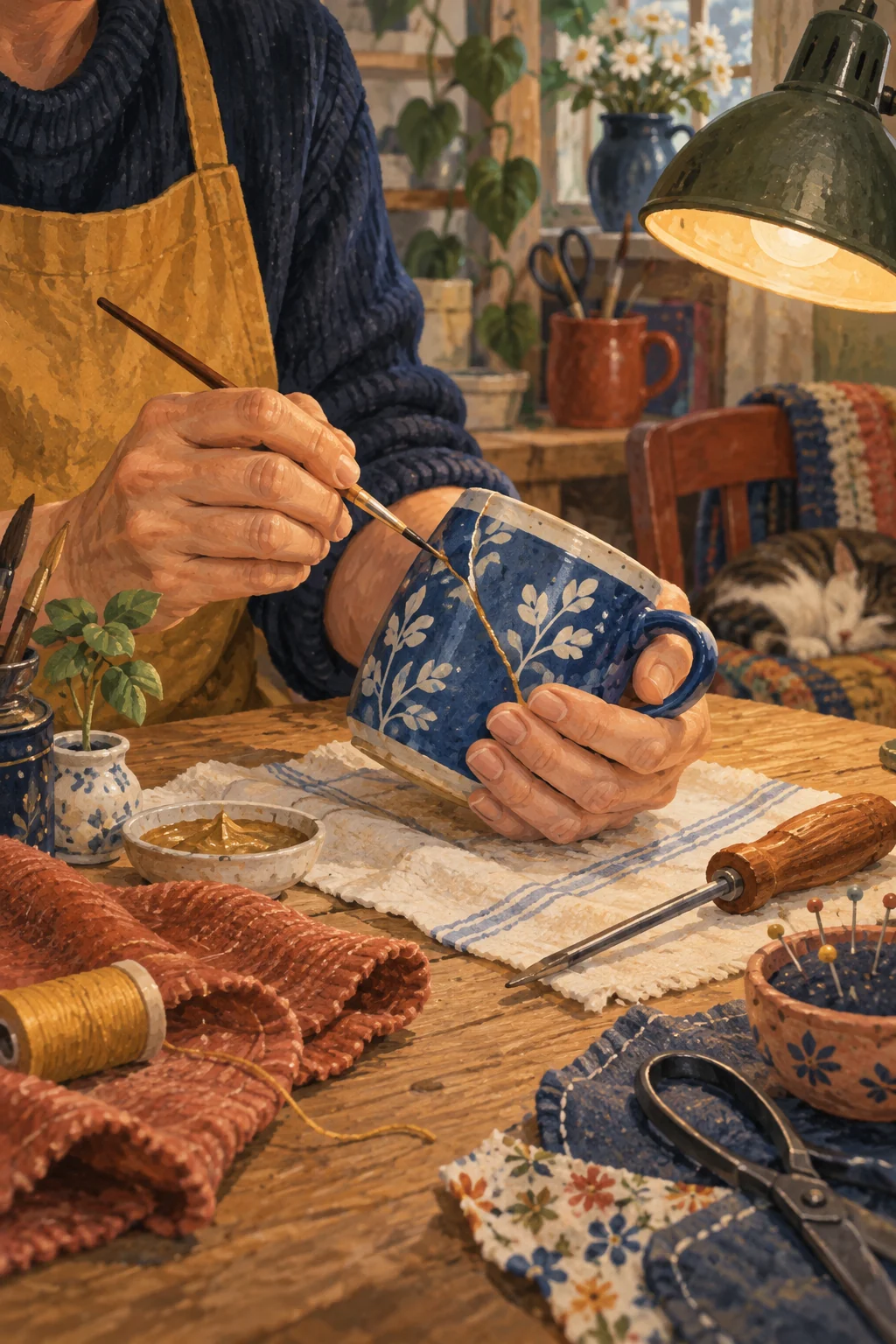

Find the right AI image tools on ILoveAIImg
Start with an idea, a photo, or an object to cut out. Choose a tool below to create a cover, change a scene, or prepare a transparent product image.
Free Text to Image AI Generator
Describe an illustration, product scene, or cover image. Choose a model and image size, then turn your idea into a picture.
Generate an image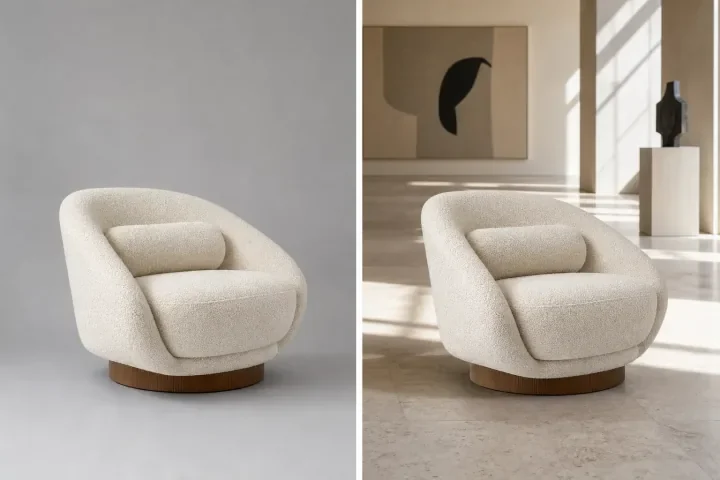
AI Photo Editor
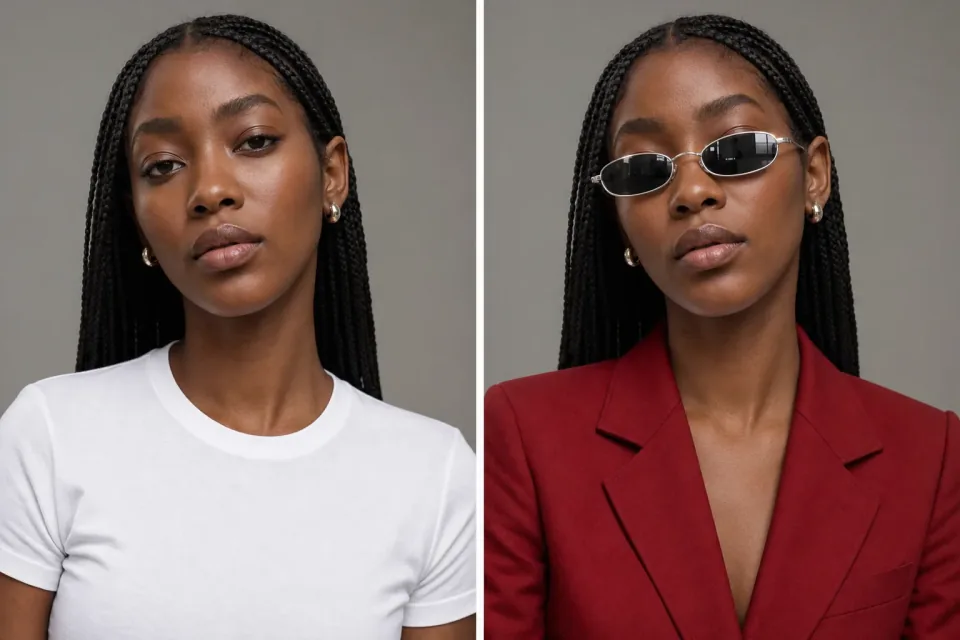
Upload a photo and describe what to change. Try a new background, adjust colors, or restyle a scene with a few words.
Edit a photo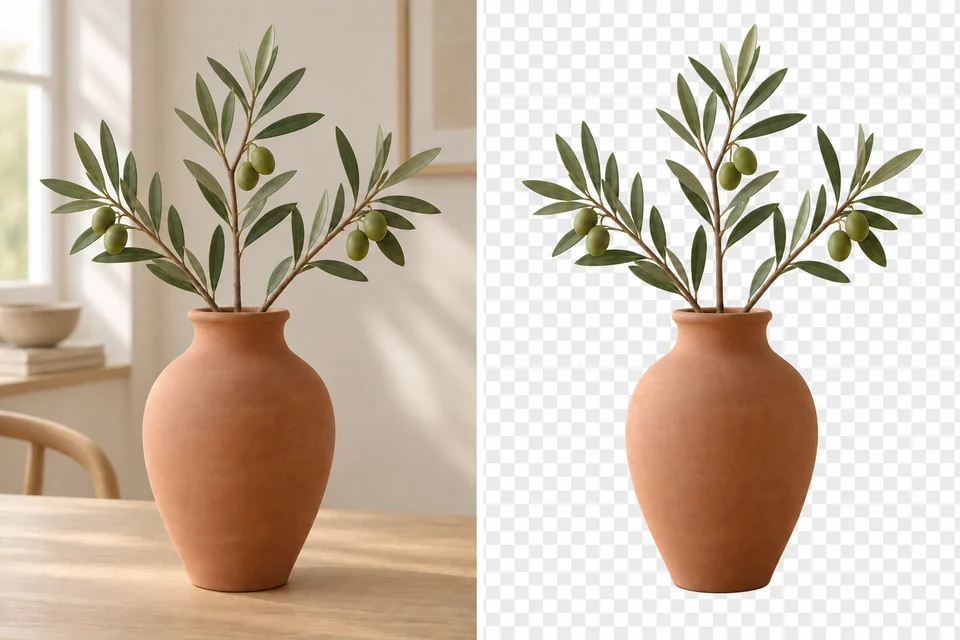
AI Background Remover
Separate a person, product, or object from its background. Download a transparent PNG for a listing, design, or new scene.
Remove a backgroundAI Image Generation Models
Annual plans · save 50%Choose a model by the kind of image you want to make. Compare its strengths in detail, editing control, and speed.

Fast, detailed image creation for everyday ideas.
GPT Image 2
HOTFollows detailed prompts for text-rich designs.

Fine control over lighting, detail, and typography.

Turns complex information into detailed visual layouts.
Balances detailed images with fast generation.
Quick drafts and edits for exploring visual ideas.
Nano Banana
FASTKeeps characters recognizable across scene changes.
Interprets complex instructions and reference styles.
Make something new. Keep shaping what you love.
Give your next idea a first image.
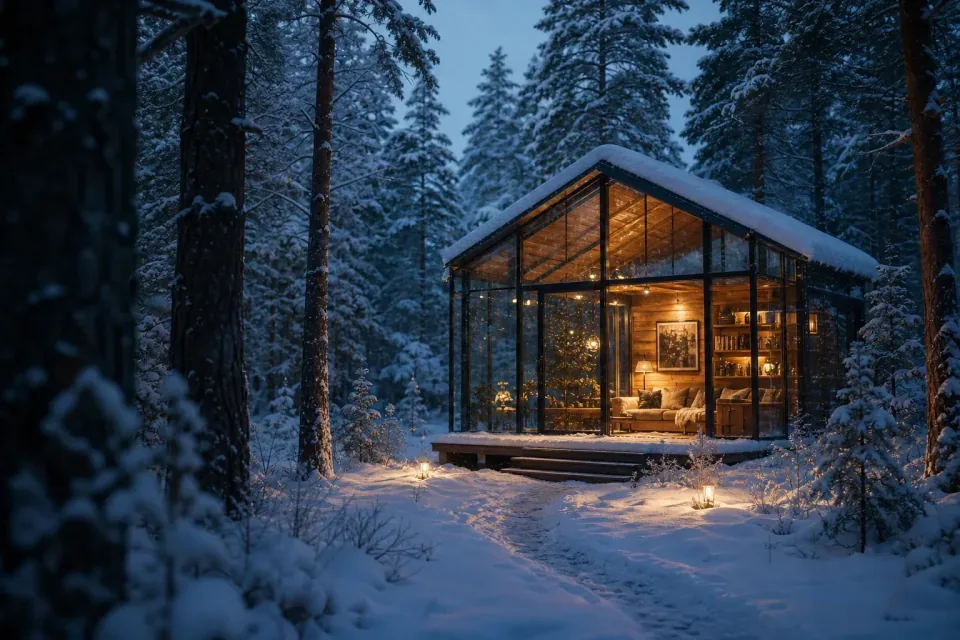
A story illustration, a post cover, or a product in a new setting: describe the subject, light, and style. ILoveAIImg turns that direction into an image without a source photo. Try a different detail, review the result, and develop the version that fits your idea.
Build on the photo you already have.
Change a room’s mood, try a new background, or turn a portrait into an illustration. Tell ILoveAIImg what to change and what to keep, then inspect the result. Continue editing from a version you like instead of starting over. For a transparent cutout, choose Background Remover.
From your first idea to a picture you can use
Put free AI image tools to work with ILoveAIImg: describe a picture, refine the result, and download it for your next post, design, or product listing.
01 / 03
Start with words or a photo
Describe a new illustration, cover, or product scene. Have a photo already? Upload it and tell ILoveAIImg what to change. Choose Background Remover when you only need a transparent cutout.
Choose an image tool
02 / 03
Review the result and keep editing
Check faces, lettering, and the details that matter. Choose Continue editing to use a result as the starting image for your next change. In your ILoveAIImg workspace, select an earlier version to take the picture in another direction.
Edit a photo03 / 03
Keep and download your favorite
Open the version you want in your workspace and choose Download. Use Assets to save images for reuse inside ILoveAIImg, and keep a downloaded copy on your device. Saving an asset and downloading a file serve different needs.
Start creating
More images. Better value.
Choose monthly, yearly, or one-time credits.
Start free
$0
No payment details needed
Daily allowance · up to
3 images / day · 6 credits
A small daily allowance for occasional ideas.
- Daily credits expire; unused credits do not roll over
- Images saved for only 7 days
- Basic storage space
Pro
Recommended for regular creation
$20.00/month
Billed monthly
GPT Image 2 · 1K · up to
500 images
For individual creators making images throughout the month.
- Supports more models
- Credits valid for the paid month
- Permanent storage for all your assets
- Expanded workspace storage
- 1,000 credits each paid month
- Full downloads, no added watermark
Max
$80.00/month
Billed monthly
GPT Image 2 · 1K · up to
2,500 images
For higher-volume creation, more iterations, and larger image batches.
- Supports more models
- Credits valid for the paid month
- Permanent storage for all your assets
- Largest workspace storage
- 5,000 credits each paid month
- Full downloads, no added watermark
Start free
$0
No payment details needed
Daily allowance · up to
3 images / day · 6 credits
A small daily allowance for occasional ideas.
- Daily credits expire; unused credits do not roll over
- Images saved for only 7 days
- Basic storage space
Pro
Save 50%Recommended for regular creation
$10.00/month
$120.00 billed yearly
GPT Image 2 · 1K · up to
6,000 images
For individual creators making images throughout the month.
- Supports more models
- Annual credits valid for 12 months
- Permanent storage for all your assets
- Expanded workspace storage
- 12,000 credits delivered upfront each year
- Full downloads, no added watermark
Max
Save 50%$40.00/month
$480.00 billed yearly
GPT Image 2 · 1K · up to
30,000 images
For higher-volume creation, more iterations, and larger image batches.
- Supports more models
- Annual credits valid for 12 months
- Permanent storage for all your assets
- Largest workspace storage
- 60,000 credits delivered upfront each year
- Full downloads, no added watermark
Start free
$0
No payment details needed
Daily allowance · up to
3 images / day · 6 credits
A small daily allowance for occasional ideas.
- Daily credits expire; unused credits do not roll over
- Images saved for only 7 days
- Basic storage space
1,500 credits
$29.90
One-time payment
One purchase · up to
750 images with this pack
Add credits for a specific project without starting a subscription.
- Supports more models
- Credits valid for 180 days
- Permanent storage for all your assets
- Expanded workspace storage
- One-time packs do not renew automatically
- Full downloads, no added watermark
3,000 credits
$49.90
One-time payment
One purchase · up to
1,500 images with this pack
Add credits for a specific project without starting a subscription.
- Supports more models
- Credits valid for 180 days
- Permanent storage for all your assets
- Largest workspace storage
- One-time packs do not renew automatically
- Full downloads, no added watermark
AI image generator questions
What can I make with ILoveAIImg?
Use Text to Image to create illustrations, covers, and scenes from words. Use AI Photo Editor to change a photo’s setting, colors, or style, and Background Remover for a transparent PNG cutout. These AI image tools give you different starting points; your signed-in workspace brings your work and its versions together.
Are the gallery images a preview of my result?
Choose Use prompt to load an example into the AI image generator, then edit it before you create. This keeps your current model, image settings and reference photos. Gallery images are creative references, not a benchmark or customer portfolio; your choices affect the result.
Do I need design experience or complicated prompts?
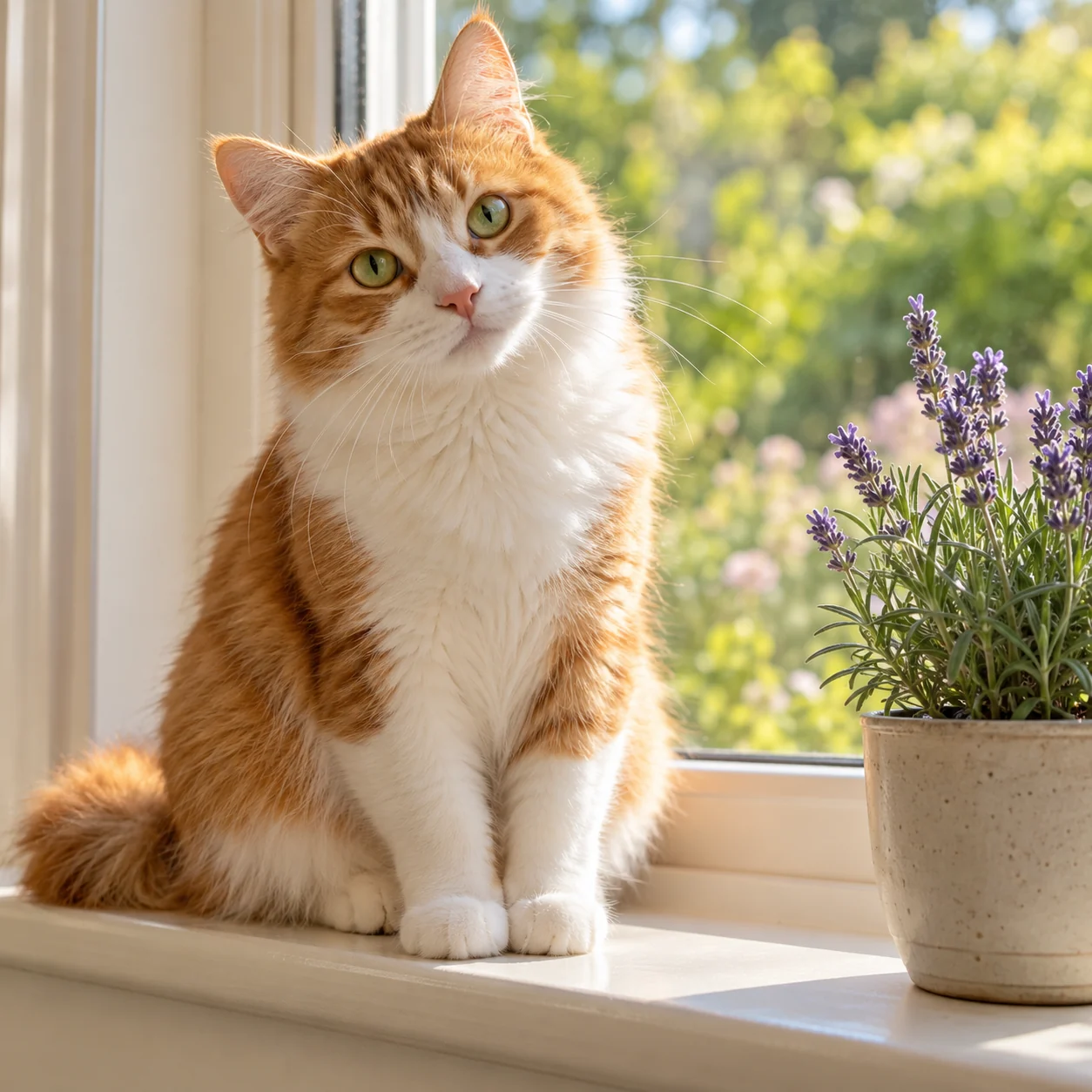
Start with a short description of the subject, setting, and style: “an orange cat reading in a sunny garden, watercolor.” For an edit, say what should change and what should stay. ILoveAIImg provides prompt examples and controls for model, image shape, and resolution. These easy AI image tools let you adjust one instruction at a time; always review the result.
Where are my images after I refresh or close the page?
Sign in to ILoveAIImg and open Workspace to find your recorded work and available versions. Refreshing does not itself delete those records. Task history currently has a seven-day retention period, so do not treat it as a permanent archive. Save images you want to reuse in Assets and download important files. If you are trying the tools as a guest, download your result before leaving rather than relying on an account workspace.
How is saving to Assets different from downloading?
Saving in Assets keeps an image in your ILoveAIImg asset library for later use. Downloading makes a separate file on your own device. In Assets, select the image and choose Save; this keeps the asset independently of its task history. It does not preserve every task or version as a permanent project record. Keep a local copy of images you need long term.
How do I download the version I want?
Use Download on a completed result, or open a work in your ILoveAIImg workspace, select the version you want, and choose Download. You can also download an image from Assets. Choose the image first so you export the intended version. Background Remover produces a transparent PNG; other downloads use the available result file.
Can I continue editing without replacing the earlier image?
Yes. In your ILoveAIImg workspace, select an available version and choose Continue editing. The selected image becomes the input for the next operation. Describe a change or choose a compatible tool, then review the new result. A new edit creates another version rather than overwriting the selected image. You can revisit earlier versions while they remain available.
Does ILoveAIImg have free AI image tools, and how does pricing work?
Start with the available trial and daily credits. Each generation or edit uses the credits shown before you begin. Check Free credits for current eligibility and limits. The amount depends on the selected tool, model, and settings. Choose monthly, yearly, or one-time credits.
How does the guest trial work?
Eligible visitors receive trial credits when they enter, once per guest session. Each new guest image task requires verification; signed-in users generate without this verification. Paid credits are used first, then free credits cover any remainder. Unused daily free credits expire at the next UTC midnight, even if paid credits were used instead. If trial spending is paused or its budget is used up, your balance is kept.
What will you make with ILoveAIImg?
Put an idea into words or bring a photo. Create a first image, keep refining it, and download a version ready for your next post, design, or product listing.