

Seedream 5.0 Lite Generator & Image Editor
Turn a visual idea into an explainer, illustrated scene or focused reference edit with Seedream 5.0 Lite. Describe the relationships that matter, choose a shape, and explore a direction in the iLoveAIImg workbench.
Seedream 5.0 Lite workbench
Create your result
Recent images
Review, continue editing, or download your results.

Seedream 5.0 Lite prompt inspiration
Explore creative references and bring a prompt into the generator.
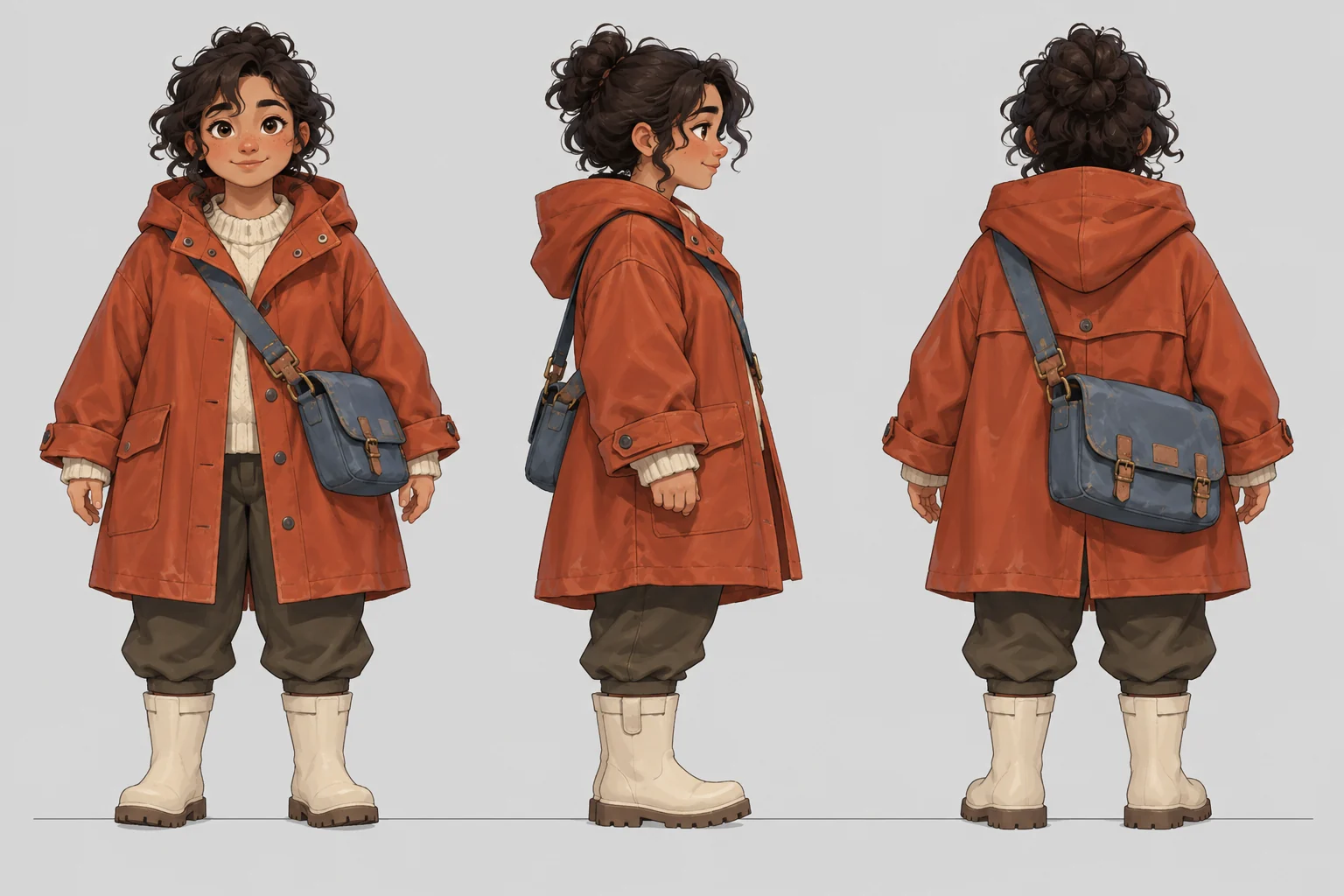



Two ways to direct Seedream 5.0 Lite
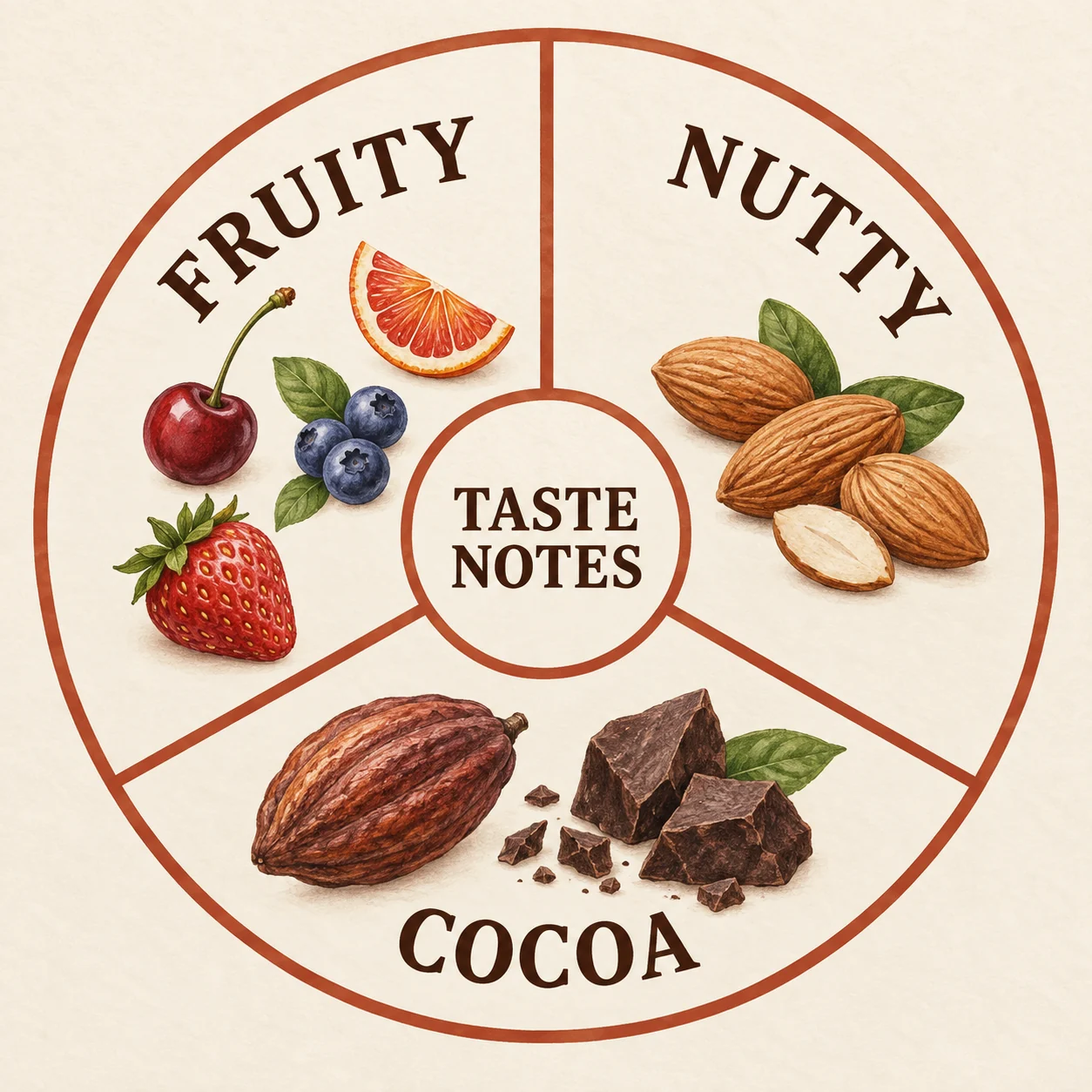
Make a relationship easier to see
Use Seedream 5.0 Lite for an illustrated explainer when the important part is how concepts relate. Supply the categories, labels and reading order. This creative tasting-wheel reference shows the kind of simple organization to describe, so the picture supports the message instead of adding unrelated detail.

Change a material while keeping the scene
Give Seedream 5.0 Lite a source image and a focused change: turn a matte white mug into glossy cobalt while keeping the shape, table and camera. The creative pair illustrates that intention. List what must remain, then compare those details in your own edited result before choosing a version.
A reference-led Seedream 5.0 Lite workflow
Use Seedream 5.0 Lite to test a clear visual relationship, then refine the part that needs another decision.
01 / 03
Name the visual relationship
Ask Seedream 5.0 Lite for a subject and the setting that explains it. Describe the arrangement and key details; a rooftop concept benefits from named paths, planting areas and structures.
Write a brief
02 / 03
Choose shape and context
Choose the output shape for the intended placement. Tell Seedream 5.0 Lite whether you need a close material study, a whole object or an environment with room around the subject.
Choose a shape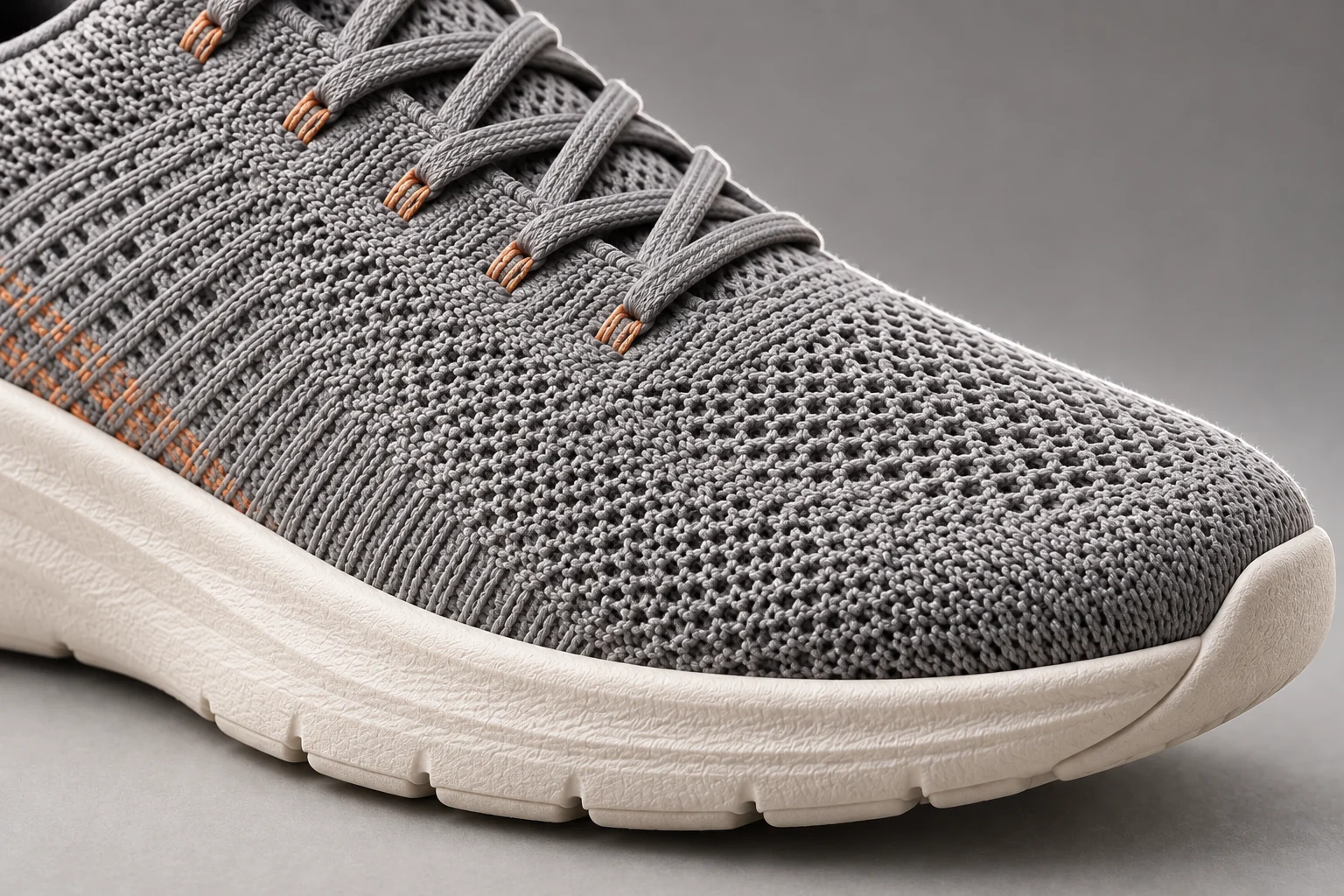
03 / 03
Compare the result with the brief
Check whether the scene says what you intended. Refine one relationship or style decision with Seedream 5.0 Lite, or use the AI Image Editor for a directed follow-up.
Review a resultCompare AI image models
Annual plans · save 50%Choose a model for the job: a dense layout, reference-led edit, illustrated concept or product scene. Compare the available controls before starting.

A flexible starting point for new ideas, reference-led edits, and polished creative directions.
GPT Image 2
HOTA precise choice for detailed prompts, text-rich designs, controlled composition, and image-to-image work.

Text-rich layouts and multi-reference compositions in 1K, 2K or 4K.

Information layouts, spatially directed edits and commercial scenes in 1K or 2K.
Scene variations and flexible formats from 0.5K to 4K.
Fixed 1K concepts and focused reference edits.
Everyday reference edits and style transformations at 1K.
Visual reasoning, reference-led edits and illustrated explanations in 2K or 3K.
Where Seedream 5.0 Lite fits
Choose Seedream 5.0 Lite for reference-led variations, visual explanations and creative directions that need a clear relationship between their elements.
Material and color variants
Use the model with a product reference to explore a finish or supporting scene. State the shape, viewpoint and details that should carry across.
Illustrated explanations
Give the model the actual labels and relationships for an educational graphic, route illustration or presentation visual. Keep the visual hierarchy simple enough to inspect.
Style and story directions
Ask the model for an illustration, game environment or character concept. Define the palette and recognizable features before changing the style or setting.
Example-led edits
Use Seedream 5.0 Lite when a reference helps explain the intended style, palette or composition. Tell the prompt which image supplies the subject and which supplies the visual treatment.
More images. Better value.
Choose monthly, yearly, or one-time credits.
Start free
$0
No payment details needed
Daily allowance · up to
3 images / day · 6 credits
A small daily allowance for occasional ideas.
- Daily credits expire; unused credits do not roll over
- Images saved for only 7 days
- Basic storage space
Pro
Recommended for regular creation
$20.00/month
Billed monthly
GPT Image 2 · 1K · up to
500 images
For individual creators making images throughout the month.
- Supports more models
- Credits valid for the paid month
- Permanent storage for all your assets
- Expanded workspace storage
- 1,000 credits each paid month
- Full downloads, no added watermark
Max
$80.00/month
Billed monthly
GPT Image 2 · 1K · up to
2,500 images
For higher-volume creation, more iterations, and larger image batches.
- Supports more models
- Credits valid for the paid month
- Permanent storage for all your assets
- Largest workspace storage
- 5,000 credits each paid month
- Full downloads, no added watermark
Start free
$0
No payment details needed
Daily allowance · up to
3 images / day · 6 credits
A small daily allowance for occasional ideas.
- Daily credits expire; unused credits do not roll over
- Images saved for only 7 days
- Basic storage space
Pro
Save 50%Recommended for regular creation
$10.00/month
$120.00 billed yearly
GPT Image 2 · 1K · up to
6,000 images
For individual creators making images throughout the month.
- Supports more models
- Annual credits valid for 12 months
- Permanent storage for all your assets
- Expanded workspace storage
- 12,000 credits delivered upfront each year
- Full downloads, no added watermark
Max
Save 50%$40.00/month
$480.00 billed yearly
GPT Image 2 · 1K · up to
30,000 images
For higher-volume creation, more iterations, and larger image batches.
- Supports more models
- Annual credits valid for 12 months
- Permanent storage for all your assets
- Largest workspace storage
- 60,000 credits delivered upfront each year
- Full downloads, no added watermark
Start free
$0
No payment details needed
Daily allowance · up to
3 images / day · 6 credits
A small daily allowance for occasional ideas.
- Daily credits expire; unused credits do not roll over
- Images saved for only 7 days
- Basic storage space
1,500 credits
$29.90
One-time payment
One purchase · up to
750 images with this pack
Add credits for a specific project without starting a subscription.
- Supports more models
- Credits valid for 180 days
- Permanent storage for all your assets
- Expanded workspace storage
- One-time packs do not renew automatically
- Full downloads, no added watermark
3,000 credits
$49.90
One-time payment
One purchase · up to
1,500 images with this pack
Add credits for a specific project without starting a subscription.
- Supports more models
- Credits valid for 180 days
- Permanent storage for all your assets
- Largest workspace storage
- One-time packs do not renew automatically
- Full downloads, no added watermark
Seedream 5.0 Lite reviews — sample stories
Fictional creator scenarios with illustrative ratings, not customer reviews.

Sophie H.
Graphic Designer
“I want to explore a glossy finish on a matte mug. I name the material change and compare the shape and handle with the reference.”

Daniel R.
Online Store Owner
“For a room concept, I describe warm evening light while asking to keep the furniture arrangement.”

Maya C.
Content Creator
“A tabletop brief is easier to review when I name each object and its position. I check counts and placement separately.”

Alex T.
Photographer
“For a poster concept, I keep the headline short and review the lettering before adding final typography.”
Questions about Seedream 5.0 Lite
Practical answers about this model, references, output choices and reviewing the image before use.
What is Seedream 5.0 Lite?
Seedream 5.0 Lite is ByteDance’s multimodal image generation and editing model, emphasizing understanding, visual reasoning and reference-guided changes. Here it runs through APIMart as doubao-seedream-5-0-lite.
Does Seedream 5.0 Lite need a reference image?
No. Begin with a text prompt, then add references when a subject, style or arrangement matters. Explain what each image contributes instead of leaving Seedream 5.0 Lite to guess.
How many references can Seedream 5.0 Lite use here?
This iLoveAIImg workbench accepts up to 14 optional references. Use relevant inputs and identify them by order when asking Seedream 5.0 Lite to combine a subject with a scene or style.
Which Seedream 5.0 Lite resolutions are available?
The current page offers 2K and 3K with eight supported aspect ratios. The default is 2K. Other services may advertise different sizes; this iLoveAIImg integration does not offer 4K.
How much does Seedream 5.0 Lite cost here?
The current workbench quote is 7 credits per image at either 2K or 3K. This is iLoveAIImg’s task quote for Seedream 5.0 Lite, not ByteDance’s direct API price; submission depends on your available balance and usage rules.
Is Seedream 5.0 Lite faster or better than Pro?
There is no measured iLoveAIImg speed comparison. Seedream 5.0 Lite emphasizes visual reasoning and reference-led generation; Pro emphasizes dense information and design control. Compare your own brief and the available settings instead of treating Lite as a guaranteed quality or speed ranking.
Does Seedream 5.0 Lite search the web here?
ByteDance describes optional online search in its model demonstrations. The current iLoveAIImg request does not explicitly enable it. Supply current facts in your prompt; do not expect Seedream 5.0 Lite to fetch live weather, prices or news.
Can Seedream 5.0 Lite keep everything unchanged in an edit?
Describe the target, the change and a keep-list. Seedream 5.0 Lite can re-render fine detail, so check geometry, lettering, edges and the areas you wanted preserved. A reference-led edit is not a guarantee of pixel-identical preservation.
How long are Seedream 5.0 Lite results retained?
Guests should download a result before leaving. Signed-in task history currently has a seven-day retention period; save important images on your device or in Assets.
Are the Seedream 5.0 Lite pictures verified outputs?
No. The gallery uses MIT-licensed Flaq.ai creative references with its license retained, and the mug comparison is an original Codex-generated illustration. These pictures explain prompt ideas; they are not verified Seedream 5.0 Lite results or iLoveAIImg case studies.
How does the guest trial work?
Eligible visitors receive trial credits when they enter, once per guest session. Each new guest image task requires verification; signed-in users generate without this verification. Paid credits are used first, then free credits cover any remainder. Unused daily free credits expire at the next UTC midnight, even if paid credits were used instead. If trial spending is paused or its budget is used up, your balance is kept.
Explore your next Seedream 5.0 Lite direction
Bring a reference, a visual relationship or a style idea into the workbench. Start with Seedream 5.0 Lite and refine the part that matters to the finished image.