01 / 03
Choose a visual direction
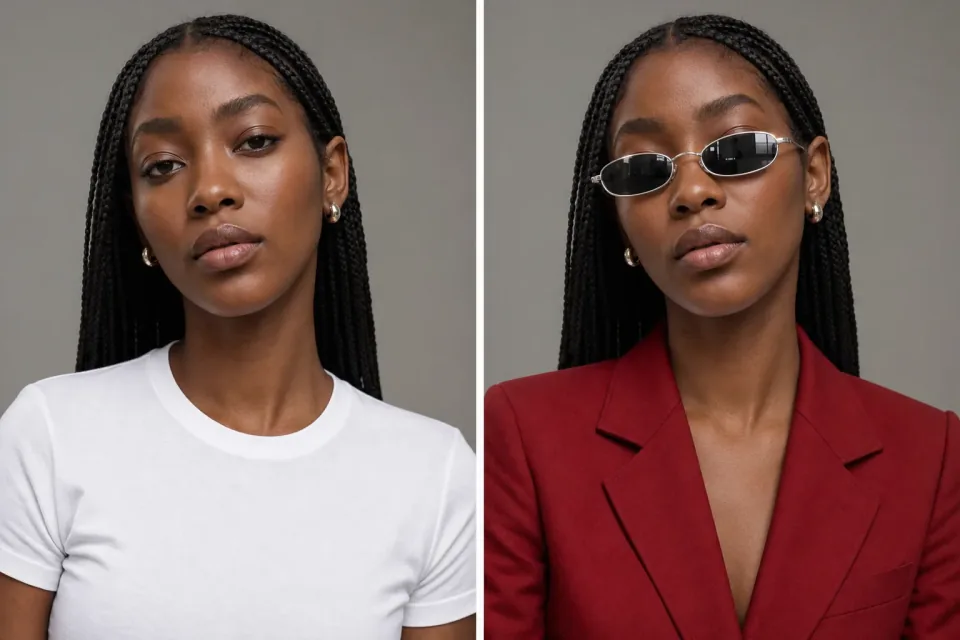
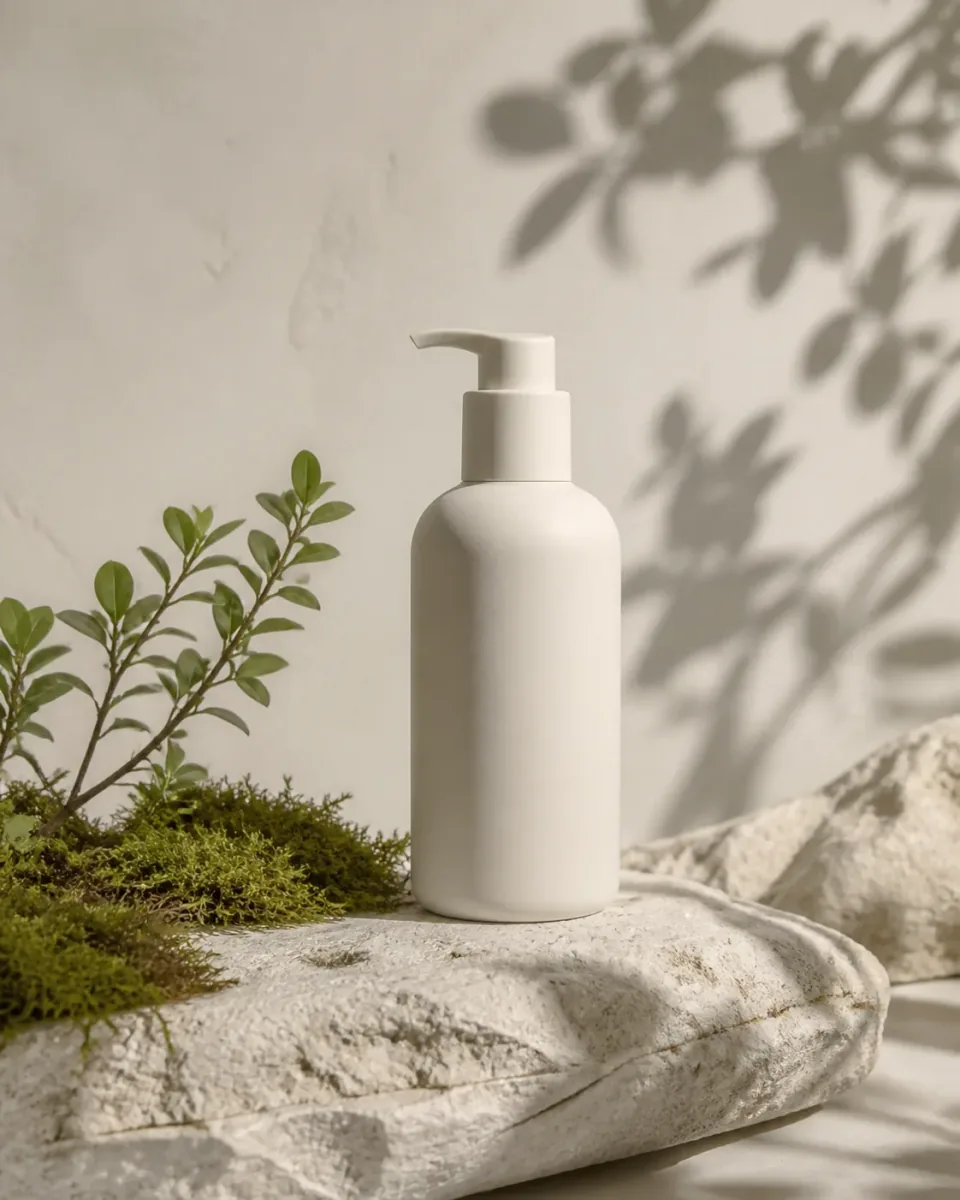
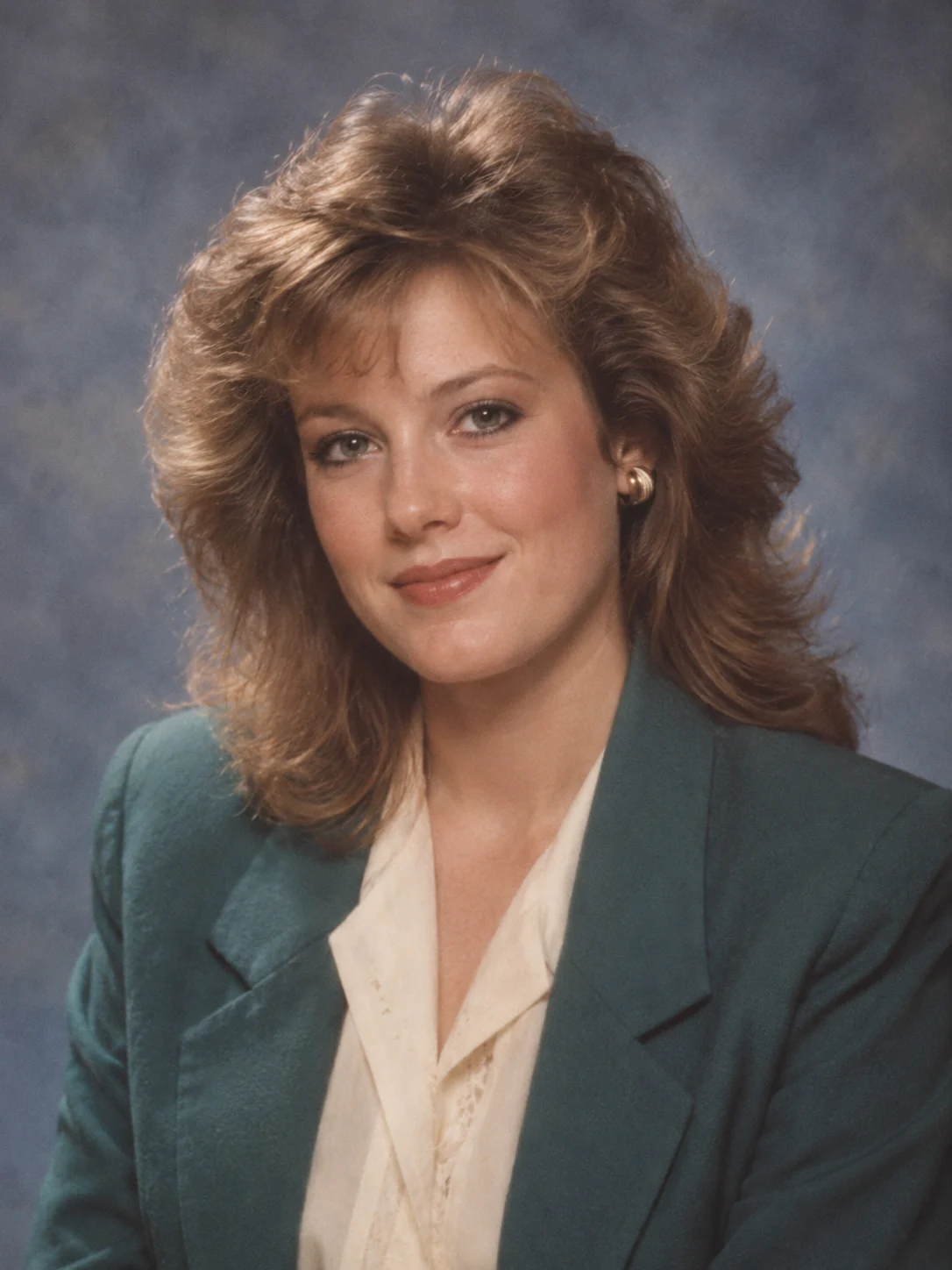
Compare the pictures in the prompt library, then open the collection closest to your idea. Use search or the category tabs to find a photographic or illustrated style.
Browse prompt styles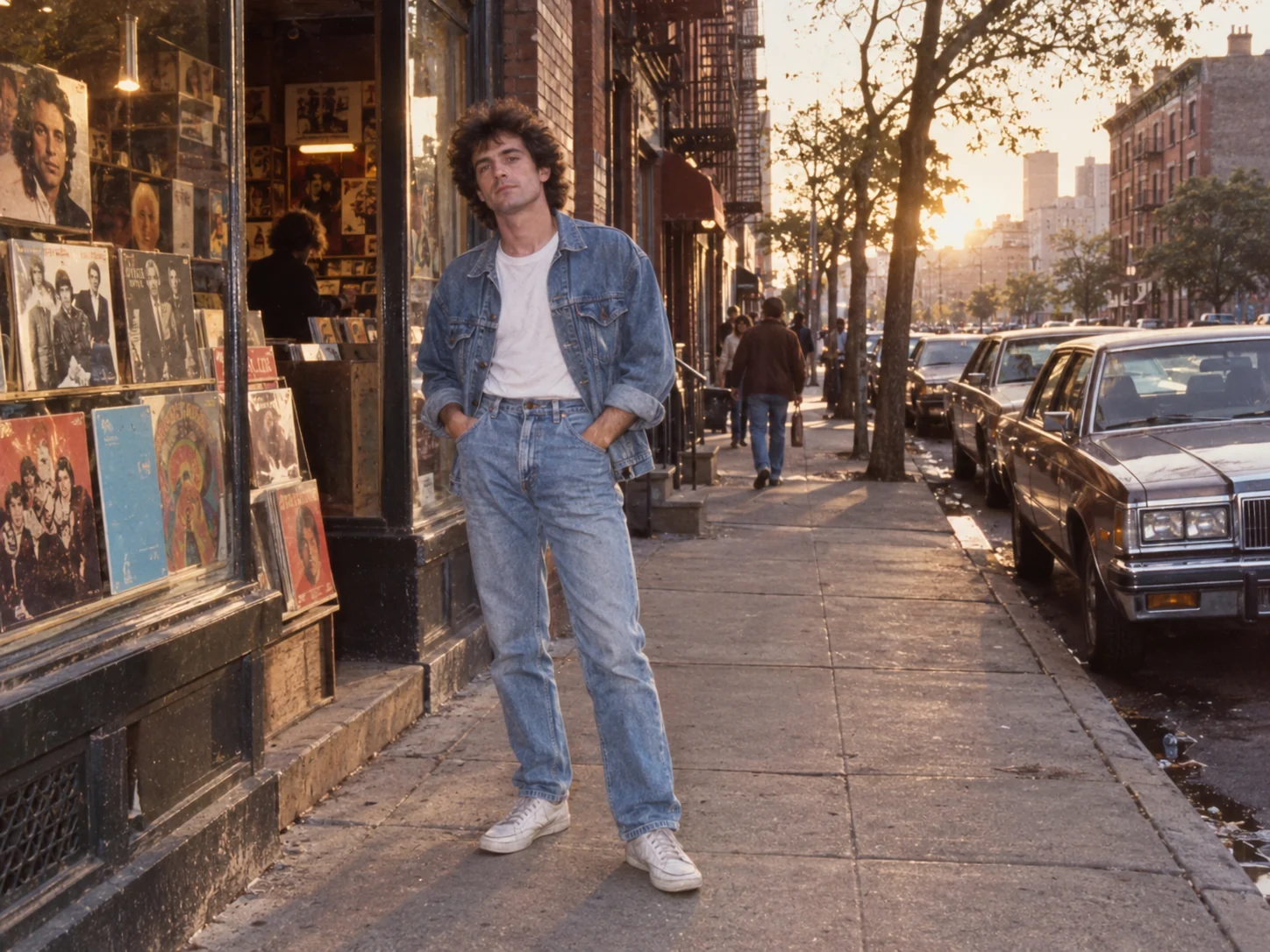
Find a look worth making. Explore AI image prompts by style, compare the images, and open a collection to make the idea your own.
Model
Choose a visual direction, then see the words behind it.
Choose a style, read the recipe, and change the details before creating your version.
Compare the pictures in the prompt library, then open the collection closest to your idea. Use search or the category tabs to find a photographic or illustrated style.
Browse prompt stylesOpen a photo in the collection to see its full recipe and recommended settings. Notice how the words describe the subject, light and setting, then copy the prompt or choose Create similar.
View an example collection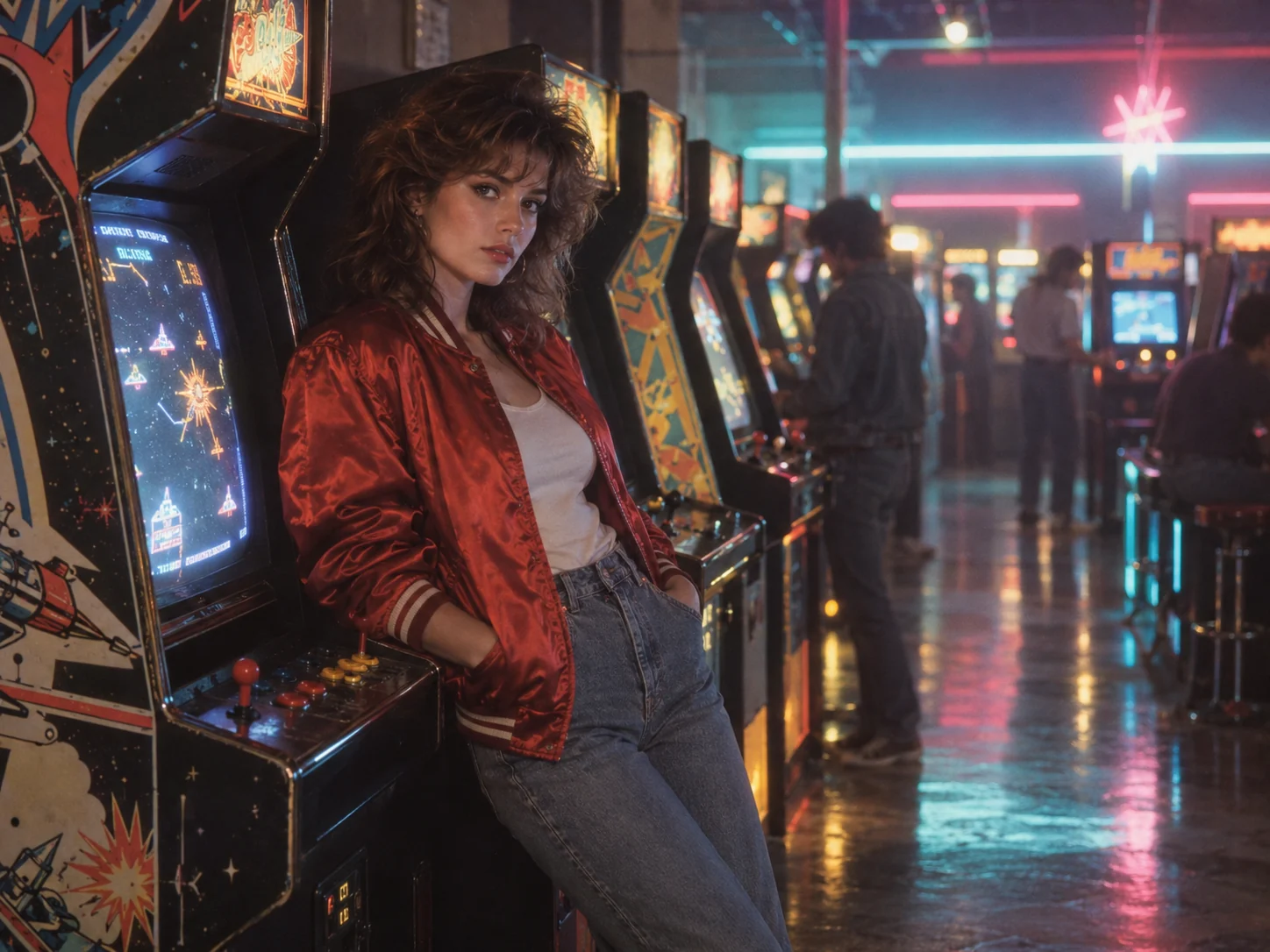
Change the subject or setting while keeping the style details you like. Choose a supported model, image shape and resolution, check the displayed credit quote, then create your image.
Open the generator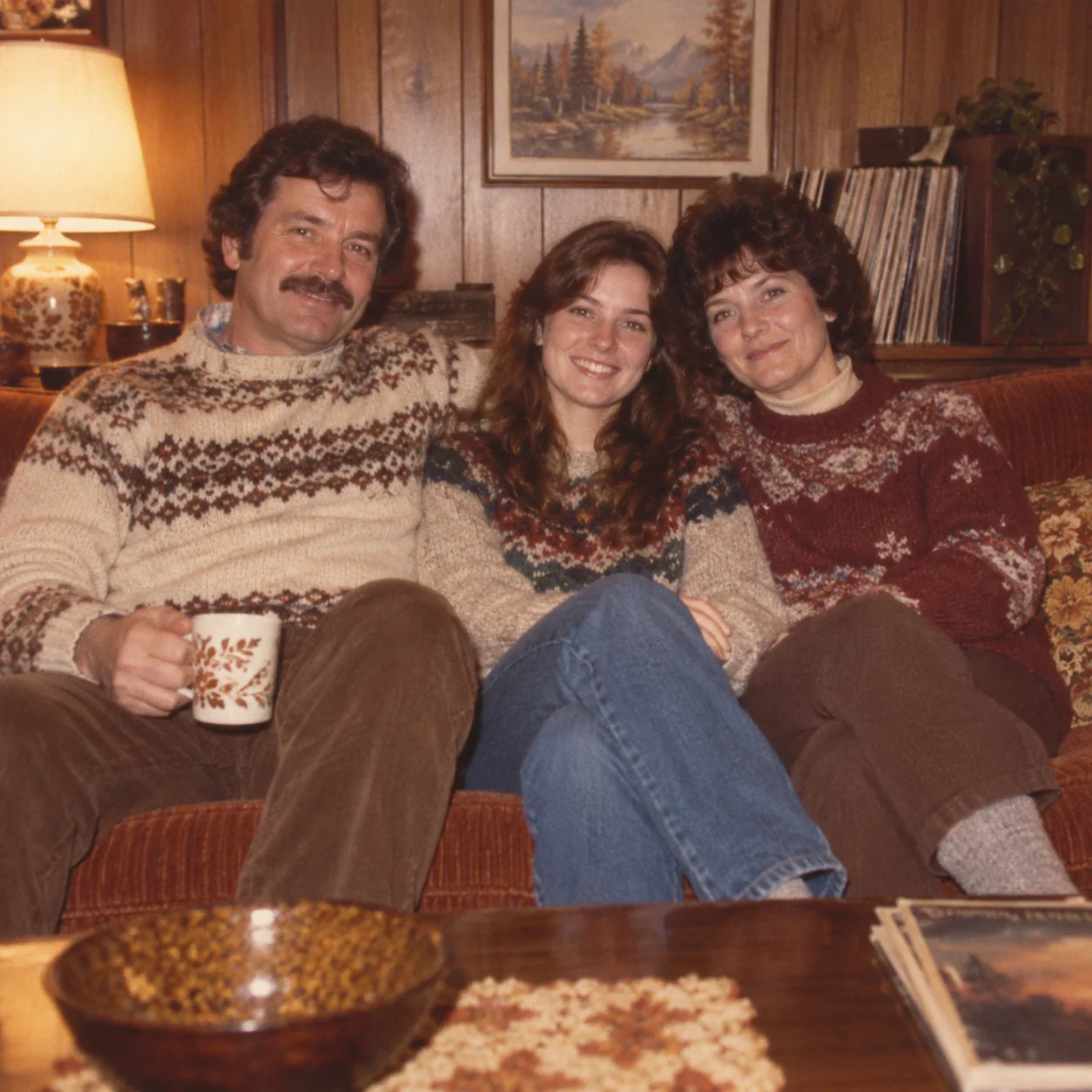
Choose monthly, yearly, or one-time credits.
Start free
No payment details needed
A small daily allowance for occasional ideas.
Pro
Recommended for regular creation
Billed monthly
For individual creators making images throughout the month.
Max
Billed monthly
For higher-volume creation, more iterations, and larger image batches.
Start free
No payment details needed
A small daily allowance for occasional ideas.
Pro
Save 50%Recommended for regular creation
$120.00 billed yearly
For individual creators making images throughout the month.
Max
Save 50%$480.00 billed yearly
For higher-volume creation, more iterations, and larger image batches.
Start free
No payment details needed
A small daily allowance for occasional ideas.
1,500 credits
One-time payment
Add credits for a specific project without starting a subscription.
3,000 credits
One-time payment
Add credits for a specific project without starting a subscription.
Each collection pairs AI image prompts with creative previews. These image prompt examples help you compare a visual direction, such as 80s photography or illustrated storytelling. ILoveAIImg keeps the complete recipe with the picture, so you can choose a look before adapting it.
Yes. You can browse AI image prompts on ILoveAIImg, open an image and copy its text. Copying and viewing do not submit a generation task. The prompt library also lets you select and copy text manually.
These starting recipes create fictional scenes from text. To restyle your own photograph, add it as a reference and adapt the instruction to say what should change and what should stay. Use the model input controls to add your photograph.
No. AI image prompts give you a reusable direction rather than a fixed result. The creative examples illustrate composition and style; the model, references and your changes can produce a different image. Review faces, lettering and important details.
Viewing the prompt library and copying image prompt examples do not spend generation credits. Applying a recipe only fills the generator. Creating an image uses the selected model and output settings; check the displayed quote before submitting.
The images are creative examples, including original project illustrations. They are not a comparison of provider quality or a promise that every model will reproduce the sample. Use the model directory to inspect the available model options.
Start with a recipe, change the subject, and choose how you want it to look.